Integrated vs Dedicated GPU?
Your processor has graphics built in — so why does everyone insist you need a separate graphics card? Integrated graphics (iGPU) borrow system memory and sip power; dedicated GPUs bring their own muscle and memory. The right choice depends entirely on what you ask the pixels to do.
TL;DR / Quick Fix
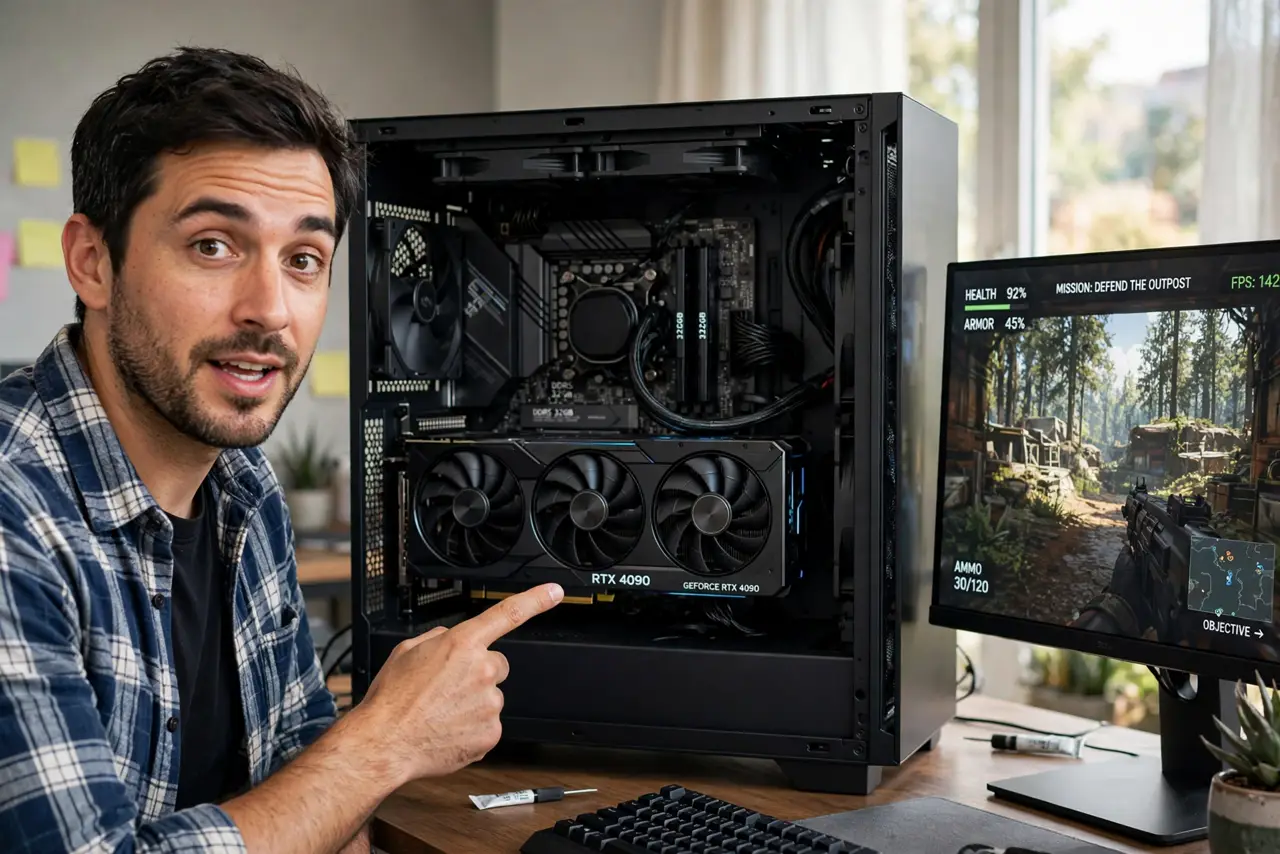
Quick fix: integrated graphics handle office work, video streaming, and light games fine — and cost nothing extra. Dedicated GPUs are for gaming, 3D work, and video editing. If your games stutter on integrated graphics, that is the sign to buy a card, not a setting to fix.
Follow these steps
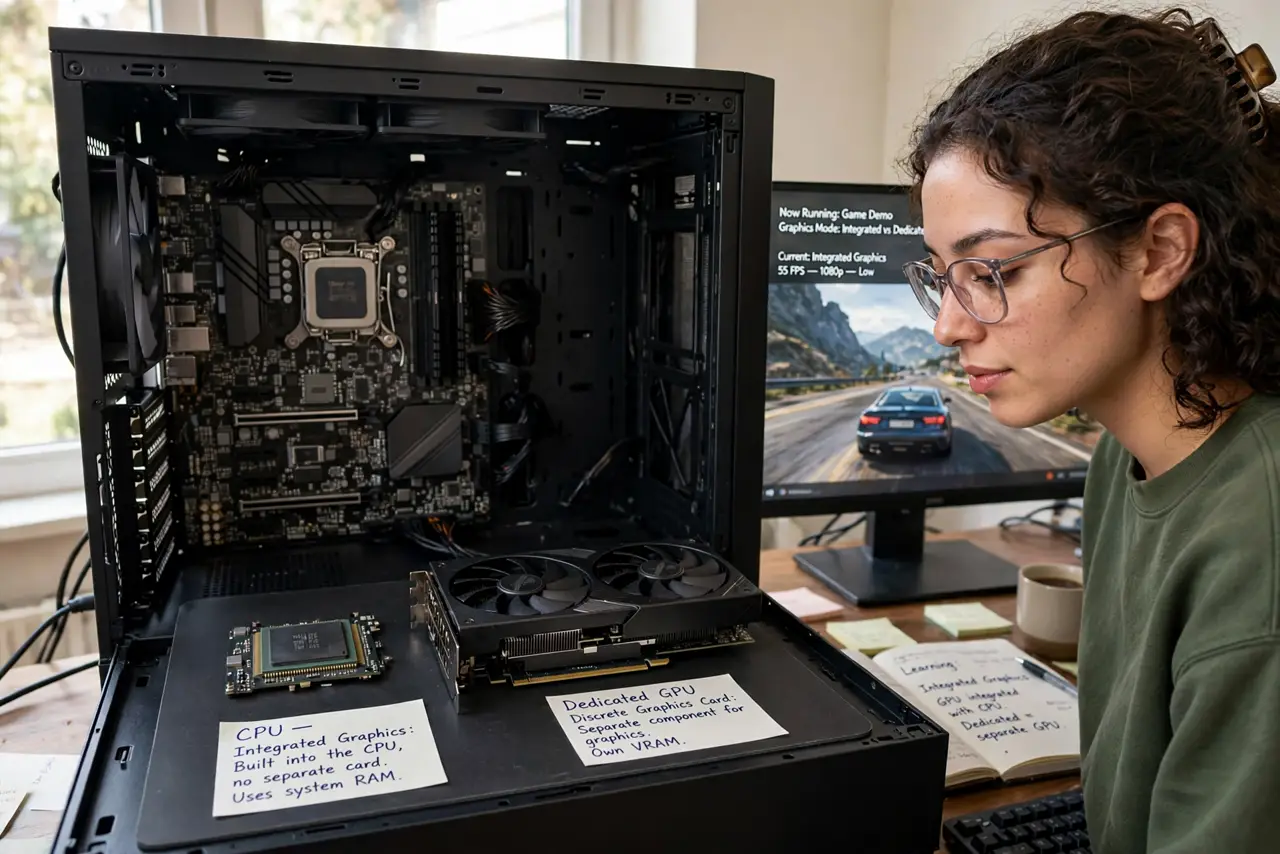
- Learn what integrated means. The iGPU lives inside your CPU and borrows system RAM as video memory. Zero extra cost, zero extra power, modest performance.
- Learn what dedicated brings. Its own processor, its own fast VRAM, its own cooling. Massively faster for games and creative work — and a separate purchase drawing real power.
- Match to your workload. Office, web, 4K video playback: iGPU is plenty. Modern gaming, 3D rendering, heavy video editing: dedicated territory.
- Check which one you are using. With both present, the monitor must plug into the GPU — see plug into the GPU. Plugged into the motherboard means the expensive card idles.
- Know the laptop tradeoff. Dedicated laptop GPUs add gaming power plus heat, noise, weight, and cost. Many buyers pay for a GPU their workload never wakes.
- Upgrade path: iGPU now, card later. A solid CPU with good integrated graphics lets you build now and add a dedicated GPU when budget or needs grow.
What NOT to do
- Do not buy a dedicated GPU for office work. It will idle forever, adding cost, heat, and noise for zero benefit.
- Do not assume integrated means bad. Modern iGPUs run 4K video and light games smoothly — the gap closed enormously.
- Do not plug the monitor into the motherboard with a GPU installed. The classic waste-of-money mistake — the card sits idle.
- Do not judge by VRAM number alone. A weak GPU with lots of memory loses to a strong one with less — the chip matters more than the memory size.
Frequently asked questions
Can I use both at once?
Yes — many systems run monitors off both, and some laptops switch automatically. The dedicated card still does the heavy lifting.
Does a dedicated GPU help video editing?
Greatly — editing software leans on the GPU for effects, encoding, and playback. It is the second most impactful upgrade after the CPU.
Why is my new GPU not being used?
Nine times in ten, the monitor cable is in the motherboard port. Move it to the GPU's ports.