Cracked: Screen Protector or the Screen?
Your phone took a hit and now there is a crack — but is it the screen protector or the actual screen? The answer decides between a five-minute, few-dollar fix and a real repair. This guide tells them apart in under a minute.
TL;DR / Quick Fix
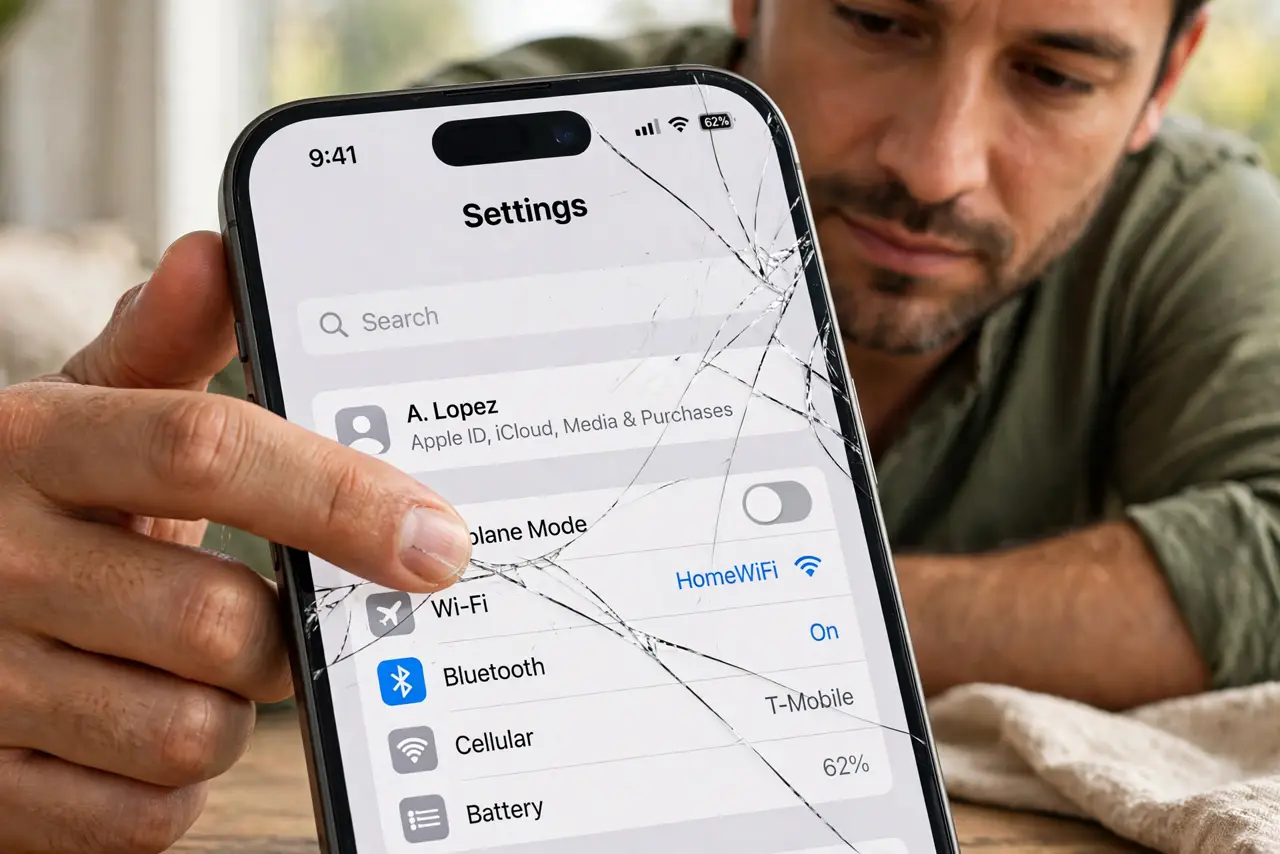
Quick fix: run your fingernail across the crack — if the nail catches, the top layer (usually the protector) is cracked. Peel the protector at a corner: if the screen beneath is flawless, you just need a new protector. If the crack remains, it is the screen.
Follow these steps
- Do the fingernail test. Drag your fingernail gently across the crack. A crack you can feel is in the topmost layer; a screen crack beneath a protector feels smooth through the intact protector.
- Peel the protector at a corner. Lift a corner of the protector slowly. If the crack lifts away with the film, the screen is fine — the protector did its job and died doing it.
- Check the display itself. With the protector off, look for dead pixels, discoloration, or touch dead zones along the crack. Display damage means a real screen repair.
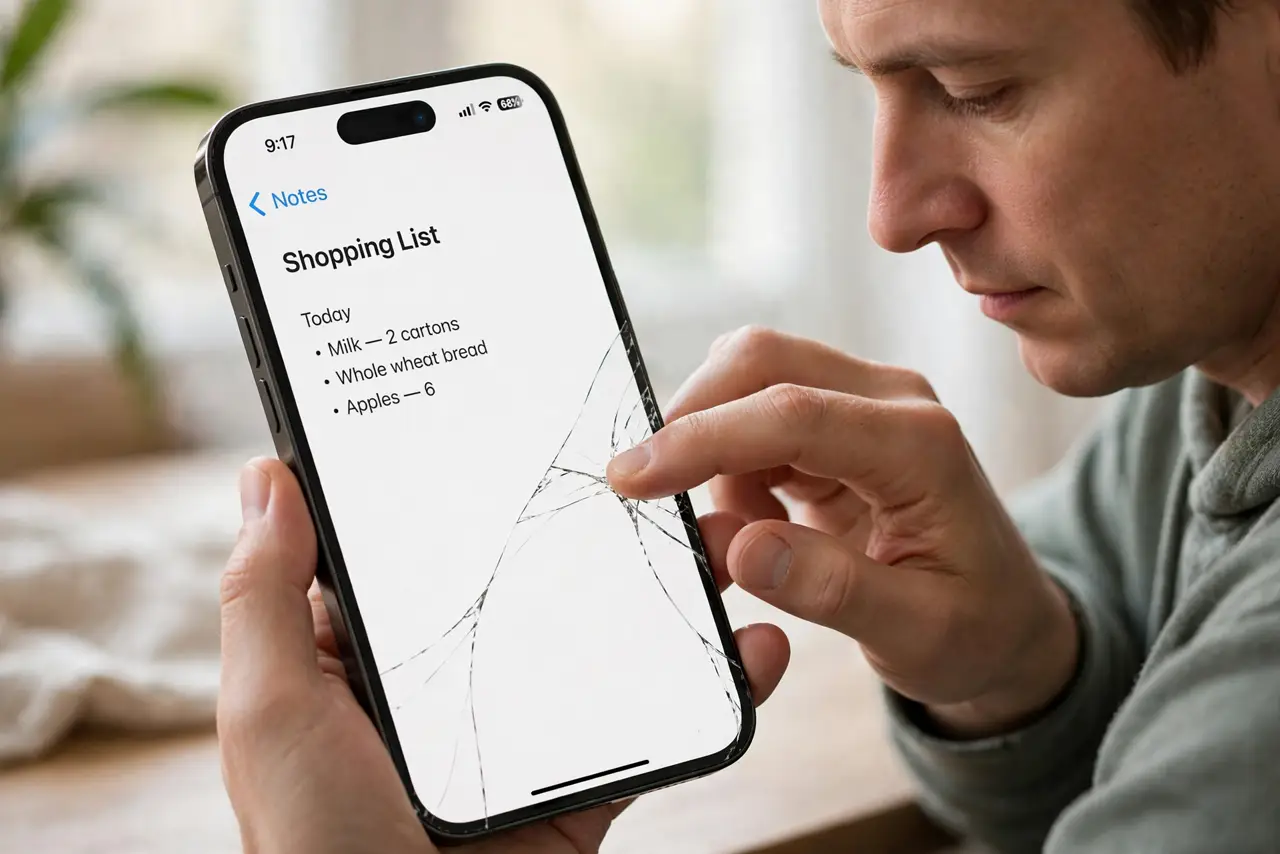
- Test touch along the crack. Swipe and tap across the cracked area. A working touchscreen under a cracked protector confirms the damage is only skin-deep.
- Replace the protector promptly. A phone without its sacrificed protector is unprotected. Clean the screen and apply a new protector before the next drop.
- Price a screen repair honestly. If the screen itself is cracked, get a repair quote and compare against the phone's value and your upgrade plans — and back up before a trade-in if the math favors upgrading.
What NOT to do
- Do not peel the protector violently. A fast rip can lift a damaged screen's glass shards — peel slowly and watch what comes up.
- Do not use the phone with exposed glass shards. A cracked screen can shed tiny splinters; cover it with packing tape until repaired.
- Do not assume a small crack stays small. Screen cracks spread with heat, pressure, and time — address them sooner than later.
- Do not pay for a screen repair before the peel test. Many 'cracked screens' are cracked protectors, and the test takes one minute.
Frequently asked questions
How can I tell if my screen or protector is cracked?
Fingernail test, then peel a corner: if the crack comes off with the film, it was the protector.
Did my screen protector actually protect anything?
Often yes — tempered glass absorbs impact that would otherwise crack the display. A sacrificed protector is a success story.
Can I keep using a cracked screen protector?
Briefly, but replace it soon. A cracked protector no longer distributes impact and can hide screen damage beneath.