Dust in the Charging Port? Clean It Safely
Your cable feels loose, charging starts and stops, or the plug no longer clicks in fully. Pocket lint packed into the charging port is the likely culprit — it builds up silently until the plug cannot seat. This guide cleans it out without damaging the port.
TL;DR / Quick Fix
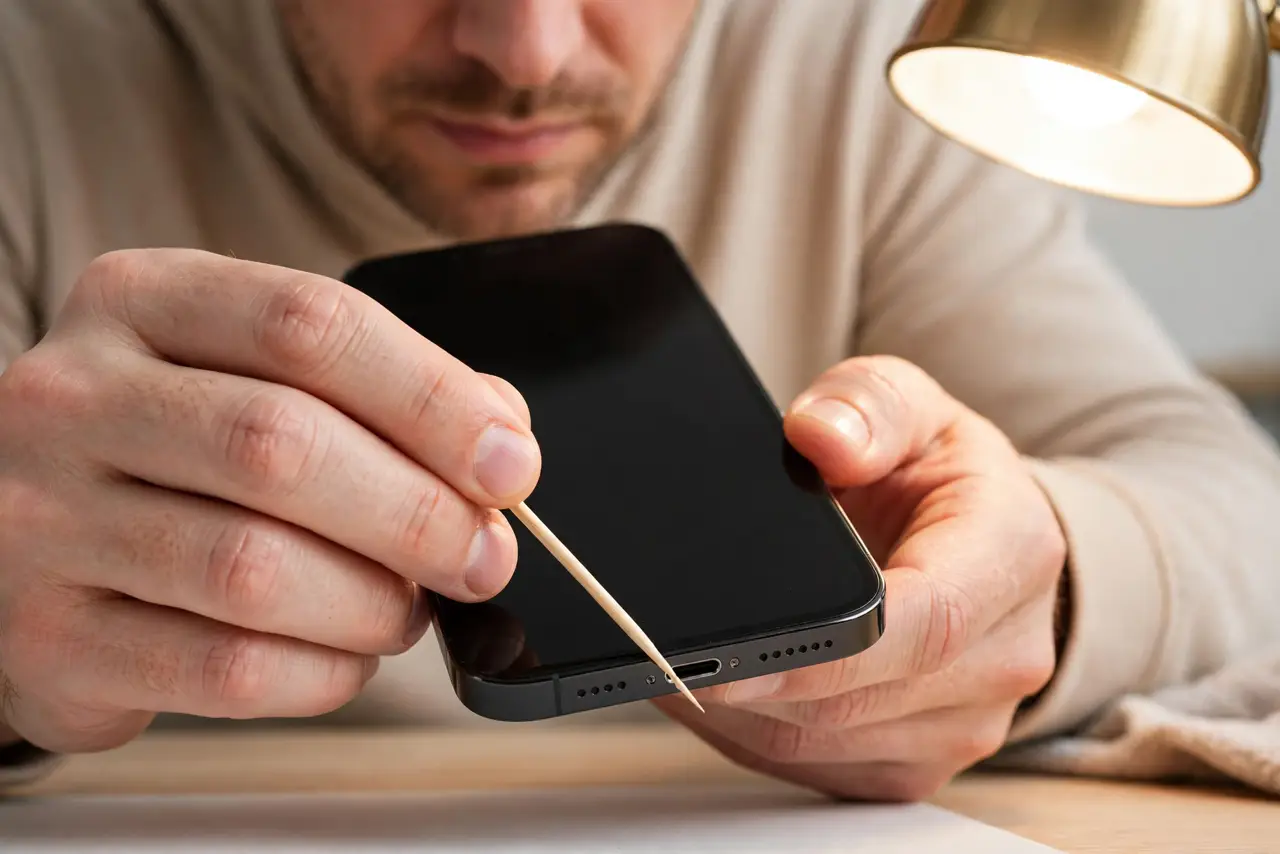
Quick fix: power the phone off, then gently scrape lint out with a wooden or plastic toothpick — never metal. Work under good light and stop when the plug seats fully with a click. If cleaning does not restore the click, the port itself may be worn.
Follow these steps
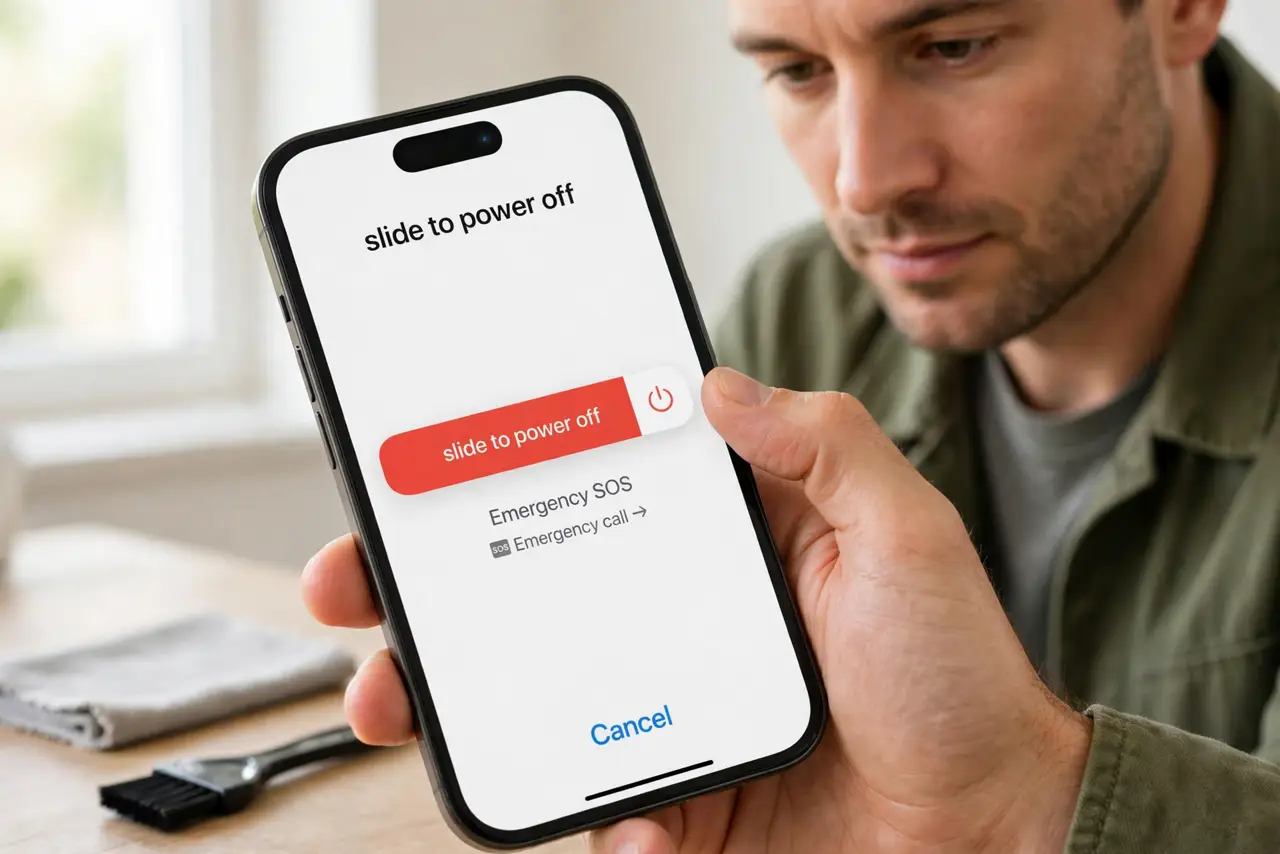
- Power off first. Turn the phone completely off. You are working inside an electrical connector — no power, no risk of a short.
- Use wood or plastic, never metal. A wooden toothpick or plastic dental pick is the right tool. Metal can scratch contacts or short the pins — the damage you are trying to avoid.
- Scrape gently under good light. Shine a light into the port and gently scrape the bottom and sides. Packed lint comes out in satisfying clumps; stop when the walls feel clean.
- Blow out the loosened dust. After scraping, give a few gentle puffs of air — from your mouth at a distance, or a hand blower. Do not use high-pressure canned air at close range.
- Test the click. Plug the cable in. It should seat fully with a firm click and charge without wiggling. That click is the test passing.
- Repeat every few months. Pocket lint rebuilds. A quick clean every few months prevents the slow loosening that mimics a dying cable.
What NOT to do
- Do not use metal tools. Paperclips and needles scratch contacts and can short the port — wood or plastic only.
- Do not jam the toothpick in hard. The port's internal tongue is fragile; gentle scraping cleans, force breaks.
- Do not use compressed air as the first step. Blasting can pack lint tighter; loosen it mechanically first, then blow.
- Do not ignore a port that stays loose after cleaning. If lint is gone and the plug still wobbles, the port's retention clips are worn.
Frequently asked questions
Why won't my charger click in anymore?
Packed pocket lint stops the plug seating fully. It builds up over months until one day the cable just feels loose.
Is it safe to clean the charging port myself?
Yes, with the phone off and a non-metal tool. Gentle scraping with a toothpick is the standard safe method.
How often should I clean the port?
Every few months for pocket-carried phones. If you notice the plug seating less firmly, it is time.