Cut the Cord with an Antenna
Your cable bill keeps climbing while you watch a handful of channels. An over-the-air antenna pulls free local broadcasts — news, sports, network shows — straight from the air in full HD, with no monthly fee. It will not replace everything, but paired with one or two streaming services it covers most households. Once you are set up, you can even record free TV.
TL;DR / Quick Fix
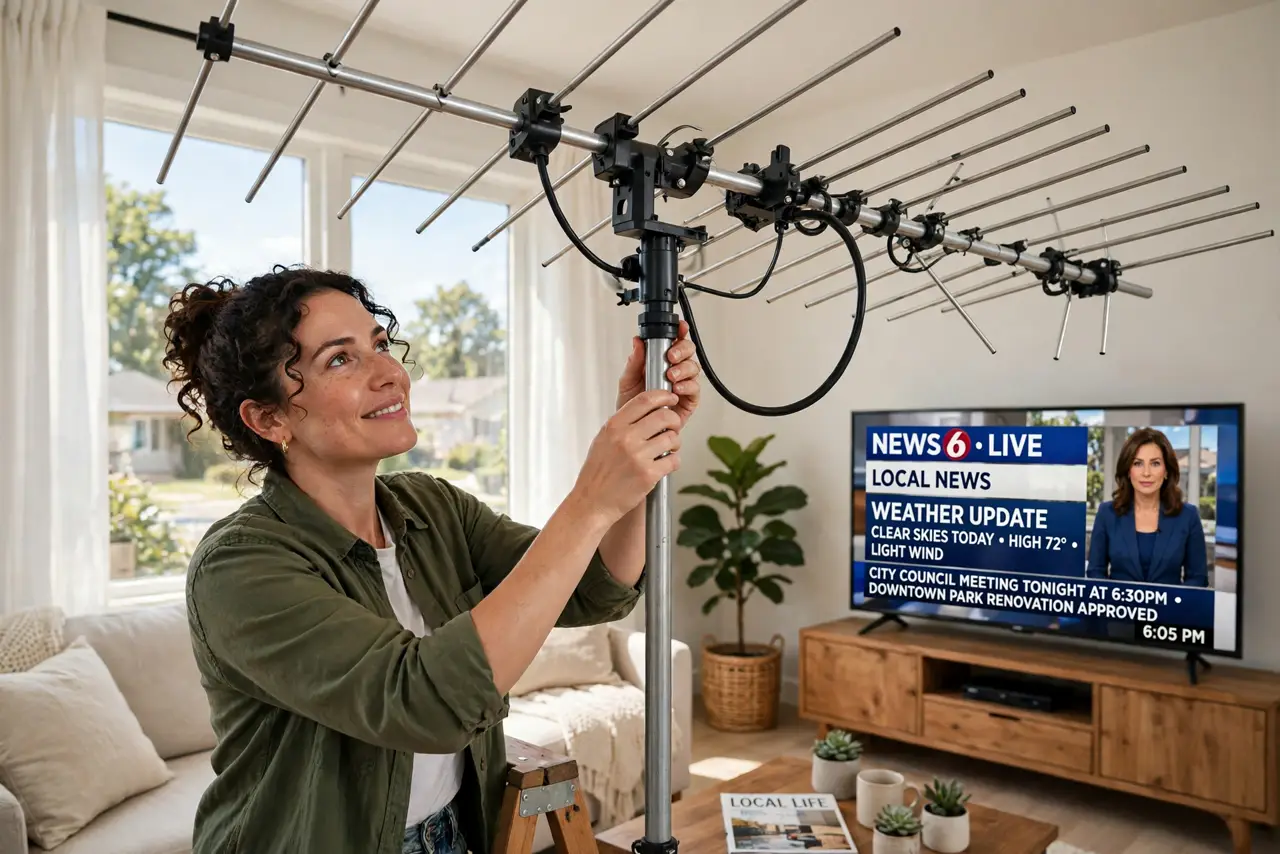
Quick fix: a modern indoor antenna picks up free local channels in HD with no monthly bill. Check which channels reach your address, place the antenna high near a window facing the broadcast towers, rescan for channels on the TV, and reposition until reception is solid.
Follow these steps
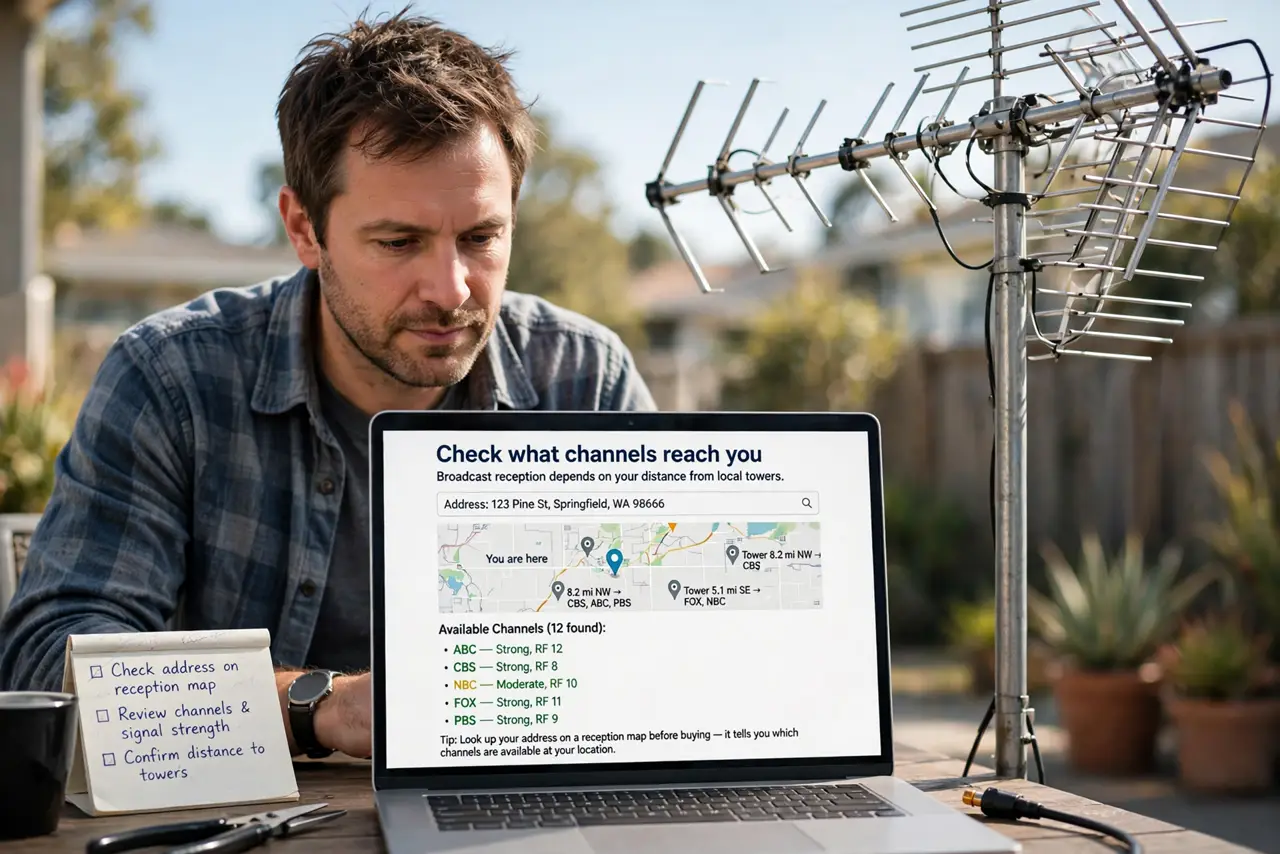
- Check what channels reach you. Broadcast reception depends on your distance from local towers. Look up your address on a reception map before buying — it tells you which channels to expect and what antenna strength you need.
- Choose the right antenna type. An indoor flat antenna suits most city and suburban homes within range of towers. Rural or fringe areas need a larger outdoor or attic antenna — buy for your situation, not the fanciest box.
- Place it high and near a window. Height and a clear path toward the towers matter more than brand. Try a window facing the towers first, keep it away from metal objects and electronics that cause interference.
- Rescan for channels. Plug the antenna into the TV's antenna input, open the TV's channel setup, and run a full scan. The TV finds every receivable channel automatically — this takes a few minutes.
- Reposition for the weak ones. If some channels pixelate, move the antenna a few feet and rescan. Small moves make big differences with broadcast signals; patience here pays off for years.
- Know what it will not do. An antenna gives you local broadcast channels, not cable networks or premium sports packages. Pair it with streaming for the rest — the savings still beat the cable bill.
What NOT to do
- Do not buy the most expensive antenna first. A basic indoor antenna works for most in-range homes; upgrade only if reception proves weak.
- Do not hide the antenna behind the TV. Metal and electronics kill reception — height and a window beat concealment.
- Do not skip the rescan after moving it. The TV only knows the channels from the last scan; every reposition needs a fresh one.
- Do not expect cable channels free. Anyone promising every channel with one antenna is selling a fantasy, not reception.
Frequently asked questions
How many channels will I get?
It depends on your location — many areas get dozens of local channels including major networks. Check a reception map for your address for a realistic number.
Is the picture quality good?
Yes — over-the-air broadcasts are uncompressed HD, often sharper than the same channel through cable or streaming.
Do I need internet for an antenna?
No. Broadcast TV works entirely without internet, which is also why it keeps working when your connection goes down.