Watch for Leaks on the Dark Web
'Your info was found on the dark web' sounds terrifying — and it is also marketing. What it really means: your email or password appeared in a stolen database being traded or dumped. The response is boring and effective: change the password, enable two-step verification, and stop reusing passwords. Here is the calm playbook.
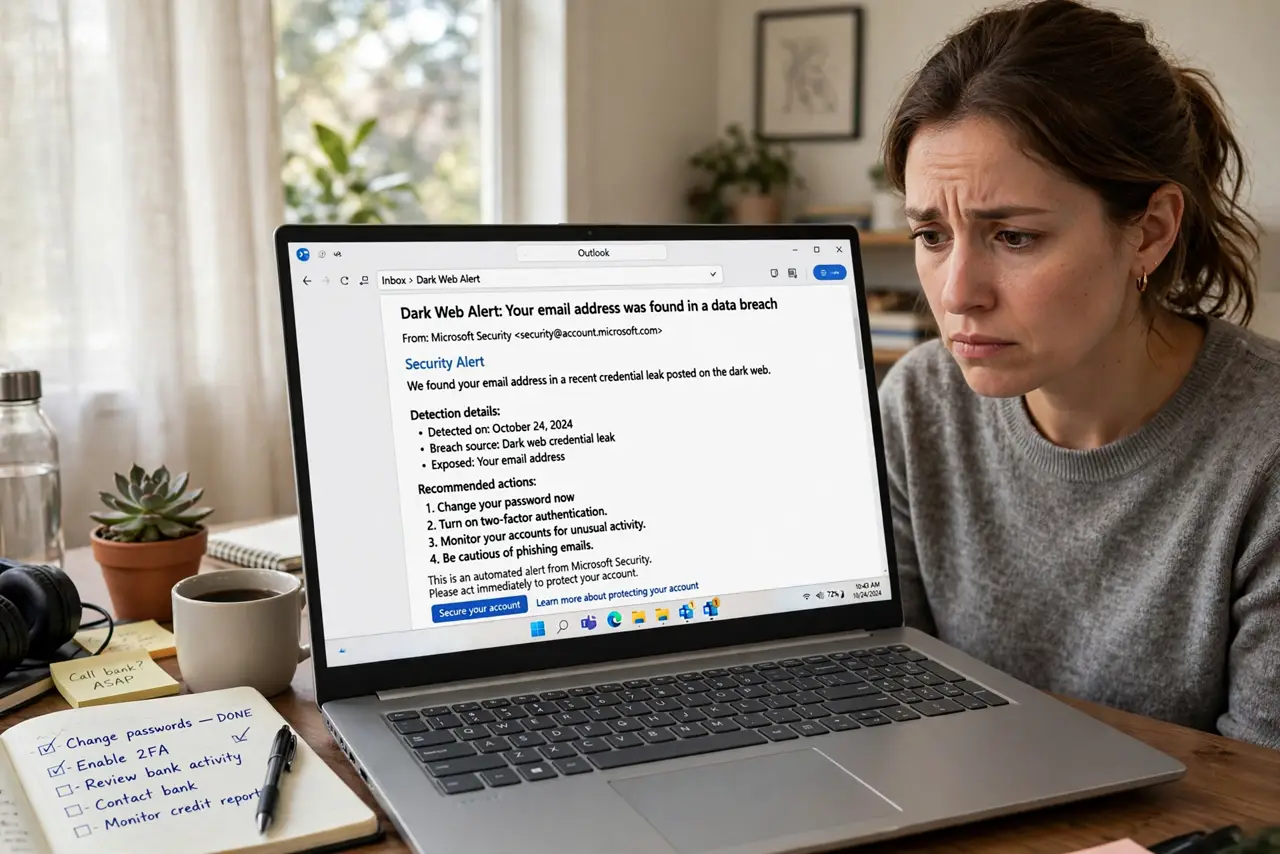
TL;DR / Quick Fix
A dark-web alert means your email or password showed up in a stolen database — not that someone is targeting you. Change that password to something unique, enable two-step verification, and check for reuse elsewhere. The breach-check guide shows which breaches exposed you; the alert explainer decodes the jargon.
Follow these steps
- Do not panic — assess first. An alert means your data is in a traded database, not that your accounts are currently compromised. Treat it as urgent but orderly: you have time to do this right.
- Change the exposed password now. Go to the affected account and set a brand-new, unique password. Do this before anything else — it closes the open window immediately.
- Check for password reuse. If you used that password anywhere else, change it there too. Reuse is how one breach becomes five compromised accounts.
- Enable two-step verification. Turn it on for the affected account and your email. Even with a stolen password, the second factor blocks most attackers.
- See which breaches exposed you. Use a reputable breach-check service to list the incidents tied to your email. Knowing the scope tells you how many passwords to rotate.
- Watch for phishing follow-ups. Breach data fuels targeted phishing. Treat unexpected 'security alert' emails with suspicion for the next few months — verify through official sites, not email links.
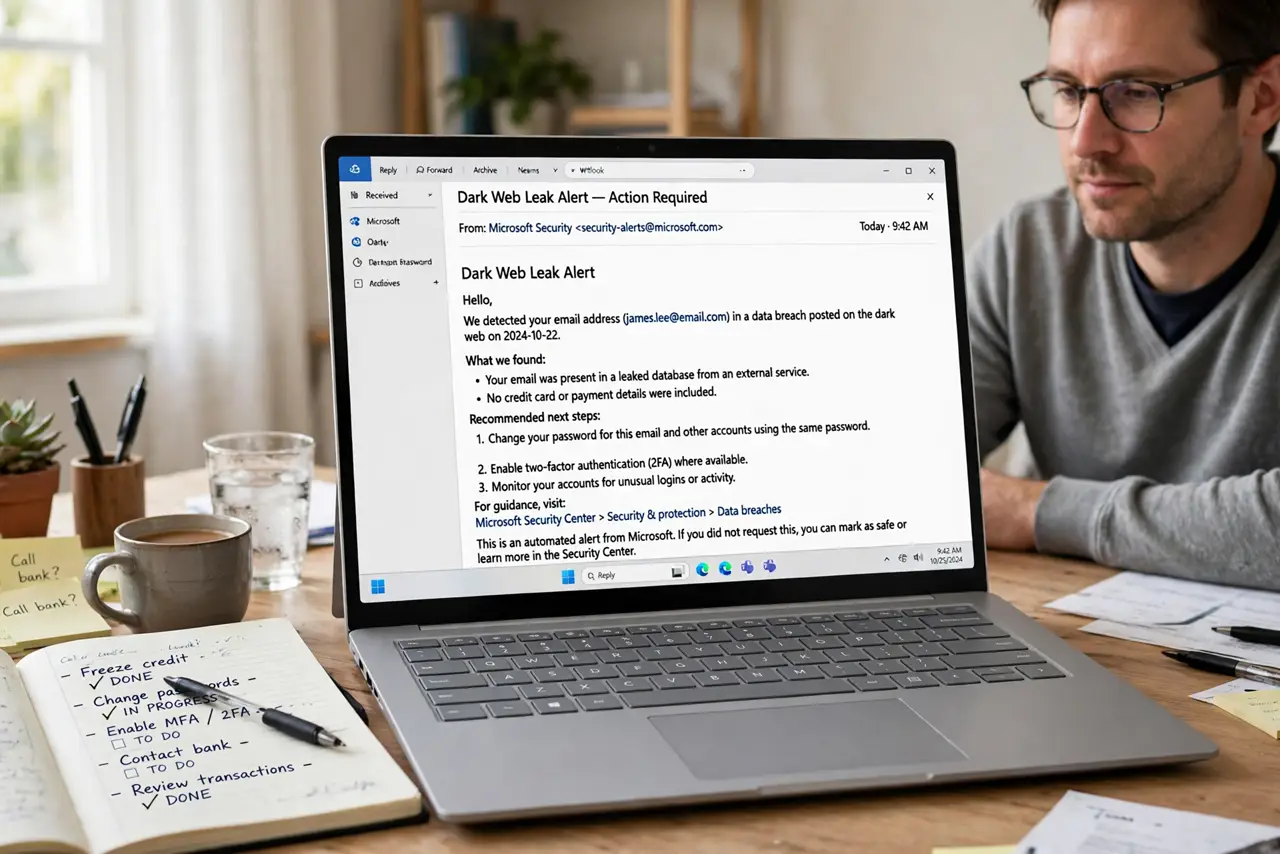
What NOT to do
- Do not pay for 'dark web removal'. Nobody can delete stolen data from criminal databases — services selling removal are selling false comfort.
- Do not ignore the alert. 'Probably fine' is how reused passwords get exploited months later; the fix takes twenty minutes.
- Do not change passwords on a compromised device. If you suspect actual malware, clean the device first or change passwords from a trusted one.
- Do not reuse the new password. Rotating from one reused password to another reused password changes nothing — unique per site, every time.
Frequently asked questions
What does 'found on the dark web' actually mean?
Your credentials appeared in a stolen database being shared or sold. It is common — billions of records circulate — and the fix is password hygiene, not panic.
Should I pay for dark-web monitoring?
Free options from reputable sources cover the essentials. Paid monitoring adds convenience, not fundamentally different data.
How do I know which password was exposed?
Breach-check services show which incident exposed which email. Assume the password you used on that service at that time is compromised.