DDR4 vs DDR5? The Difference
Building a PC in the DDR5 era with DDR4's lower prices tempting you — which memory generation is actually the smart buy? DDR5 is faster on paper and the future; DDR4 is cheaper and fully mature. The catch: you cannot mix them, and the motherboard decides for you.
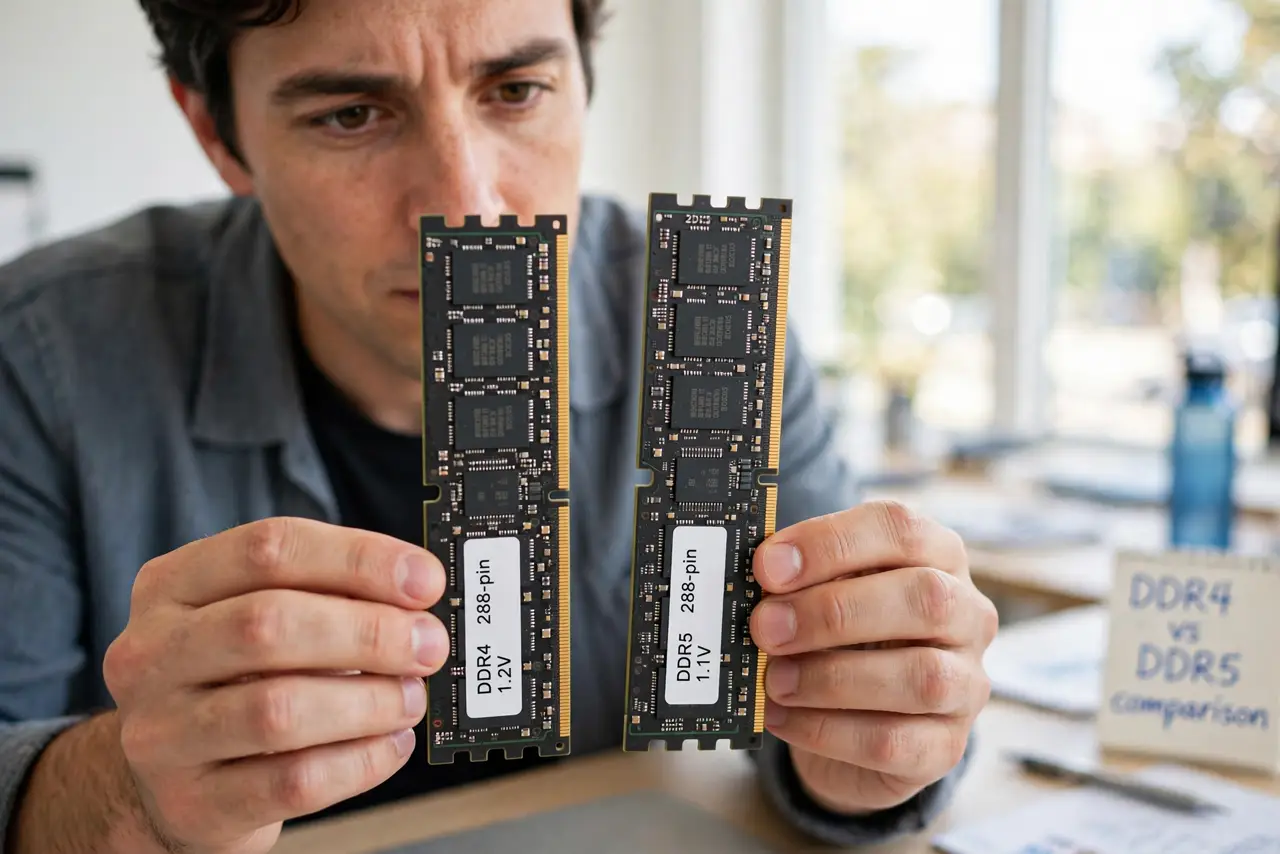
TL;DR / Quick Fix
Quick fix: DDR5 is the current standard — faster, more efficient, and the only option on new platforms. DDR4 remains a fine budget choice on supported boards. You cannot mix them: the motherboard takes one or the other, so the board choice decides.
Follow these steps
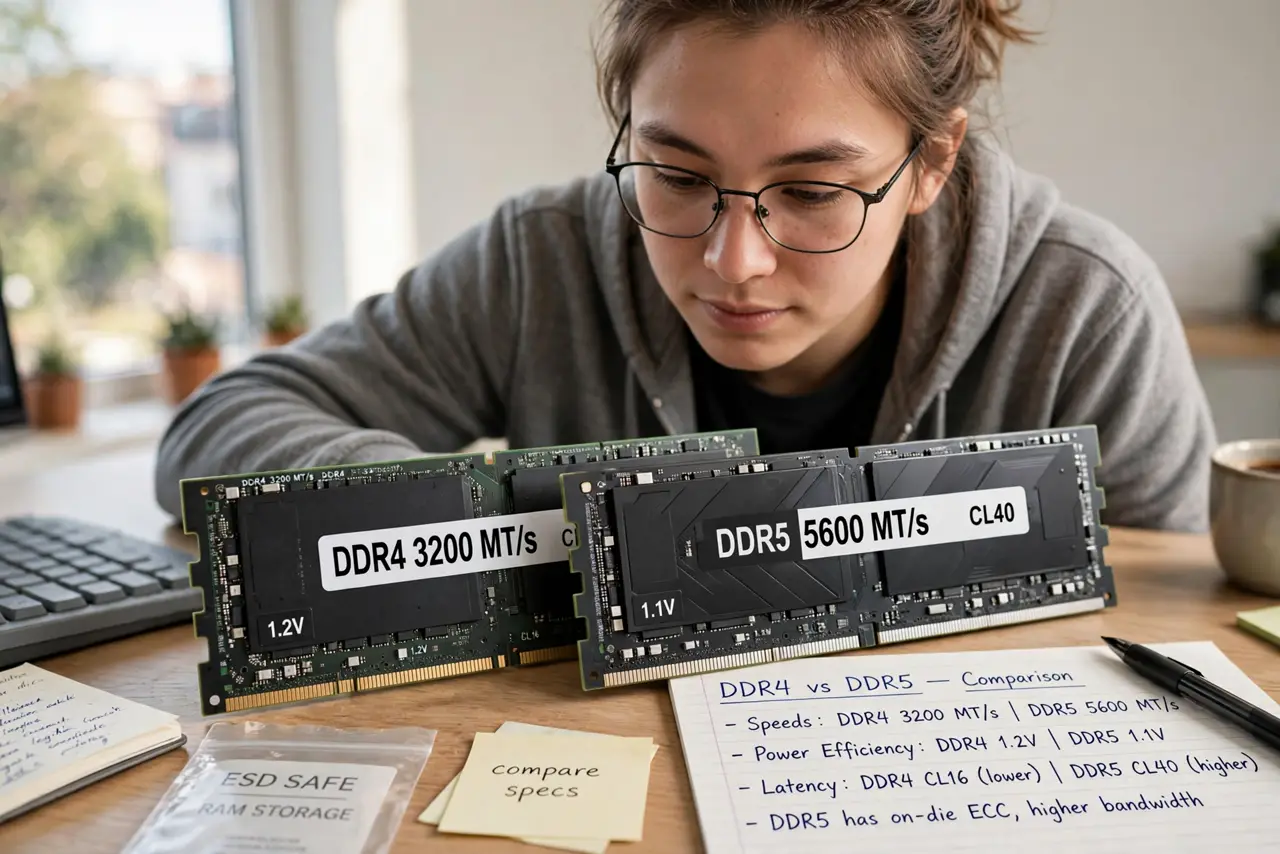
- Learn the real differences. DDR5 brings higher speeds, better power efficiency, and on-chip error correction. DDR4 counters with lower latency and much lower prices.
- Know they are physically incompatible. The notch sits in a different spot — a DDR4 stick will not fit a DDR5 slot, and vice versa. No adapters, no exceptions.
- Let the motherboard decide. Boards support one generation only. Picking the board picks the memory — check before buying either.
- Choose DDR5 for new builds. New platforms are DDR5-only, and the price gap has narrowed. Future upgrades favor the current standard.
- Choose DDR4 for budget reuse. Reusing DDR4 from an old build, or a strict budget on a DDR4 board, remains perfectly sensible — DDR4 is not obsolete for real workloads.
- Do not expect a revolution. Generation-to-generation, the everyday difference is modest. The speed vs capacity choice matters more than DDR4 vs DDR5.
What NOT to do
- Do not force a stick into the wrong slot. The notch position is the protection — forcing it breaks the slot, the stick, or both.
- Do not buy DDR5 for a DDR4 board 'for later.' It will not fit now, and 'later' means a new board anyway.
- Do not assume DDR5 is automatically faster in practice. Early DDR5's high latency offset its speed advantage in some tasks.
- Do not mix generations across a build. One board, one generation — no exceptions, no adapters.
Frequently asked questions
Can I use DDR4 RAM in a DDR5 slot?
No. The physical notch differs precisely to prevent it — they are electrically incompatible too.
Is DDR4 dead?
Not for existing systems — it remains fast enough for most work. It is just no longer the choice for new builds.
Does DDR5 use less power?
Yes, slightly — DDR5 runs at a lower voltage. The savings are real but small on a desktop power bill.