RAM Speed vs Capacity?
Faster RAM or more RAM? The eternal upgrade question has a clear answer, and it is not the one marketing wants. For most PCs, capacity wins — until you have enough, speed barely registers. Here is how to tell which side of 'enough' you are on.
TL;DR / Quick Fix
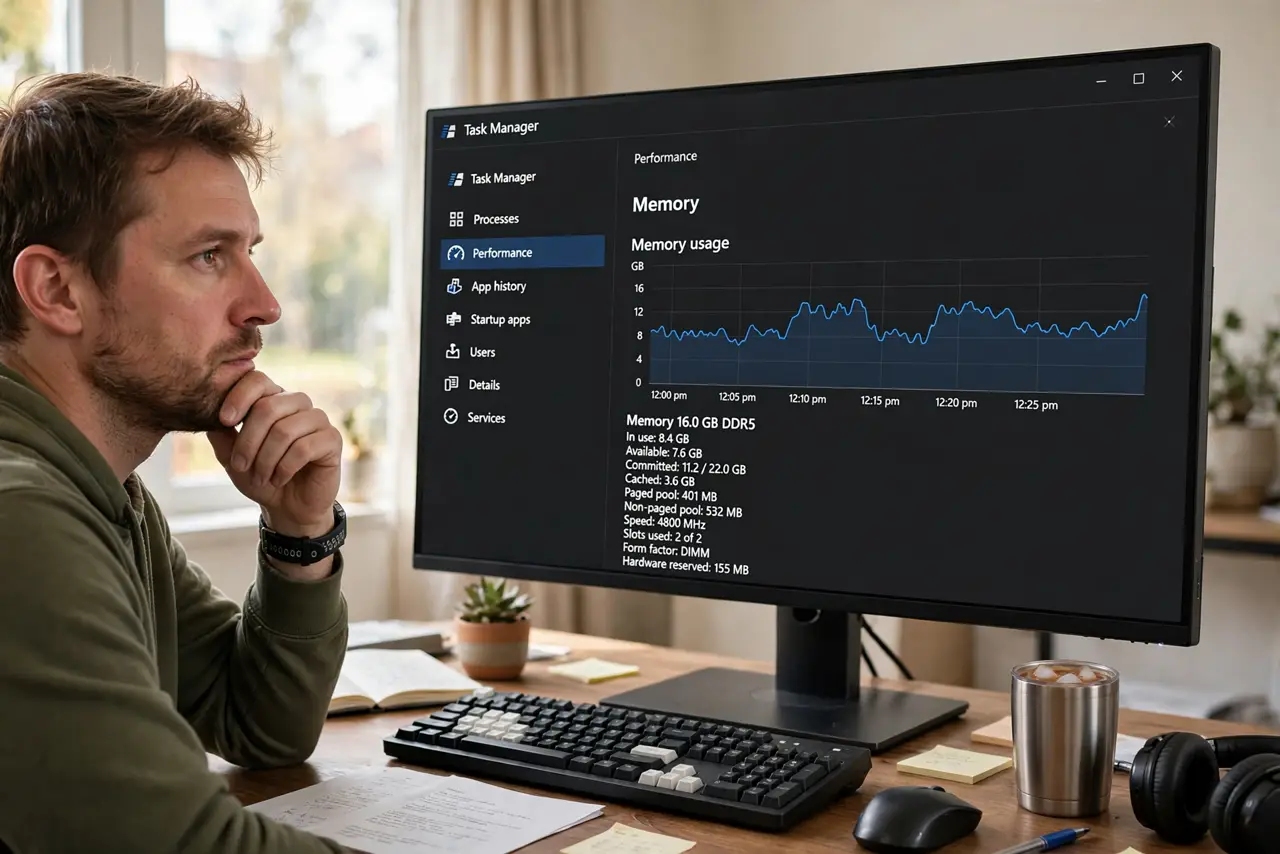
Quick fix: check Task Manager — if memory usage regularly tops 85-90%, buy more capacity; that is your bottleneck. If usage stays low, faster RAM gives only small gains. For most users, 16GB at modest speed beats 8GB at blazing speed.
Follow these steps
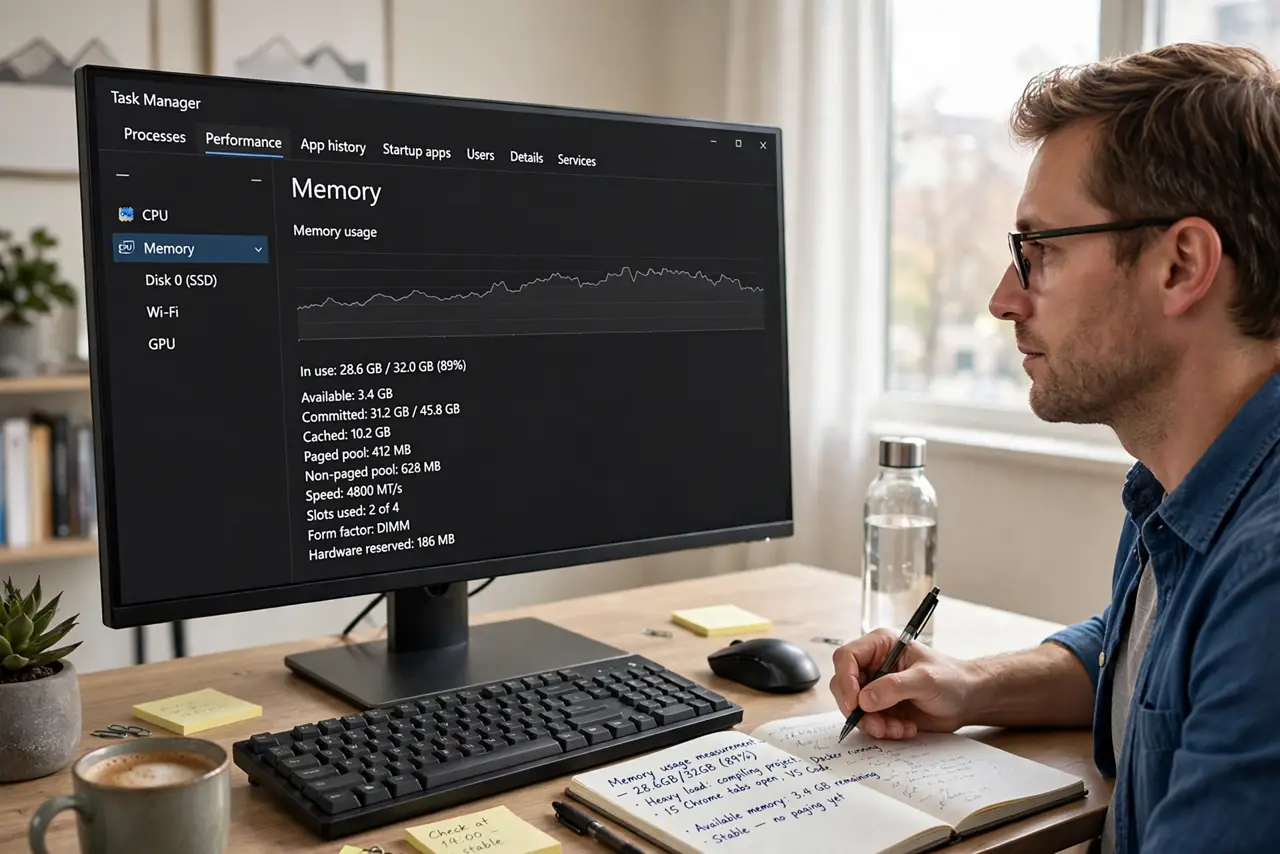
- Measure your actual usage. Task Manager > Performance > Memory during your heaviest workload. Sustained 85%+ means you need capacity, not speed.
- Understand the capacity cliff. Too little RAM forces the system onto the slow drive as overflow — a catastrophic slowdown. Enough RAM avoids the cliff; beyond that, extra capacity idles.
- Know what speed buys. Faster RAM trims a few percent in most tasks, more for integrated graphics and some games. Noticeable only when capacity is already sufficient.
- Prioritize: enough, then fast. First reach comfortable capacity — 16GB for most, 32GB for heavy work. Only then consider faster kits.
- Do not pay double for flagship speed. The price jump from mid-range to extreme RAM speeds buys single-digit gains. Put that money toward capacity or an SSD.
- Enable the speed you already own. Bought fast RAM running slow? That is the XMP profile sitting disabled — free speed waiting one click away.
What NOT to do
- Do not buy faster RAM to fix stuttering from full memory. Capacity exhaustion needs capacity, not megahertz.
- Do not assume 32GB is automatically better than 16GB. Unused RAM is decoration — measure first.
- Do not mix speeds hoping for the best of both. The system runs all sticks at the slowest stick's speed.
- Do not chase RAM speed on a budget build. Capacity and an SSD transform the experience; exotic RAM speeds do not.
Frequently asked questions
How much RAM do I really need?
16GB covers most people comfortably; 8GB is the new minimum; 32GB suits heavy creators and multitaskers. Measure your own usage.
Will faster RAM speed up my PC?
Slightly, if capacity is already fine. It is a fine-tuning upgrade, not a transformation — unlike adding RAM when you are short.
Is DDR5 speed worth the premium?
See the DDR4 vs DDR5 breakdown — the platform choice matters more than chasing top RAM speeds.