Desktop Screenshots Pile Up? Fix It
Screenshots that land on the desktop by default quietly bury your workspace under image files. Sorting them in batches, filing the few worth keeping, and changing the save location stops the pile from returning.
TL;DR / Quick Fix
Quick fix: Sort screenshots by date, newest first. Delete duplicates and accidental captures. File keepers into named folders. Change the default screenshot save location. Set a weekly five-minute screenshot tidy. Check phone screenshots with the same habit. Work in order, and verify each step before moving on.
Follow these steps
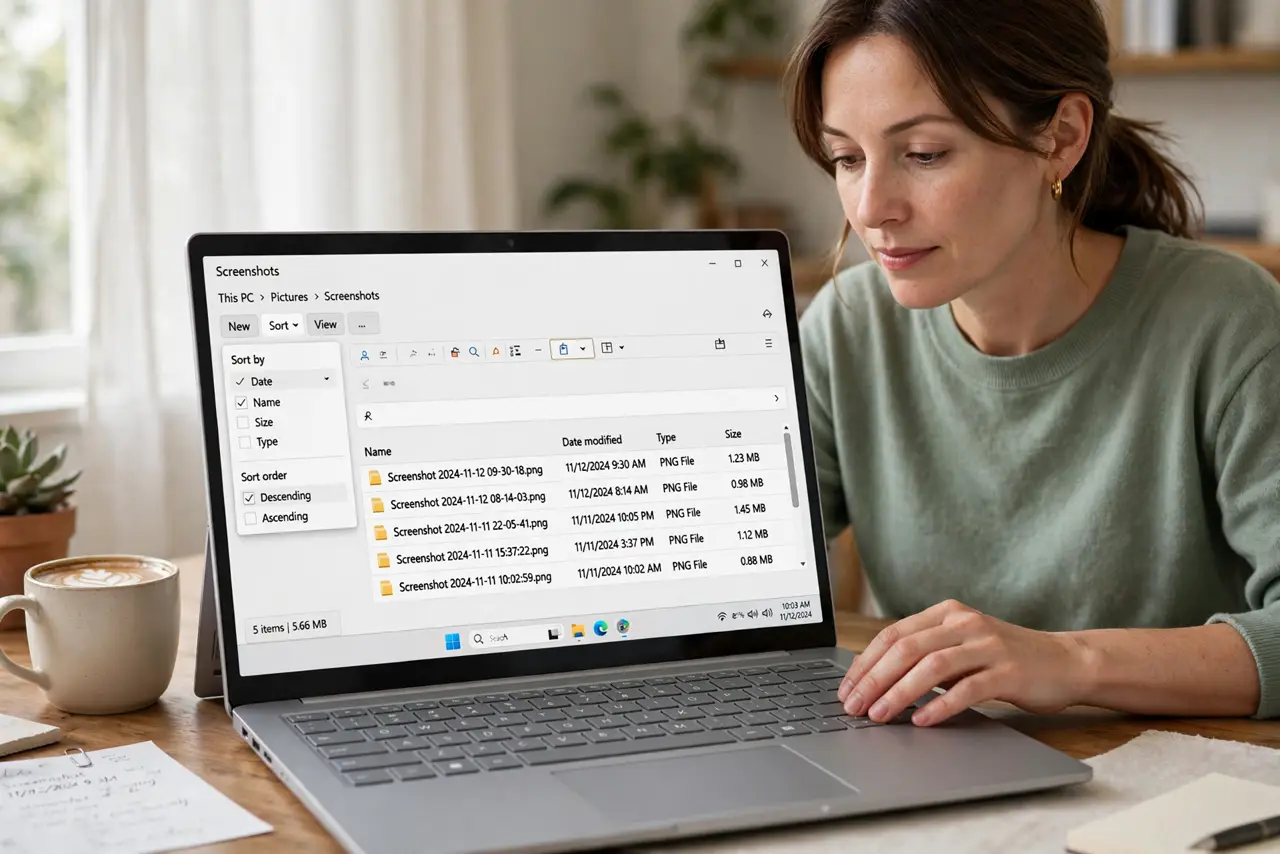
- Sort screenshots by date, newest first. Open the desktop folder view and sort by date. Recent screenshots are the ones you most likely still need; old ones are usually safe to review quickly.
- Delete duplicates and accidental captures. Remove accidental screenshots, repeated captures of the same screen, and images you cannot identify. Unidentifiable screenshots are rarely needed later.
- File keepers into named folders. Move useful screenshots into folders by topic or project, with clear names. A screenshot in a named folder is findable; one on the desktop is just clutter.
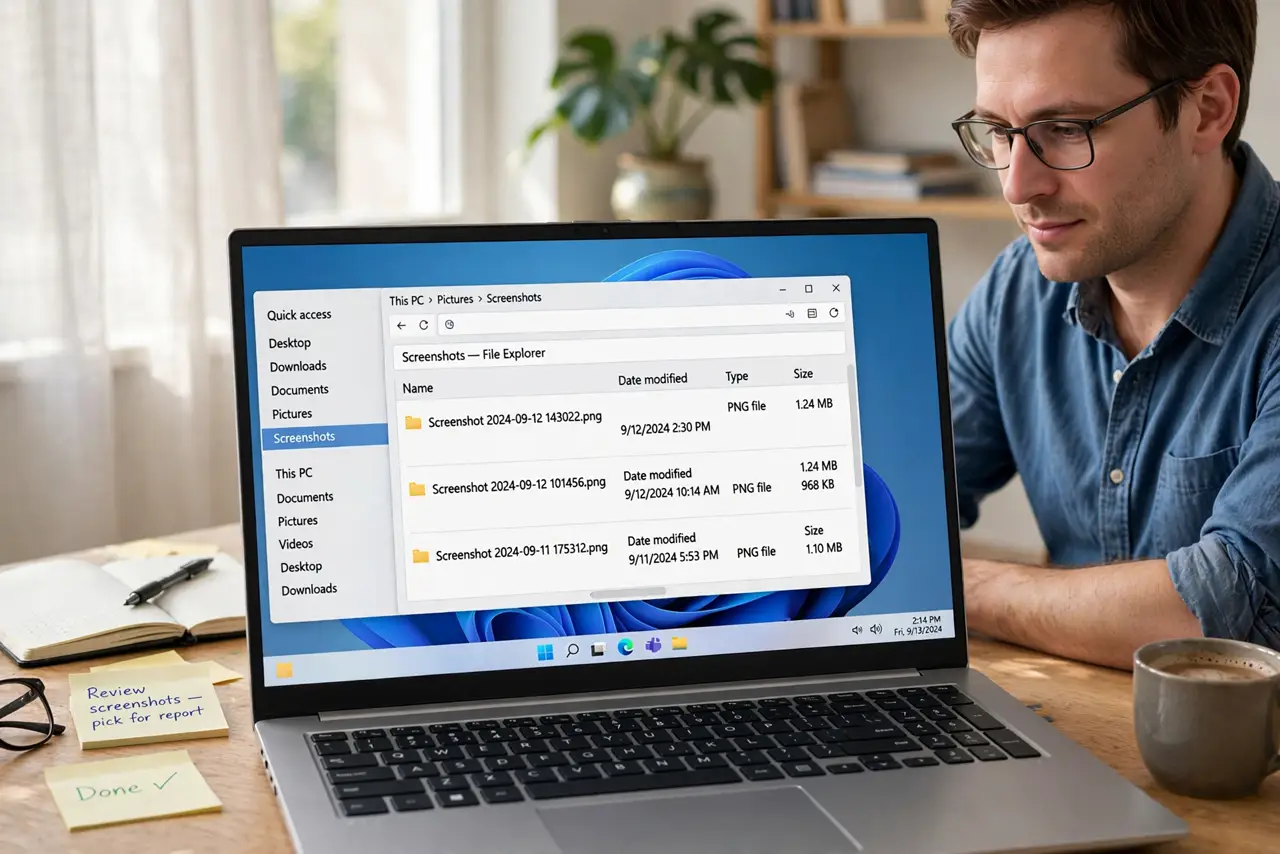
- Change the default screenshot save location. Point screenshots to a dedicated folder, such as Pictures and then Screenshots. New captures then never touch the desktop at all.
- Set a weekly five-minute screenshot tidy. Once a week, review the screenshots folder, delete the useless, and file the keepers. Five minutes weekly beats a desktop buried yearly.
- Check phone screenshots with the same habit. Apply the same sort, file, and tidy routine to phone screenshots, so the pile does not simply move to another device.
What NOT to do
- Do not delete the whole pile without looking. Screenshots often hold receipts, confirmations, and error messages you need.
- Do not leave the save location on the desktop after tidying. The pile will rebuild itself within weeks.
- Do not file screenshots with vague names like Screenshot1. Rename keepers so future you can find them.
- Do not rely on searching image contents later. Filing now is faster than hunting through hundreds of images later.
Frequently asked questions
Why do screenshots pile up on the desktop?
Because most systems save them there by default, and nobody files them until the desktop disappears under them.
Should I keep all screenshots?
No. Keep receipts, confirmations, and useful references. Delete accidents and duplicates.
How often should I tidy screenshots?
Weekly, for five minutes. That keeps the folder small and the desktop clear.