The Desktop Zero Method? Explained
Desktop Zero means ending each day with zero files on your desktop — everything filed, trashed, or in an inbox folder. It sounds extreme until you try it for a week and realize how much calmer your computer feels. This guide explains the simple system.
TL;DR / Quick Fix
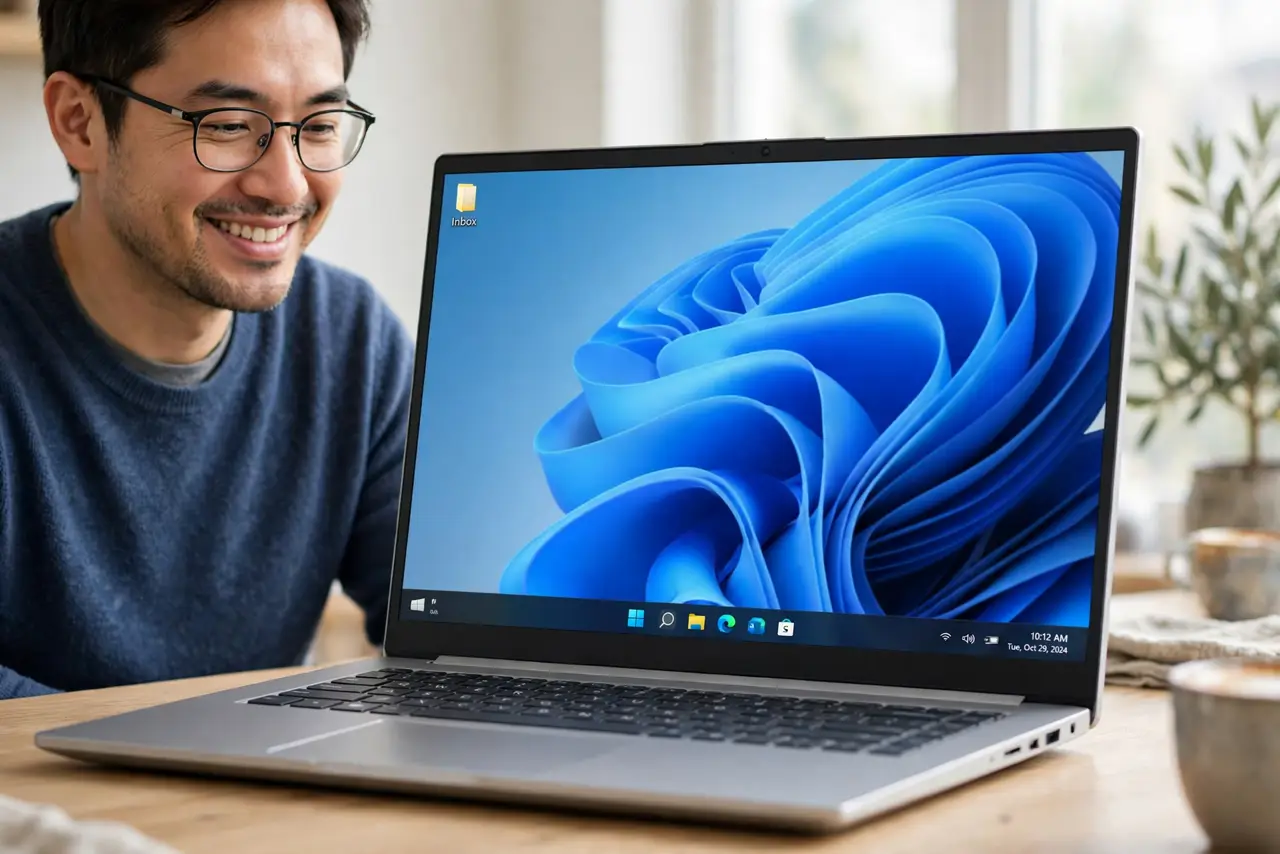
Create one inbox folder on the desktop and move every stray file there during the day. Each evening, file, act on, or delete everything in the inbox until the desktop is empty. The method works because the daily reset prevents slow accumulation.
Follow these steps
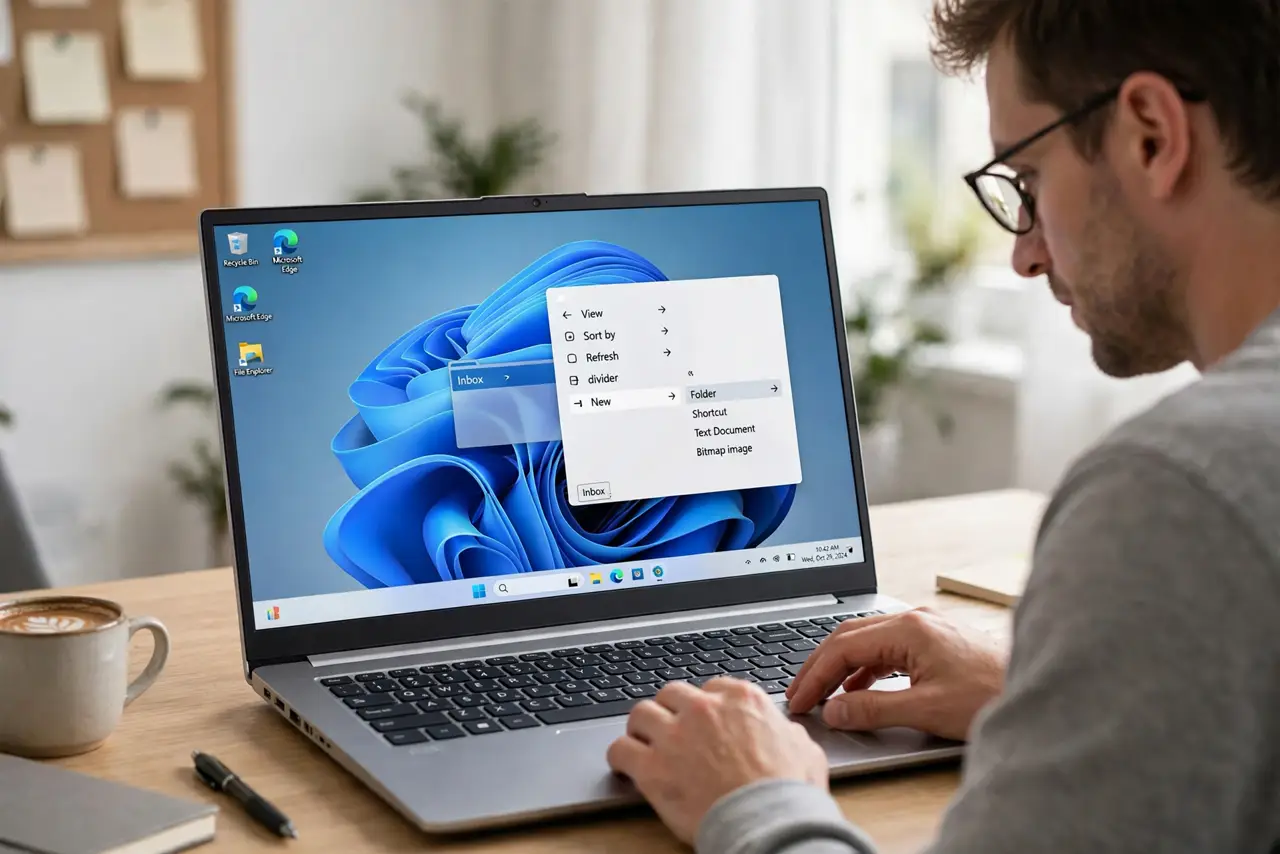
- Create the desktop inbox. Make one folder on the desktop called Inbox. During the day, every file lands here instead of scattered across the desktop — screenshots included, which otherwise become a screenshot pile-up.
- Sweep strays into the inbox all day. Whenever a file lands on the desktop, drag it into Inbox immediately. The inbox is a buffer, not a destination.
- Process the inbox each evening. At day's end, open the inbox and handle every file: file it, do the tiny task, or delete it. Empty means empty.
- File things where they belong. Move keepers to their real homes: projects, documents, archives. If a file has no home, create one — homeless files are how clutter returns.
- Delete ruthlessly. Duplicates, outdated drafts, and files you will never open again go in the trash. Keeping everything is the opposite of this method.
- Protect the zero. If the inbox still has files at bedtime, you skipped the reset. Do it now — five minutes tonight beats thirty minutes next week.
What NOT to do
- Do not use the desktop as storage. The desktop is a workspace, not a filing cabinet.
- Do not let the inbox become permanent. An inbox that never empties is just clutter with a name.
- Do not file things into vague folders like Stuff. Vague folders are where files go to die.
- Do not skip the evening reset. One skipped day becomes three, and the method collapses.
Frequently asked questions
What is the Desktop Zero method?
Ending each day with zero files on your desktop: everything gets filed, trashed, or processed through a single inbox folder.
Isn't this just extra work?
Five minutes each evening replaces the weekend cleanup marathons that cluttered desktops demand.
What if I need files visible as reminders?
Put the reminder in your task list, not on the desktop. The desktop is for working, not reminding.