Dictionary Attacks Explained
'Password123' feels clever until you learn attackers try it — and millions of variations — in the first seconds of every attack. A dictionary attack is automated guessing using real words, common passwords, and predictable tweaks. It is the reason 'correct horse' patterns beat 'Tr0ub4dor' tricks, and why length matters more than leet-speak.
TL;DR / Quick Fix
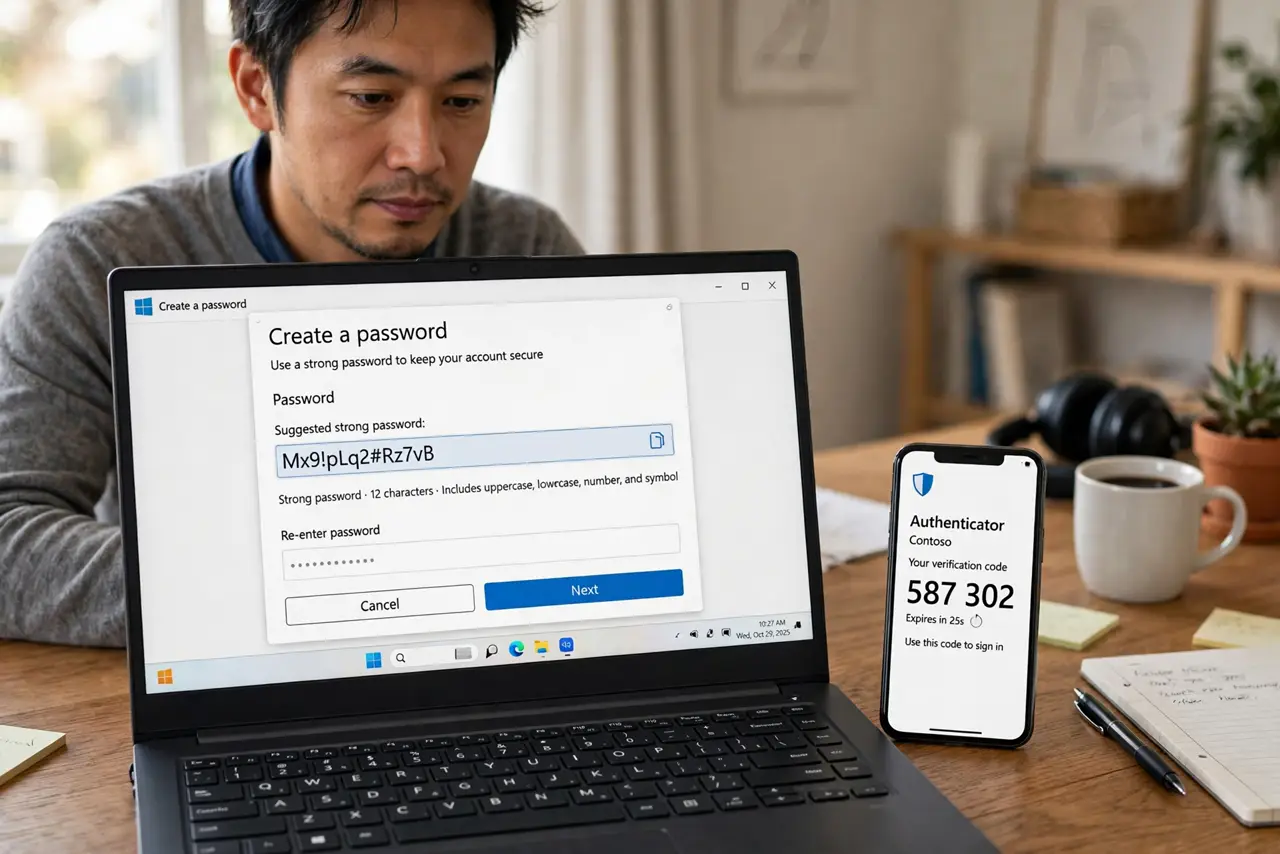
Quick fix: dictionary attacks guess passwords from word lists and common patterns — they crack short, word-based passwords in seconds. Use long, random, unique passwords from a password manager, and add two-factor authentication. Length defeats dictionaries; complexity tricks do not.
Follow these steps
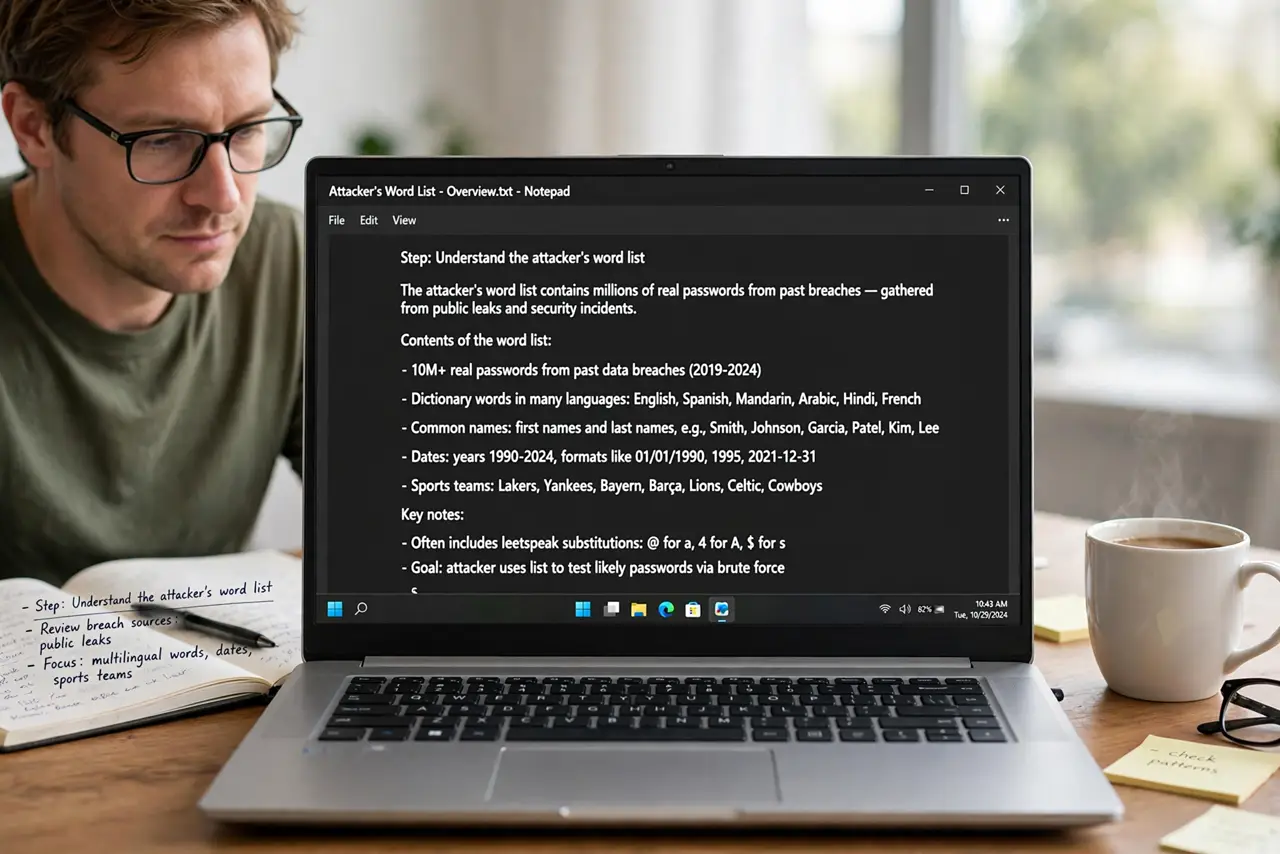
- Understand the attacker's word list. It contains millions of real passwords from past breaches, dictionary words in many languages, names, dates, and sports teams — plus rules that try every predictable tweak: capitalizing, adding 123, swapping letters for symbols.
- See why tweaks do not save you. P@ssw0rd123 looks complex to a human and is entry #47 in the attacker's rule set. Every 'clever' substitution you can think of is already automated — the rules were built from human habits.
- Learn why length wins. Each extra character multiplies the guessing space. A four-word random passphrase has more combinations than any dictionary — the math favors length so heavily that complexity becomes irrelevant.
- Use a password manager. Random 20-character passwords are unguessable and unmemorable — that is the point. A password manager remembers them so your brain does not have to.
- Add two-factor everywhere important. Even a guessed password fails against a second factor. Dictionary attacks cannot guess your authenticator code — see the setup guide.
- Check your passwords against breach lists. If your password appears in a known breach, attackers already have it verbatim. Change it everywhere — and understand that is credential stuffing, the dictionary attack's nastier cousin.
What NOT to do
- Do not trust complexity over length. 'Tr0ub4dor&3' falls faster than four random words — the attacker's rules eat leet-speak for breakfast.
- Do not reuse a 'strong' password. One breach hands it to every dictionary and stuffing attack aimed at your other accounts.
- Do not use personal words. Pet names, birthdays, and favorite teams are the first entries in every targeted word list.
- Do not assume a password manager is overkill. It is the only practical way to have long, unique, random passwords everywhere.
Frequently asked questions
How fast can a dictionary attack crack 'Summer2021!'?
Essentially instantly — seasonal words plus years are among the first rule-generated guesses. It is one of the weakest patterns people consider strong.
Are passphrases really better?
Yes. Four or five random words create a guessing space no dictionary covers, and they are easier to type than symbol soup.
Does two-factor make password strength irrelevant?
Not irrelevant, but far less critical. With 2FA on, even a mediocre password resists remote guessing — though unique-and-long is still the right habit.
What to read next
- What Is Credential Stuffing?
- What Is a Brute-Force Attack?