Fix Black Screen on Discord Share
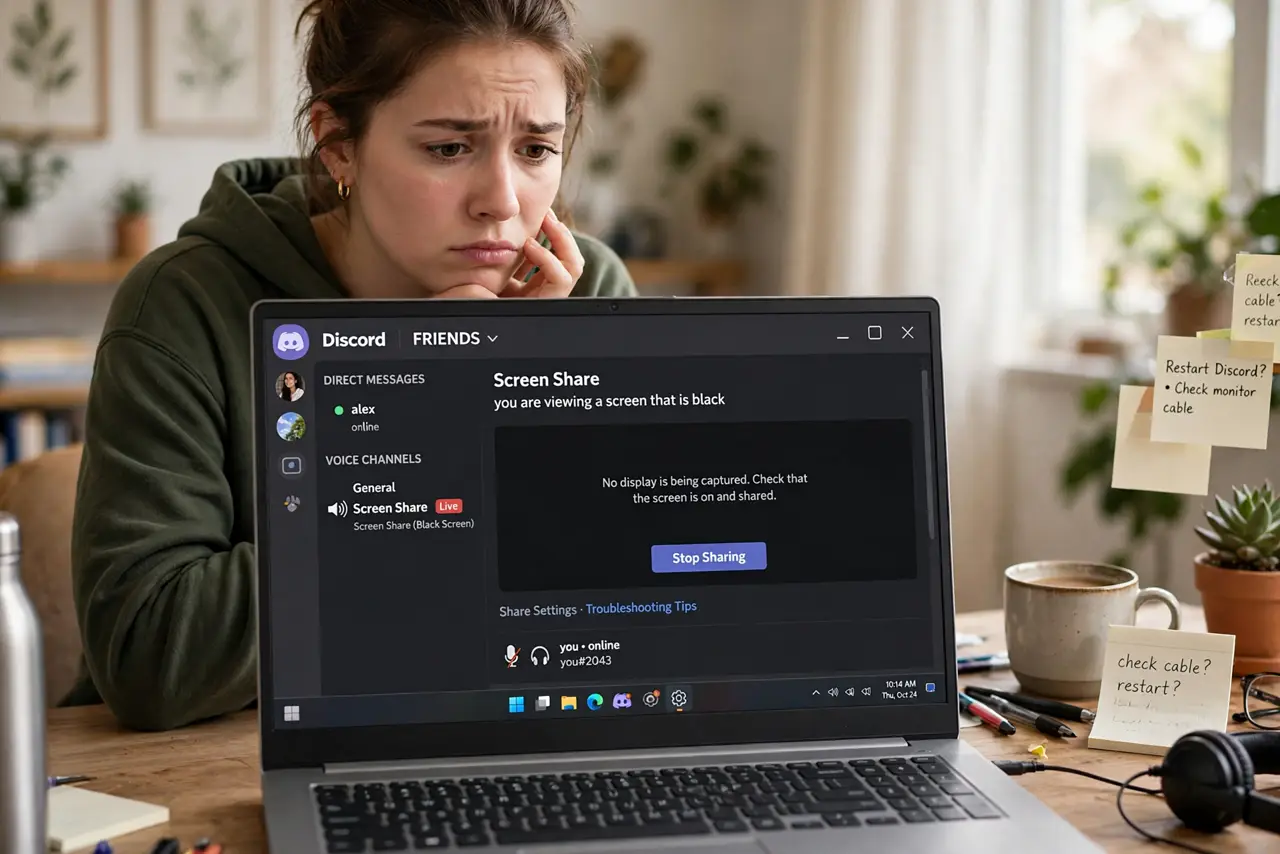
You hit Share Screen on Discord, your friends see... nothing. Just black. Most of the time this is Discord's hardware acceleration fighting the app you're sharing, and otherwise it is copy protection doing its job. Either way, the fix is quick once you know which one you're dealing with.
TL;DR / Quick Fix
Quick fix: a black screen when sharing on Discord is usually hardware acceleration clashing with the shared app — toggle it in Discord's settings. If only Netflix or another streaming app shows black, that's DRM copy protection, not a bug. Share a specific window, not the full screen.
Follow these steps
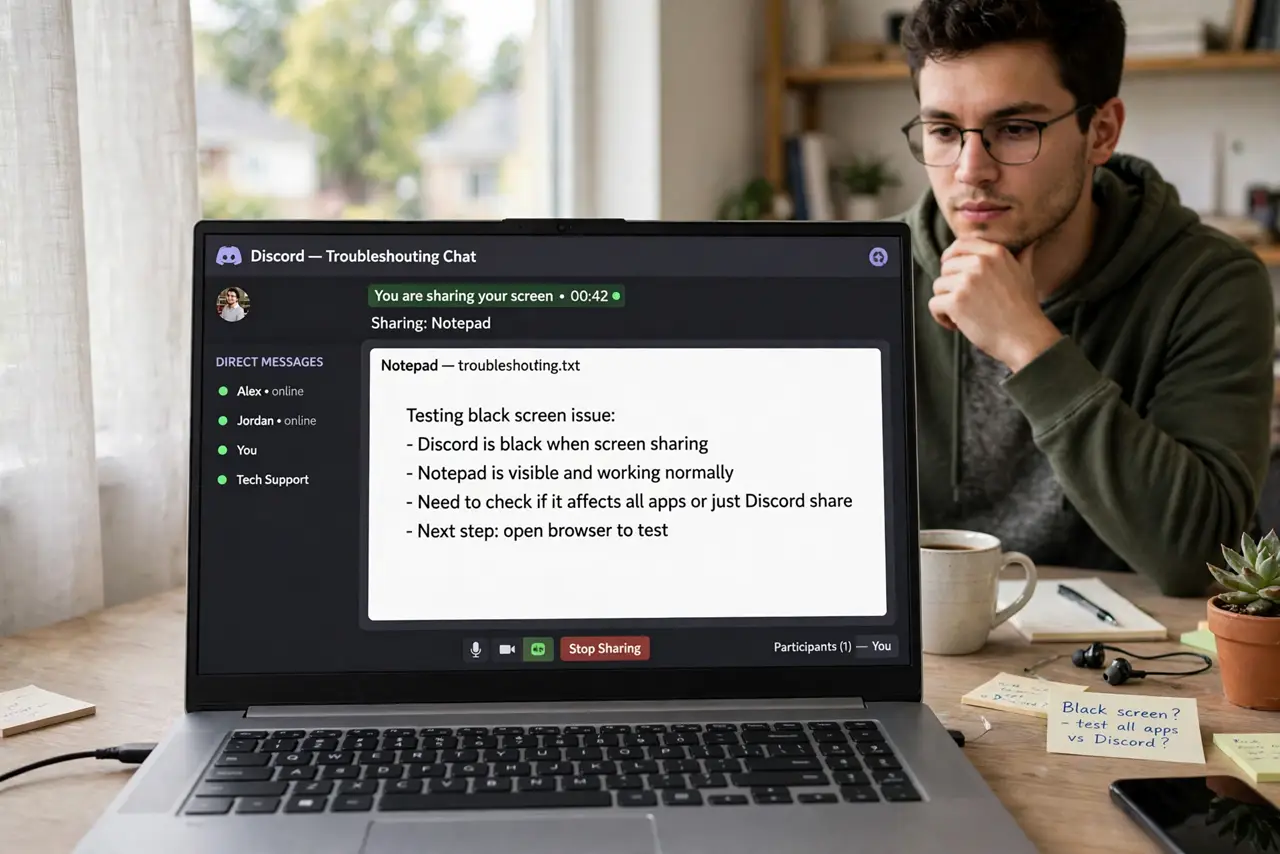
- Figure out whether it is one app or all apps. Share a plain window like Notepad. If that works but your game or browser shows black, the problem is specific to that app. If everything is black, it is a Discord-level issue — see the one-app black screen guide for the distinction.
- Toggle hardware acceleration in Discord. Open Discord's settings, go to Advanced, and switch Hardware Acceleration off — or on, if it was off. Restart Discord after changing it. This mismatch is the single most common cause.
- Share a specific window instead of the whole screen. Pick the exact window from Discord's share picker rather than the full screen. Window capture sidesteps most overlay and acceleration conflicts.
- Check for DRM on streaming apps. Netflix, Disney+, and similar services deliberately output black to screen capture — that is copy protection, not a bug, and no setting fixes it. Watch those together with the service's own watch-party feature instead.
- Update your graphics drivers. Old GPU drivers cause capture conflicts, especially with games. Update from the GPU maker's site, restart, and test again before changing anything else.
- Run Discord as administrator if a game still shows black. Some fullscreen games only share when Discord runs with elevated permissions. Right-click Discord and choose Run as administrator as a test — not as a permanent habit.
What NOT to do
- Do not reinstall Windows over a black share screen. This is a Discord or app-level conflict, never an operating-system problem.
- Do not try to defeat DRM black screens with capture tricks. That black is legal copy protection; work around it with watch-party features instead.
- Do not disable your graphics drivers. Disabling the GPU 'to fix Discord' breaks far more than it fixes — update, do not disable.
- Do not share your full screen with sensitive tabs open. Share the single window you mean to share; your audience does not need your email.
Frequently asked questions
Why does only my game show black but Chrome works?
Fullscreen games use exclusive display modes that clash with Discord's capture. Try borderless windowed mode in the game, or toggle Discord's hardware acceleration.
Does running as admin always fix it?
No — it helps with some fullscreen games that block capture from unelevated apps. If it does not help, revert to normal and try the other steps.
Why is Netflix black but YouTube shares fine?
Netflix uses DRM copy protection that blanks screen capture by design. YouTube does not, so it shares normally. It is not a Discord bug.