Screen Share Shows Black in Just One App
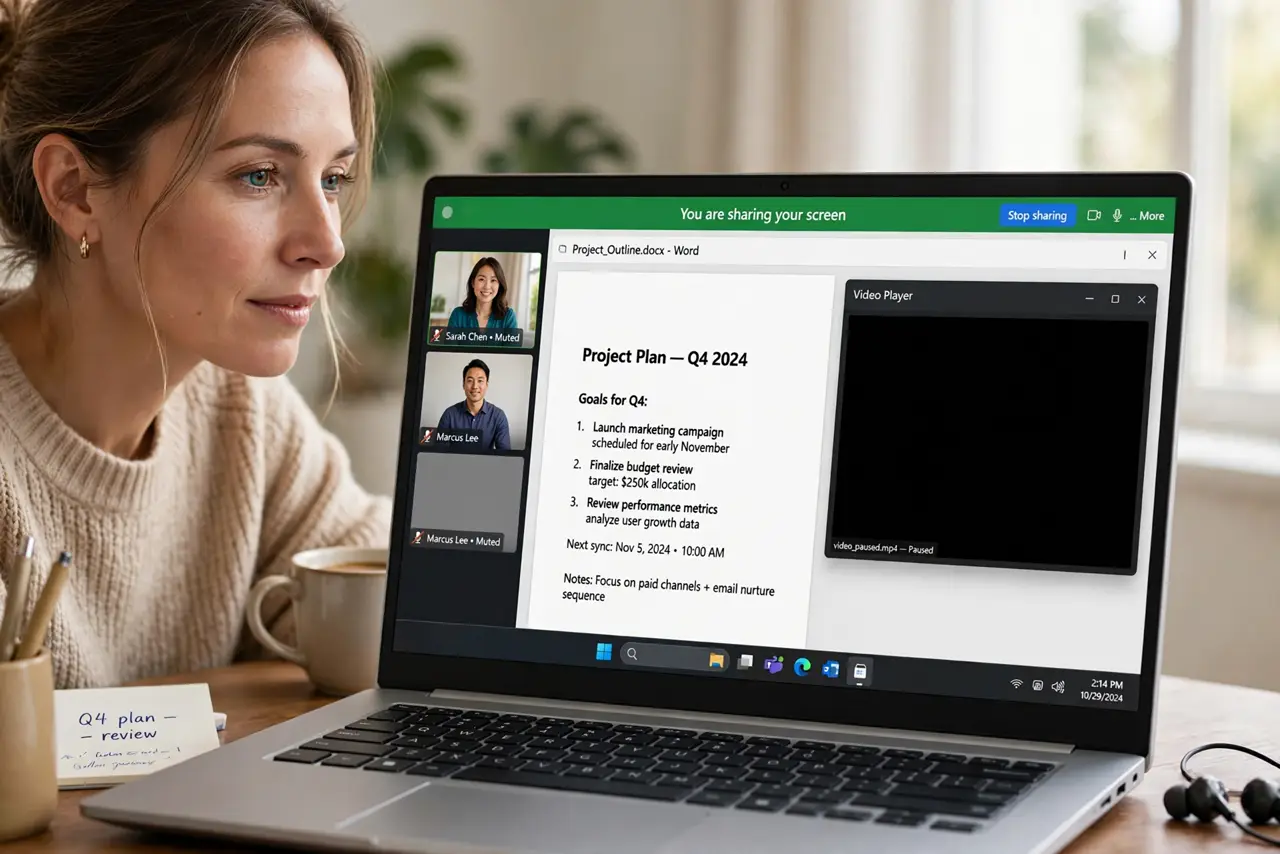
You share your screen and everything shows up — except one app, which appears as a black rectangle to everyone else. That app is blocking capture, usually for copyright protection, and the workaround depends on which app it is.
TL;DR / Quick Fix
Quick fix: check whether the black app is a video streaming service — those block screen capture deliberately. Share a browser tab instead of the whole screen, or share the app's window specifically, and test what the audience sees before presenting.
Follow these steps
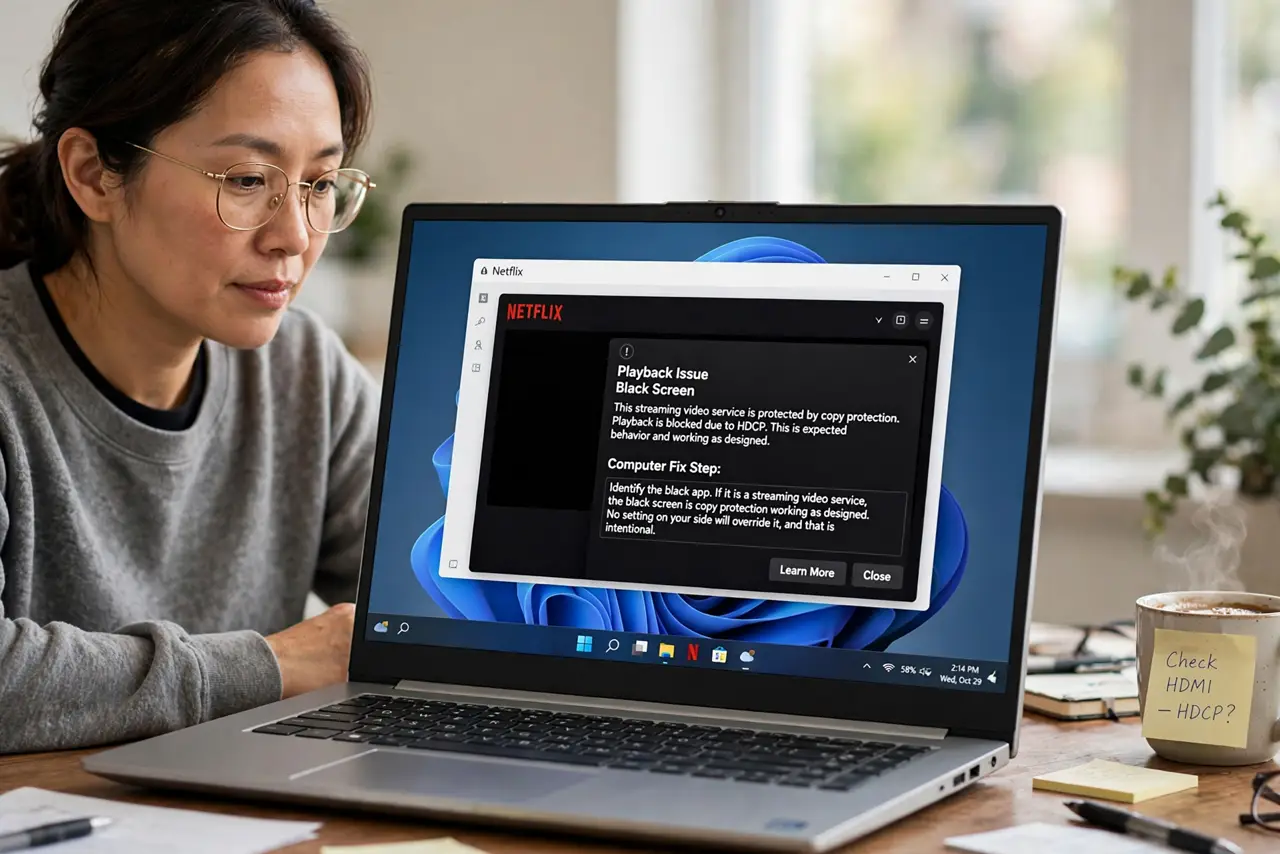
- Identify the black app. If it is a streaming video service, the black screen is copy protection working as designed. No setting on your side will override it, and that is intentional.
- Share a tab instead of the screen. In the meeting app, choose share a browser tab rather than the whole screen. Tab sharing sometimes succeeds where full-screen capture is blocked.
- Share the specific window. Pick the app's window from the share picker instead of the entire display. Window capture uses a different path that some blocks do not cover.
- Check for a permission problem first. If every app shares black, check for a permission problem first: the meeting app likely lacks screen-recording permission. One blocked app is protection; all blocked apps is permission.
- Update the meeting app. Screen-sharing bugs get fixed in updates. If the black window used to share fine, an update on either side may have changed the capture path.
- Have a backup plan for demos. Keep screenshots or a recorded clip ready for apps that refuse sharing. A black rectangle mid-presentation is worse than a planned alternative.
What NOT to do
- Do not try to defeat streaming copy protection. It is there by law and contract, and workarounds violate the service's terms.
- Do not assume your screen share is broken. One black app among working ones is the app's protection, not your setup failing.
- Do not share your full screen with sensitive apps open. Share the specific window instead, so notifications and private tabs stay private.
- Do not discover this live in front of an audience. Test the exact app you will demo before the meeting starts.
Frequently asked questions
Why is only one app black?
That app blocks screen capture, usually for copyright protection on video content. The block is deliberate, not a bug.
Can I fix it with a setting?
No. Copy-protection blocks cannot be switched off, so use tab sharing, window sharing, or a pre-made clip instead.
What if all shared apps are black?
Then the meeting app lacks screen-recording permission. Grant it in system settings and try again.