DisplayPort vs HDMI for an Office Monitor
For an office monitor, DisplayPort and HDMI both show your spreadsheets just fine — but they differ in refresh rates, daisy-chaining, and cable quirks. The right pick depends on your monitor's ports and how you work.
TL;DR / Quick Fix
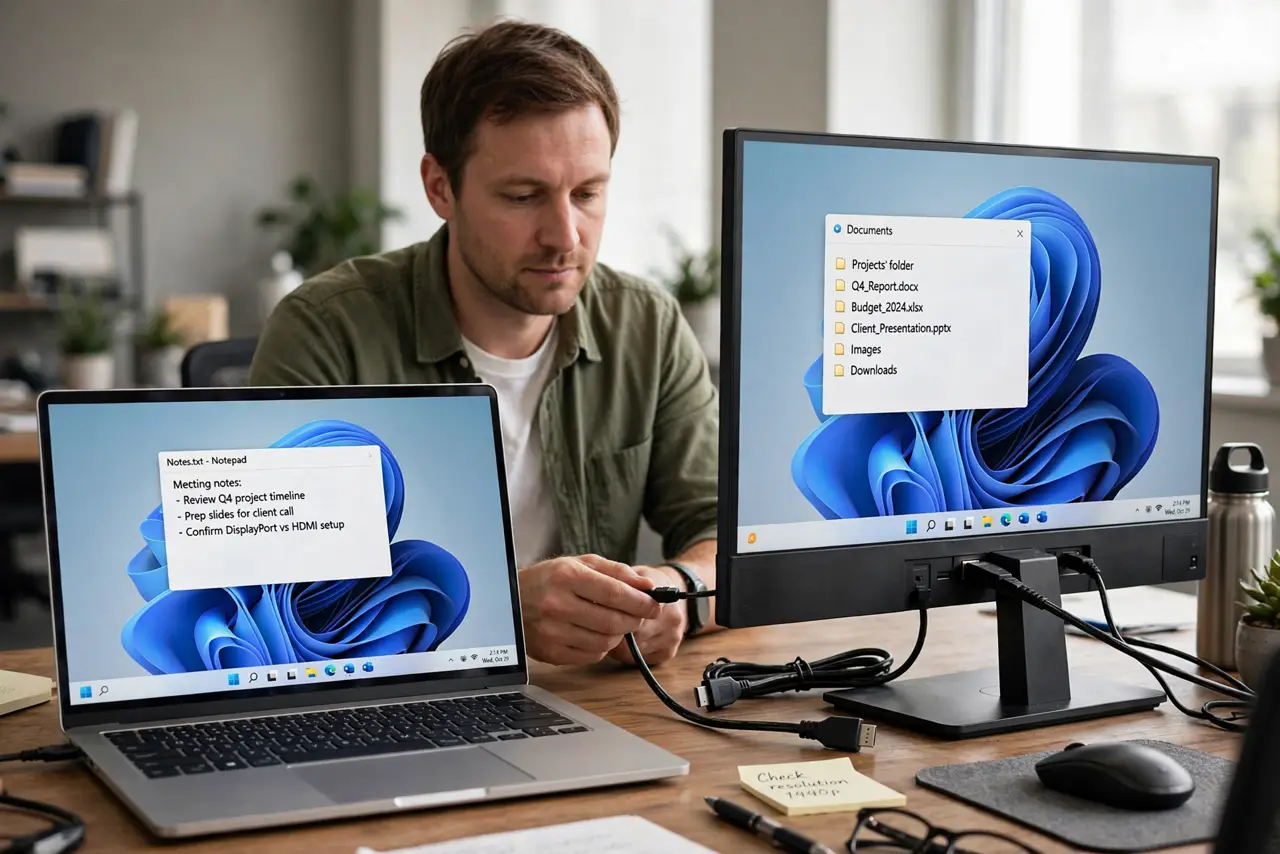
Quick fix: use DisplayPort if your monitor and computer both have it — it handles high refresh rates cleanly and supports daisy-chaining. Use HDMI when DisplayPort is missing; for ordinary office work at 60Hz, both look identical to the eye.
Follow these steps
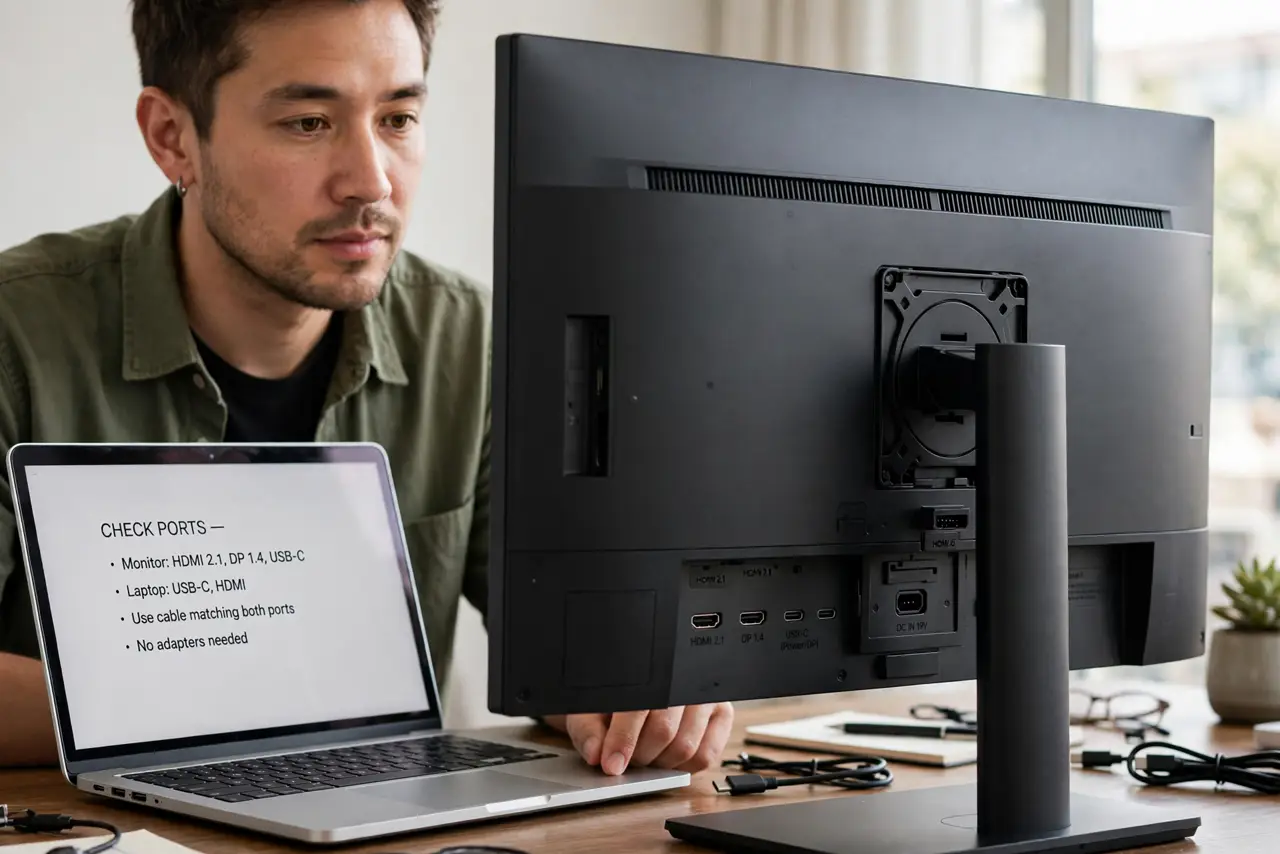
- Check which ports you actually have. Look at the back of the monitor and the computer. The best cable is the one that fits ports on both ends without adapters.
- Understand DisplayPort's office strengths. DisplayPort handles high refresh rates and resolutions with headroom, and supports daisy-chaining two monitors from one port. It is the cleaner choice when available.
- Understand HDMI's ubiquity strength. HDMI is everywhere — TVs, projectors, meeting rooms. For a monitor that also visits conference rooms, HDMI's universality wins.
- Know that 60Hz office work looks the same. At 60Hz with normal resolutions, there is no visible difference between the two. Do not overthink the choice for email and documents.
- Avoid adapters when you can. A native cable beats any adapter. Adapters add failure points and occasional wake-from-sleep quirks, like DisplayPort no signal after sleep.
- Match the cable version to the job. If you choose HDMI for 4K, confirm the cable is High Speed or better. The connector choice means little if the cable itself bottlenecks the signal.
What NOT to do
- Do not buy an expensive cable for office 60Hz. A basic certified cable of either type is perfect for documents and email.
- Do not daisy-chain over HDMI. Monitor daisy-chaining is a DisplayPort feature; HDMI needs one cable per monitor.
- Do not assume newer means visibly better here. For office work, the practical differences are features and ports, not picture quality.
- Do not force a connector that does not fit. DisplayPort and HDMI look vaguely similar in bad light — check the shape before pushing.
Frequently asked questions
Is DisplayPort better than HDMI?
For high refresh rates and daisy-chaining, yes. For ordinary 60Hz office work, they are equivalent.
Can I mix DisplayPort and HDMI monitors?
Yes. A computer can drive one of each with no issues; just use the right cable per monitor.
Why won't my monitor wake from sleep?
Often a cable or adapter quirk. Try a native cable of the other type to isolate it.