HDMI Cable Version for 4K at 60Hz
Not every HDMI cable can carry 4K at 60Hz — older cables silently cap you at 30Hz or drop the signal. The cable version matters, but the labeling is confusing, so here is how to check what you actually have.
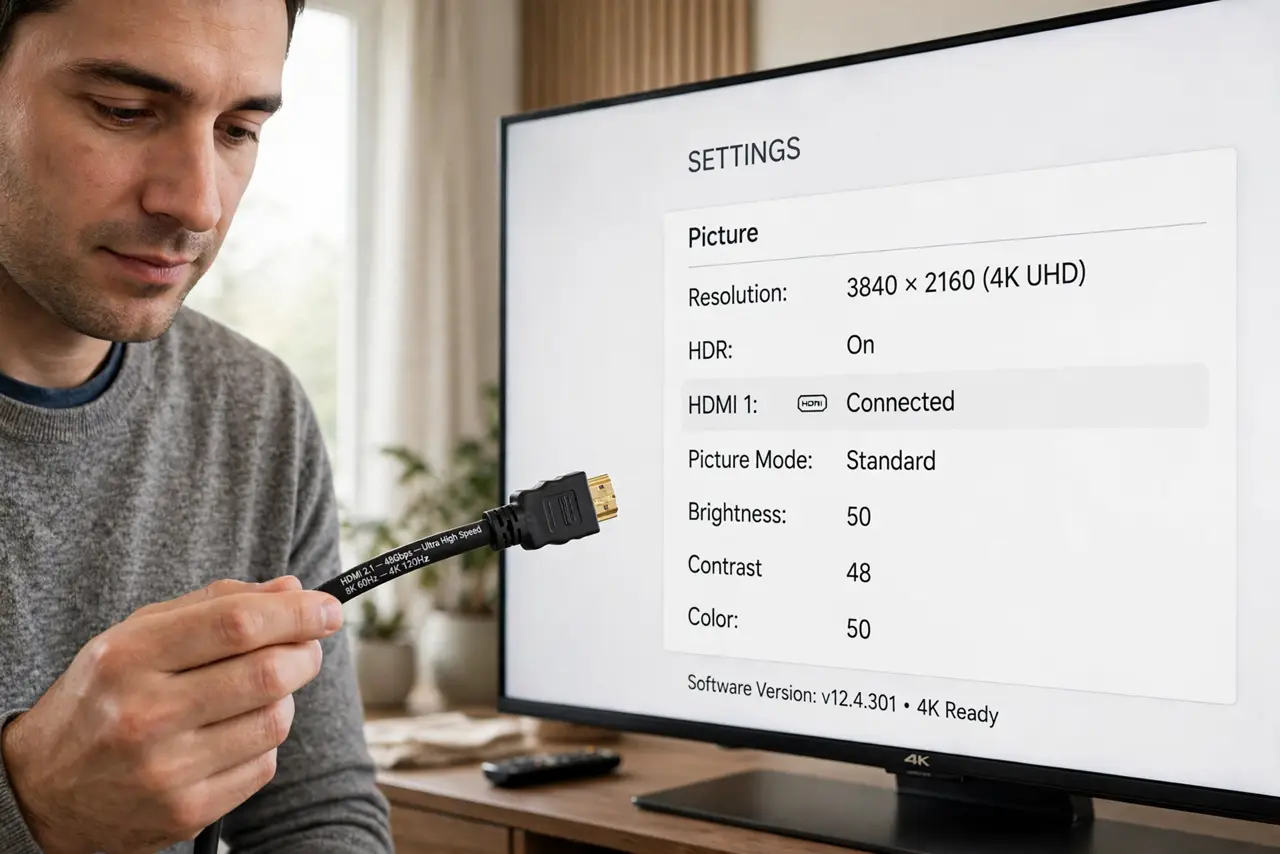
TL;DR / Quick Fix
Quick fix: look for High Speed or Ultra High Speed on the cable or its packaging — you need at least High Speed for 4K at 60Hz. If the picture flickers or the refresh caps at 30Hz, swap in a certified Ultra High Speed cable and retest.
Follow these steps
- Learn the two labels that matter. High Speed HDMI handles 4K at 60Hz; Ultra High Speed handles 4K at 120Hz and 8K. Older Standard cables top out below 4K60, which is exactly the silent cap people hit.
- Check the cable's printing. Read the text molded into the cable jacket or its original packaging. Certified cables print their category; a cable with no marking at all is suspect.
- Check what the screen actually negotiates. Open the display settings and confirm 3840x2160 at 60Hz is active. If 60Hz is missing from the options, the cable is the prime suspect — not the TV.
- Swap in a known-good cable to test. Replace the suspect cable with a certified Ultra High Speed cable and recheck. If 60Hz appears, the old cable was the bottleneck — label it for 1080p duty.
- Keep cables short when possible. Long passive HDMI runs struggle at 4K60. Under 10 feet, a good passive cable is fine; longer runs may need an active or fiber HDMI cable.
- Rule out the port-vs-cable question. If a known-good cable still shows no signal, the port or input setting is the issue. Test the cable on another input before blaming the TV.
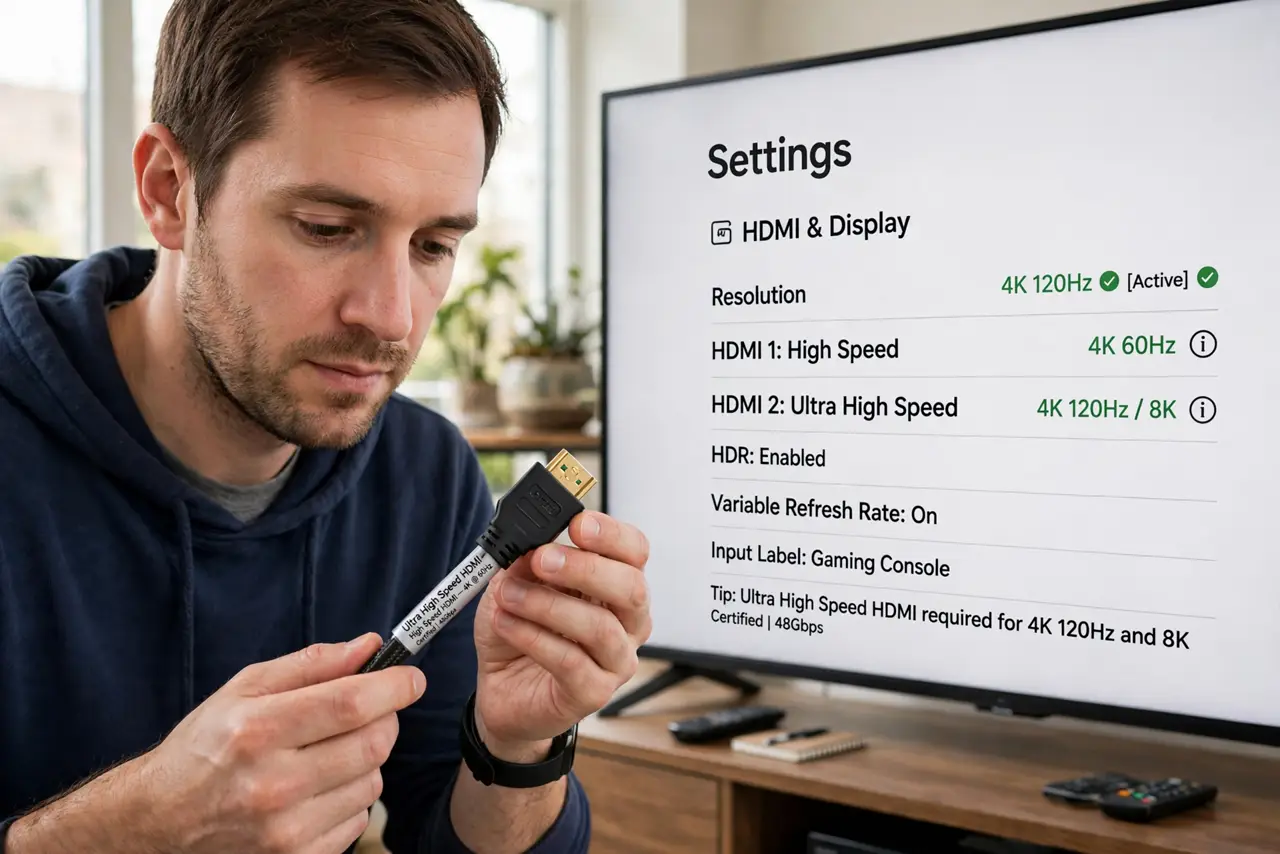
What NOT to do
- Do not buy the most expensive cable hoping for better picture. A certified cable either works perfectly or it does not — price adds nothing beyond certification.
- Do not assume all HDMI cables are equal. The version defines the bandwidth, and 4K60 needs real bandwidth.
- Do not run a 50-foot passive cable for 4K60. Distance kills high-bandwidth signals, so long runs need active or fiber cables.
- Do not forget the port version too. A great cable into an old HDMI 1.4 port still caps at 4K30 — check both ends.
Frequently asked questions
What HDMI cable do I need for 4K 60Hz?
At least a High Speed cable; a certified Ultra High Speed cable is the safe buy that also covers future upgrades.
Why is my 4K TV stuck at 30Hz?
Almost always the cable or the port version. Swap in a certified cable first, then check the TV's HDMI port specs.
Do expensive HDMI cables look better?
No. Digital cables either deliver a perfect picture or fail visibly — there is no in-between quality tier.