Changing DNS Speeds Up or Slows Down Browsing
Someone told you changing DNS speeds up browsing — you switched, and some sites feel faster while others crawl. DNS only affects the lookup step, so the truth is more specific than the hype.
TL;DR / Quick Fix
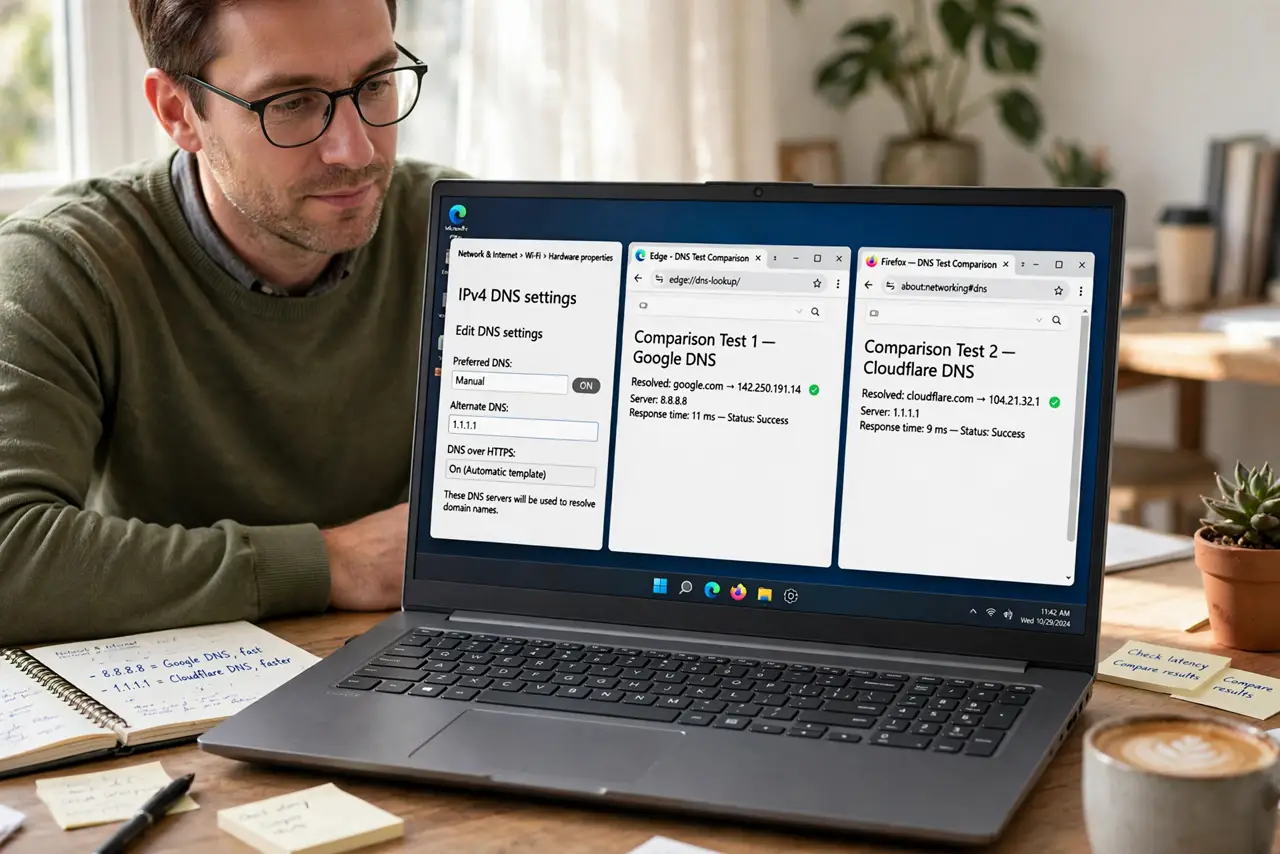
Quick fix: test before and after — time how long a few sites take to start loading with your current DNS, then with the new one. Keep the change only if lookups are consistently faster. If some sites slow down, switch back; DNS was not your bottleneck.
Follow these steps
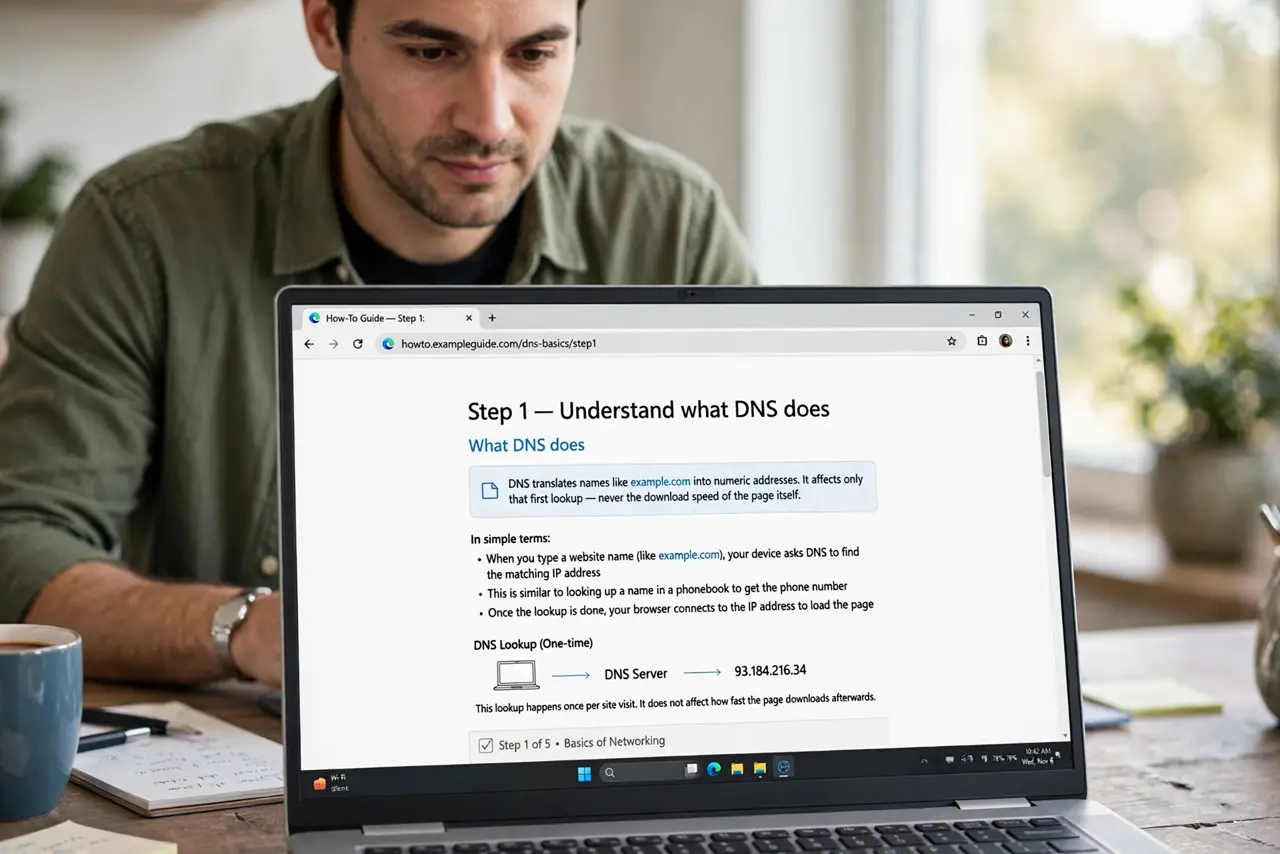
- Understand what DNS does. DNS translates names like example.com into numeric addresses. It affects only that first lookup — never the download speed of the page itself.
- Measure your current lookup speed. Note how long sites take to begin loading, or run a DNS benchmark tool. Without a before measurement, you cannot judge the after.
- Try a well-known public DNS. Enter a reputable public DNS in your network settings and retest the same sites. Compare start-of-load times, not full page loads.
- Test at different times of day. DNS performance varies with load and routing. A DNS that wins at noon may lose at 8 p.m. — test in your real usage hours.
- Watch for sites that break. Some networks and services expect your provider's DNS. If banking or work sites misbehave after the change, that DNS is not for you.
- Keep it only if it clearly wins. If lookups are consistently faster and nothing breaks, keep the change. If results are mixed, revert — DNS was never your real bottleneck.
What NOT to do
- Do not expect DNS to fix slow downloads. Once the lookup finishes, DNS is done — a slow video stream is a bandwidth problem, not a DNS one.
- Do not use a random DNS from a forum post. Obscure DNS servers can log, hijack, or misdirect your browsing — stick to reputable providers.
- Do not change DNS on every device separately at first. Test on one device; only roll out the winner everywhere after it proves itself.
- Do not ignore breakage to keep a speed win. A DNS that breaks two sites you need is a net loss, however fast the rest feels.
Frequently asked questions
Can DNS really speed up browsing?
Slightly, for the first lookup of each site. It never speeds downloads, streams, or anything after the address is found.
Why would a new DNS be slower?
Distance and routing. A DNS server far from you, or poorly peered with your provider, answers slower than your provider's own.
Is changing DNS safe?
With a reputable provider, yes. Avoid unknown servers from random lists — they see every site you look up. To cover the whole house at once, set it on the router instead of per device.