Do SSDs Need Heatsinks?
Fast NVMe SSDs ship with chunky heatsinks, motherboards include heat spreaders, and forums warn of thermal throttling — so does your SSD actually need one, or is it decoration? The answer depends on how fast the drive is and how hard you push it. Here is the no-hype breakdown.
TL;DR / Quick Fix
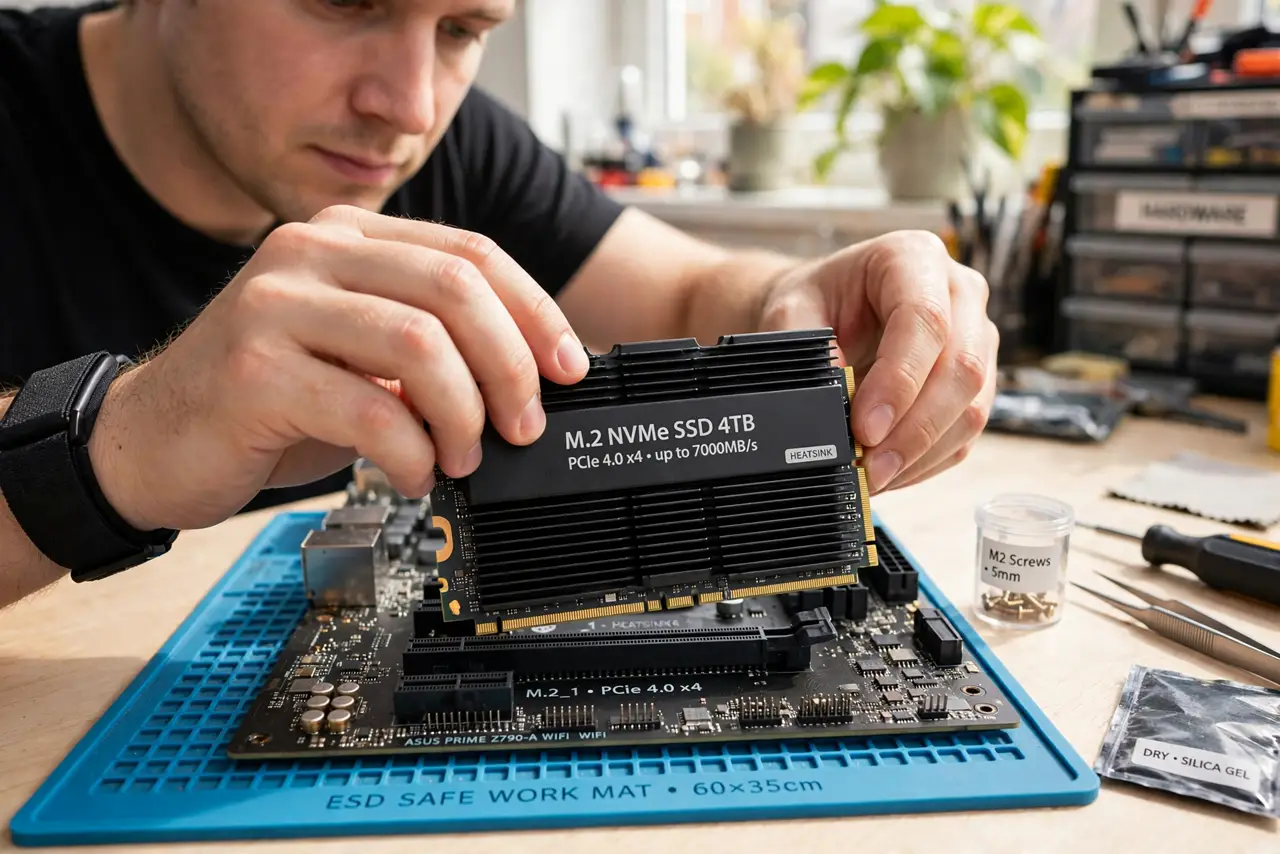
Quick fix: everyday NVMe SSDs are fine with the motherboard's built-in heat spreader or bare — they only overheat under sustained heavy writes like video exports. Top-tier Gen4 and Gen5 drives benefit from a heatsink. If your drive throttles during long tasks, add one; for browsing and gaming, skip it.
Follow these steps
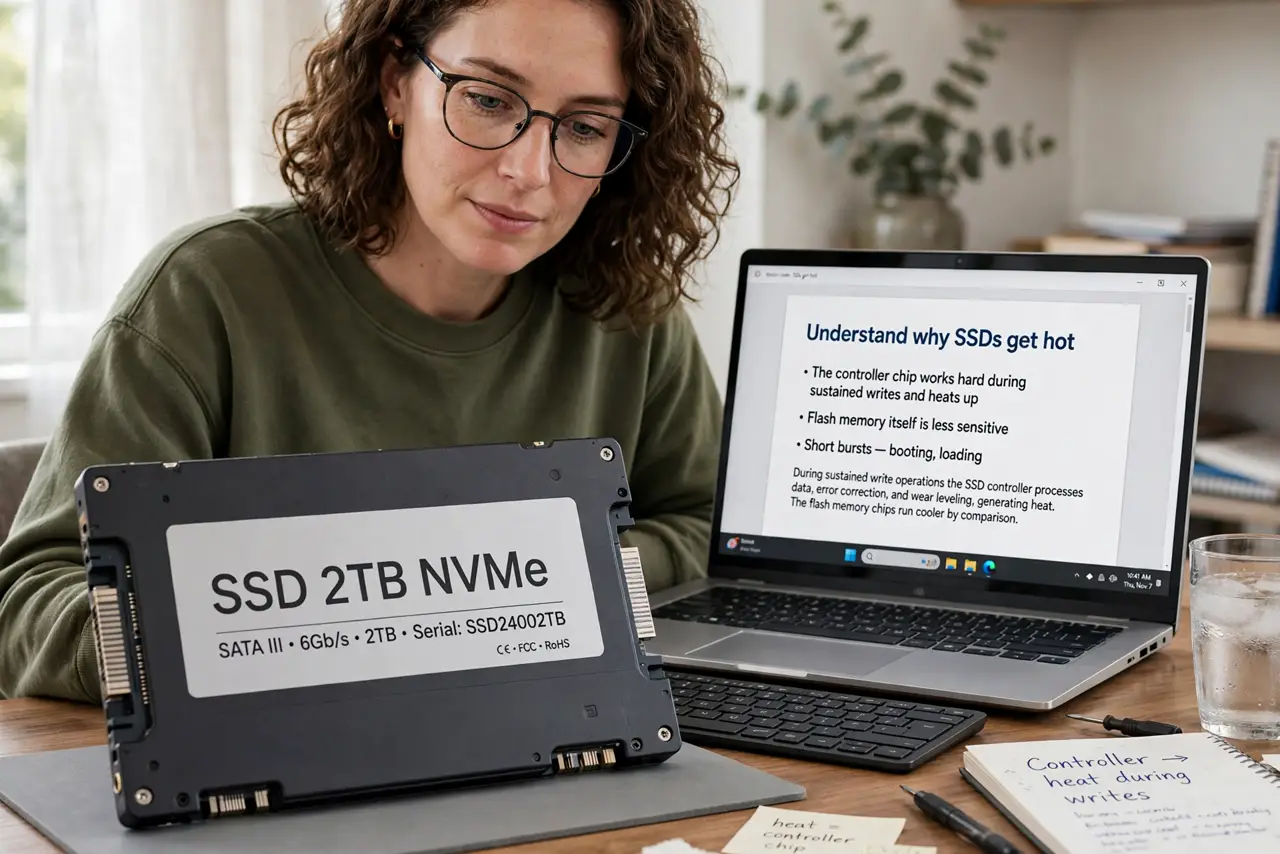
- Understand why SSDs get hot. The controller chip works hard during sustained writes and heats up; flash memory itself is less sensitive. Short bursts — booting, loading games — never push temperatures into the danger zone.
- Know which drives actually need cooling. Mainstream Gen3 and slower Gen4 drives: usually fine bare or with the board's spreader. Flagship Gen4 and all Gen5 drives: heatsinks strongly recommended — they throttle without them.
- Check your motherboard first. Many boards include an M.2 heat spreader under a metal plate — using it is free cooling you already own. Do not buy an aftermarket heatsink before checking.
- Watch for throttling symptoms. If long file copies or exports start fast then crawl, heat is a suspect. A temperature monitor confirms it — sustained writes above 70C with slowing speeds means add cooling.
- Do not stack heatsinks blindly. A drive with a built-in heatsink plus the motherboard's spreader can fit badly or insulate instead of cool. Use one or the other, whichever fits properly.
- Remember airflow matters most. A bare SSD in a case with good airflow often beats a heatsinked one in a hotbox. Fix case airflow first — it cools everything, as the SSD lifespan guide notes about heat and longevity.
What to avoid
- Do not buy a heatsink for a basic SATA-speed NVMe. It will never get hot enough to matter — the money is better spent elsewhere.
- Do not remove the SSD's factory thermal pad. Those pads are part of the design; peeling them off to fit a worse aftermarket solution hurts.
- Do not ignore throttling as 'normal'. A drive that slows to a crawl on long writes is telling you something — cooling or a settings check fixes it.
- Do not put a heatsink where it blocks other components. Oversized coolers can clash with GPUs — measure clearance before buying.
Frequently asked questions
What temperature is too hot for an SSD?
Sustained operation above 70-75C with throttling is the concern zone. Brief spikes during heavy writes are normal and harmless.
Do heatsinks void SSD warranty?
Using the motherboard's included spreader never does. Third-party heatsinks are generally fine, but check the drive maker's policy if you remove factory labels.
Is thermal throttling dangerous?
No — it is the drive protecting itself by slowing down. Annoying, not harmful; cooling simply restores full speed.