How Long Do SSDs Last?
SSDs famously wear out with writes — every guide warns that each cell survives only so many cycles, which makes people nervously watch their drive health. In practice, modern SSDs outlast the computers they are installed in for typical users. Here is what SSD lifespan actually looks like, what the health numbers mean, and when to genuinely worry.
TL;DR / Quick Fix
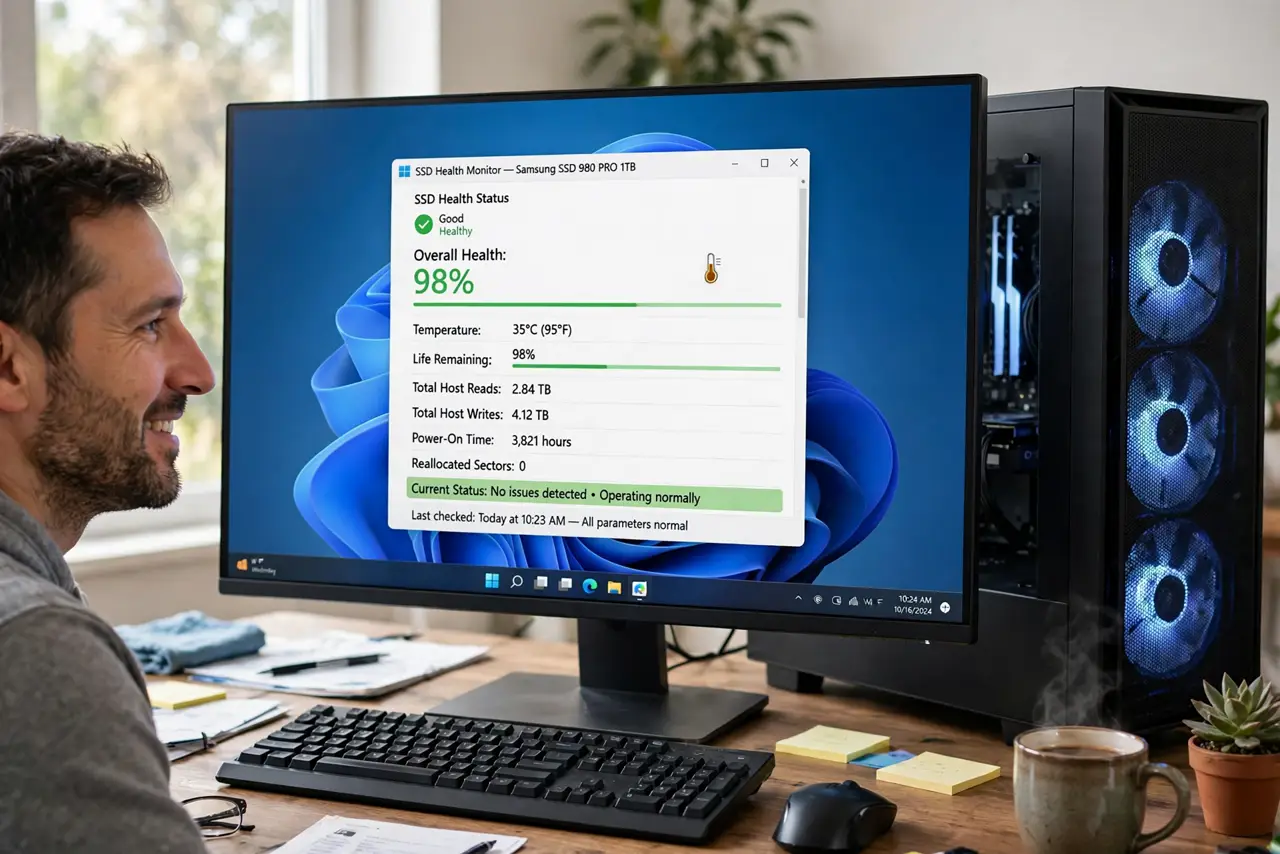
Quick fix: for normal use — browsing, office work, even gaming — a modern SSD lasts a decade or more; wear ratings assume far heavier writing than most people do. Check health with your drive maker's tool: above 80% means years left. Keep backups regardless, because any drive can fail.
Follow these steps
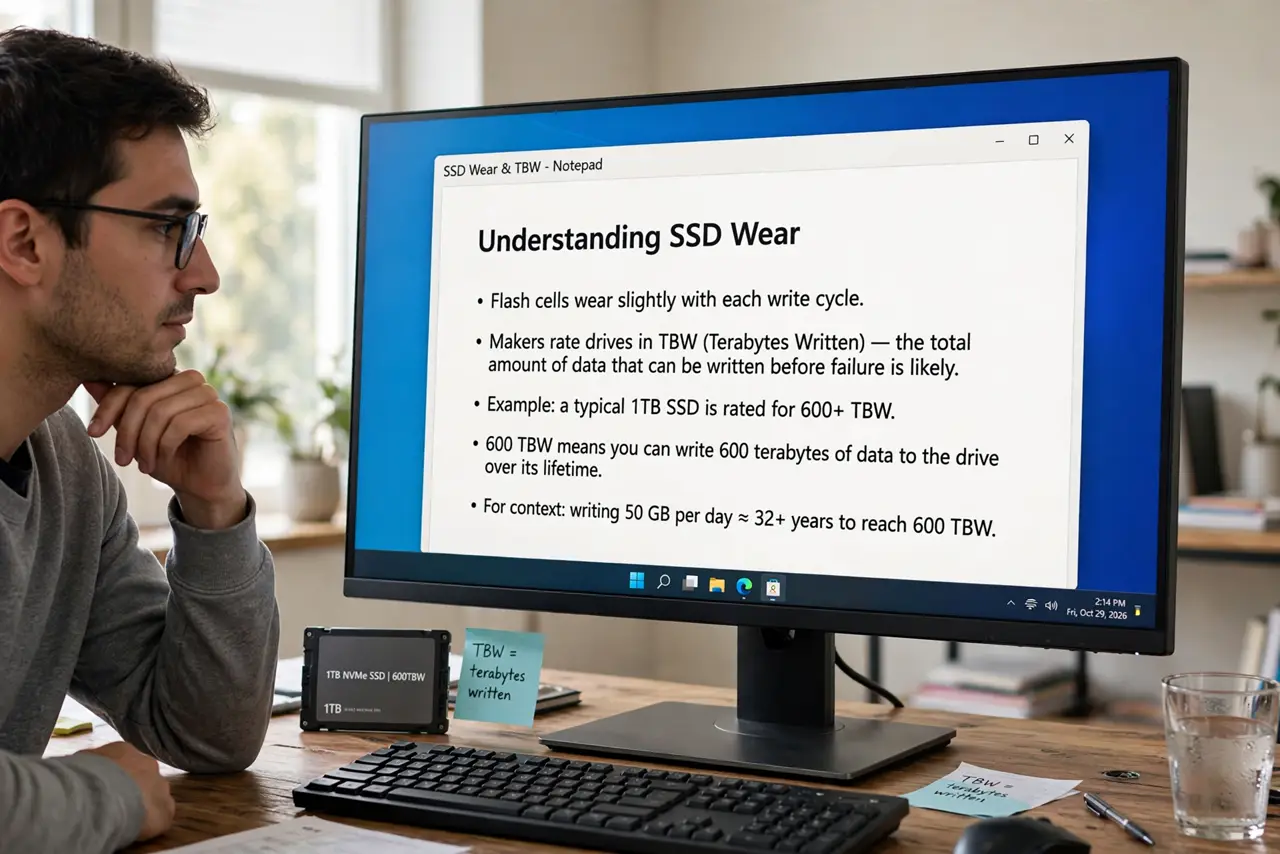
- Understand what wears an SSD. Flash cells wear slightly with each write cycle. Makers rate drives in terabytes written (TBW) — a typical 1TB drive is rated for 600+ TB of writes, which would take most users decades to reach.
- Read the health percentage correctly. The drive maker's tool shows remaining life as a percentage. It drops slowly — a few percent a year is normal. Only a fast plunge or a sudden drop signals trouble.
- Know who actually wears drives out. Video editors, Chia-style plotting, and servers with constant writes can burn through TBW ratings. Browsing, documents, and gaming barely register — writes are far lighter than people fear.
- Keep some free space. SSDs slow down and wear faster when nearly full because wear-leveling has less room to work. Keeping 10-20% free is the single best longevity habit.
- Do not defragment an SSD. Defragging shuffles data to help spinning disks; on an SSD it just burns write cycles for zero benefit. Modern Windows will not do it to SSDs anyway — leave it alone.
- Back up no matter the health number. Wear is predictable, but sudden controller failure is not — any drive can die instantly at 100% health. Health numbers guide replacement timing; backups are the real safety net.
What to avoid
- Do not replace a healthy SSD out of wear anxiety. A drive at 90% health after years of use has years left — spend the money elsewhere.
- Do not run 'SSD optimizer' snake oil. Most such tools do nothing useful; the OS already handles TRIM and garbage collection automatically.
- Do not fill the drive to 99% and leave it. Chronic fullness is the one common user-caused way to shorten SSD life and tank performance.
- Do not ignore a rapidly dropping health percentage. Slow decline is normal; losing 10% in a month is a warranty claim, not wear.
Frequently asked questions
What does TBW mean?
Terabytes Written — the total data the maker guarantees the drive can write. A 600 TBW rating means writing 600 terabytes before the warranty's wear coverage ends.
Do SSDs slow down as they age?
Not from age itself. They slow when nearly full or overheating — both fixable. Gradual wear does not reduce speed until the very end of life.
Should I worry about my five-year-old SSD?
Check its health once with the maker's tool. If it reads fine and you have backups, keep using it — replacement on a schedule is unnecessary for typical users.