Bookmarks in Google Docs? How To
See section 4.2 is useless if the reader has to hunt for it. Bookmarks drop named anchors anywhere in a document — link straight to that paragraph from inside or outside the doc. Here is how to place and use them.
TL;DR / Quick Fix
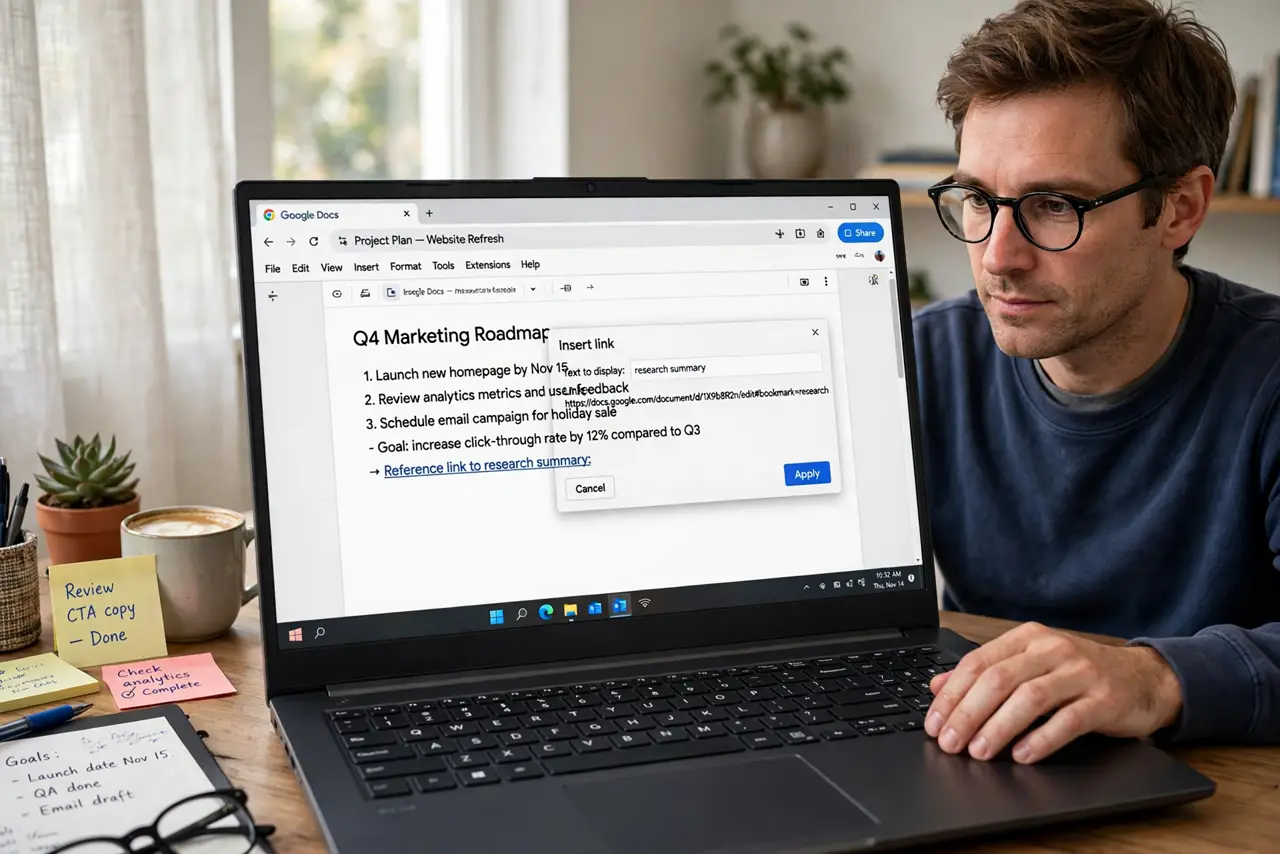
Quick fix: in Google Docs place the cursor at the anchor point, go to Insert > Bookmark, then link to it via Insert > Link > Bookmarks. Bookmarks survive edits around them — the link follows the text. Write good link text ('see the pricing table'), not 'click here.'
Follow these steps
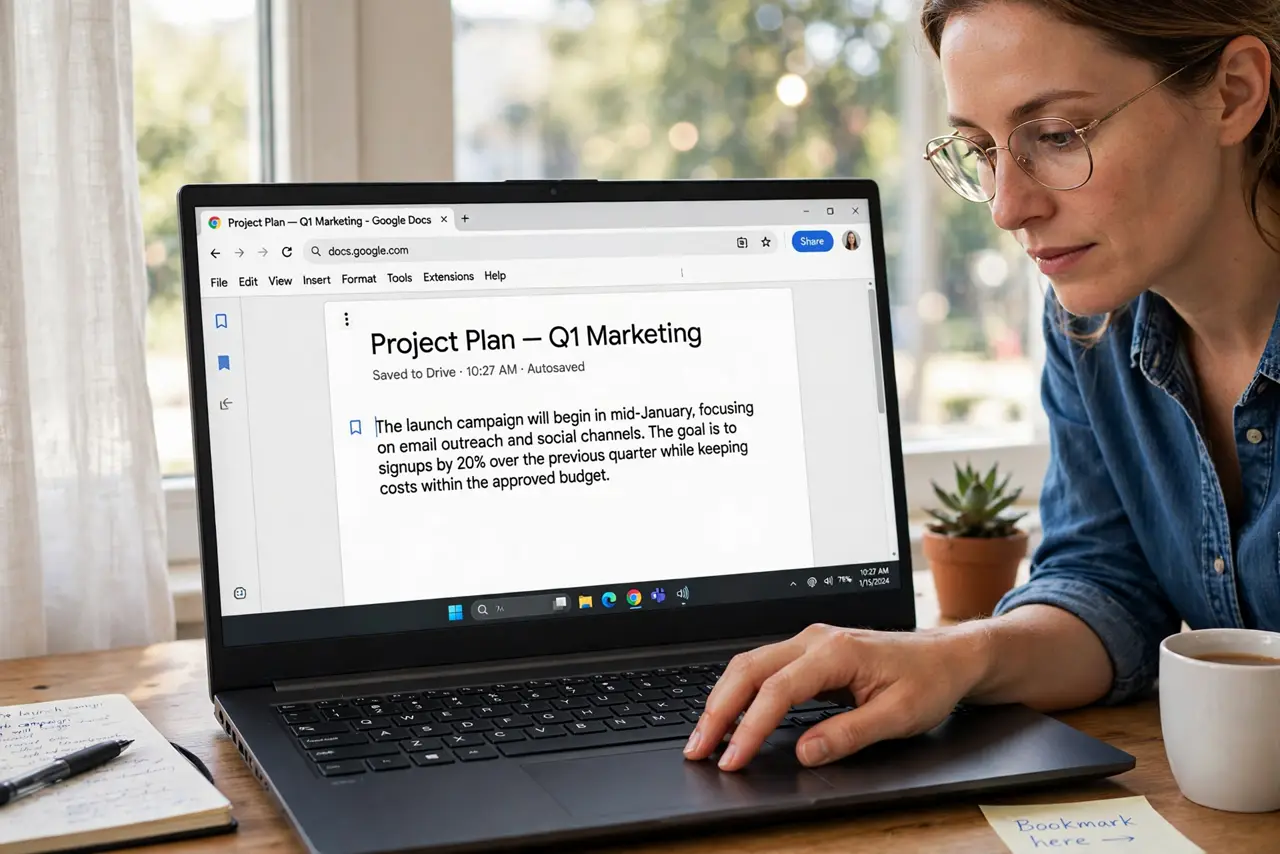
- Place the cursor precisely. Click exactly where the anchor belongs — the start of the paragraph or table. Precision now saves confusion later.
- Insert the bookmark. Insert > Bookmark. A small blue ribbon marks the spot — visible to editors, invisible in print.
- Link to it. Select the link text elsewhere, Insert > Link, choose Bookmarks, and pick yours. The link jumps straight to the anchor.
- Write descriptive link text. See the pricing table beats click here — for humans and for accessibility. The text should survive without the link.
- Link from outside the doc. Copy the bookmark link and share it — recipients land at the exact paragraph, not the top of page one.
- Clean up dead bookmarks. Delete the ribbon for anchors nobody links to. Bookmark clutter is invisible until someone opens the link picker.
What NOT to do
- Do not bookmark every paragraph. Bookmarks are for destinations people actually need to jump to.
- Do not use click here as link text. Describe the destination — always.
- Do not place bookmarks mid-sentence. Anchors belong at paragraph or section starts.
- Do not forget bookmarks are editor-visible. The little ribbons do not print, but collaborators see them.
Frequently asked questions
What is the difference between a bookmark and a heading link?
Headings auto-generate link targets; bookmarks let you anchor any exact spot — mid-section, a table, a figure.
Do bookmark links work for viewers?
Yes — anyone with doc access can follow them, inside the doc or via a shared link.
Can I link to a bookmark in another document?
Yes — paste the bookmark URL anywhere. Cross-doc deep links work like any shared link.