Compare Two Documents
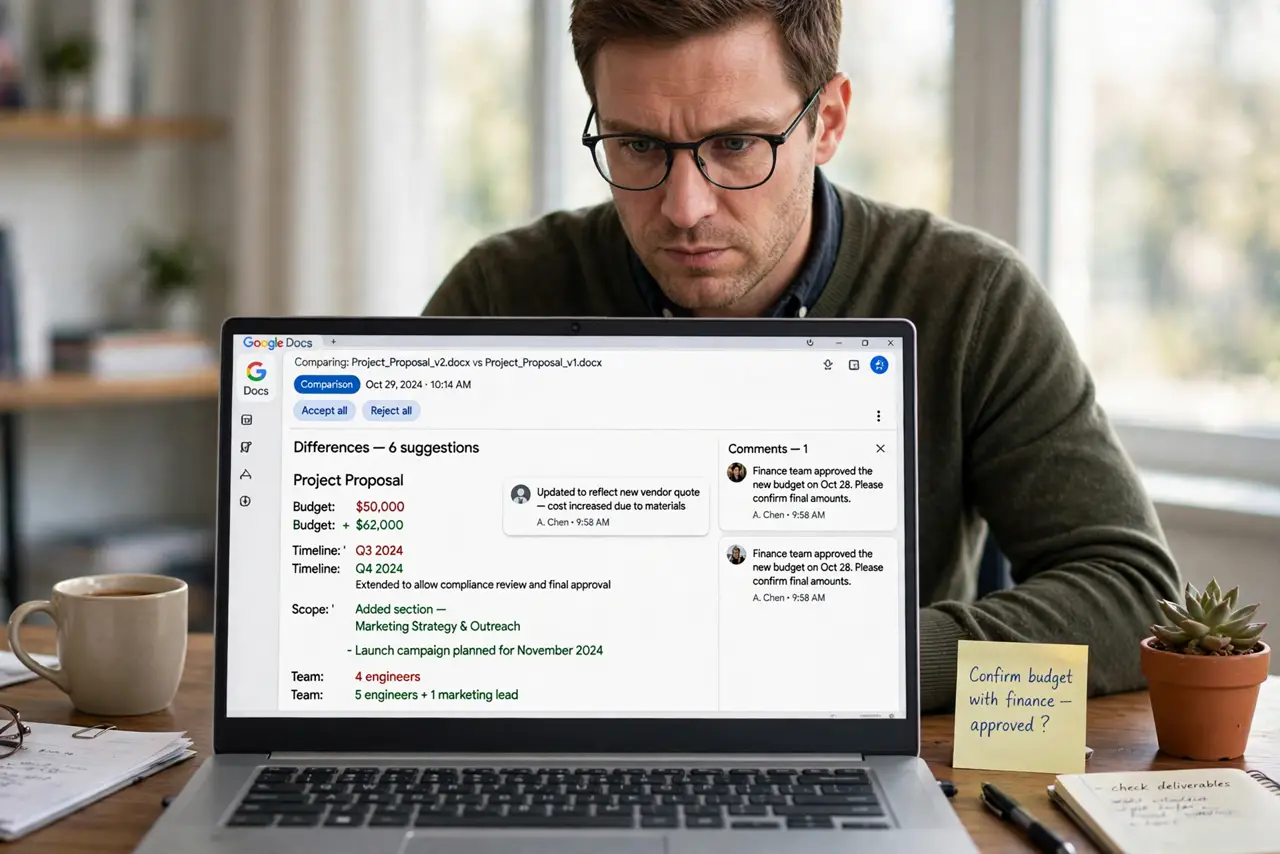
Two versions of the same document, and nobody remembers what changed. Docs Compare documents tool generates a third document showing every difference marked up. Here is how to run it and read the result.
TL;DR / Quick Fix
Quick fix: in Google Docs go to Tools > Compare documents, pick the comparison document, and open the generated comparison doc — changes appear as suggestions you accept or reject. Name the comparison clearly ('v2 vs v3'). Compare final drafts, not moving targets.
Follow these steps
- Finalize both versions. Save each version as its own state — no edits mid-compare. Moving targets produce meaningless diffs.
- Open Compare documents. In the newer version: Tools > Compare documents. Choose the older document from Drive.
- Name the comparison. Give the output a clear name — Contract v2 vs v3. Future-you will thank present-you.
- Read the markup. The comparison doc shows changes as suggestions: insertions underlined, deletions struck through. Accept or reject each.
- Attribute the differences. The markup shows what changed, not who or why. Pair the diff with version notes — see named versions for the habit.
- Archive the comparison. Keep the comparison doc with the versions. The what-changed record is gold in disputes and audits.
What NOT to do
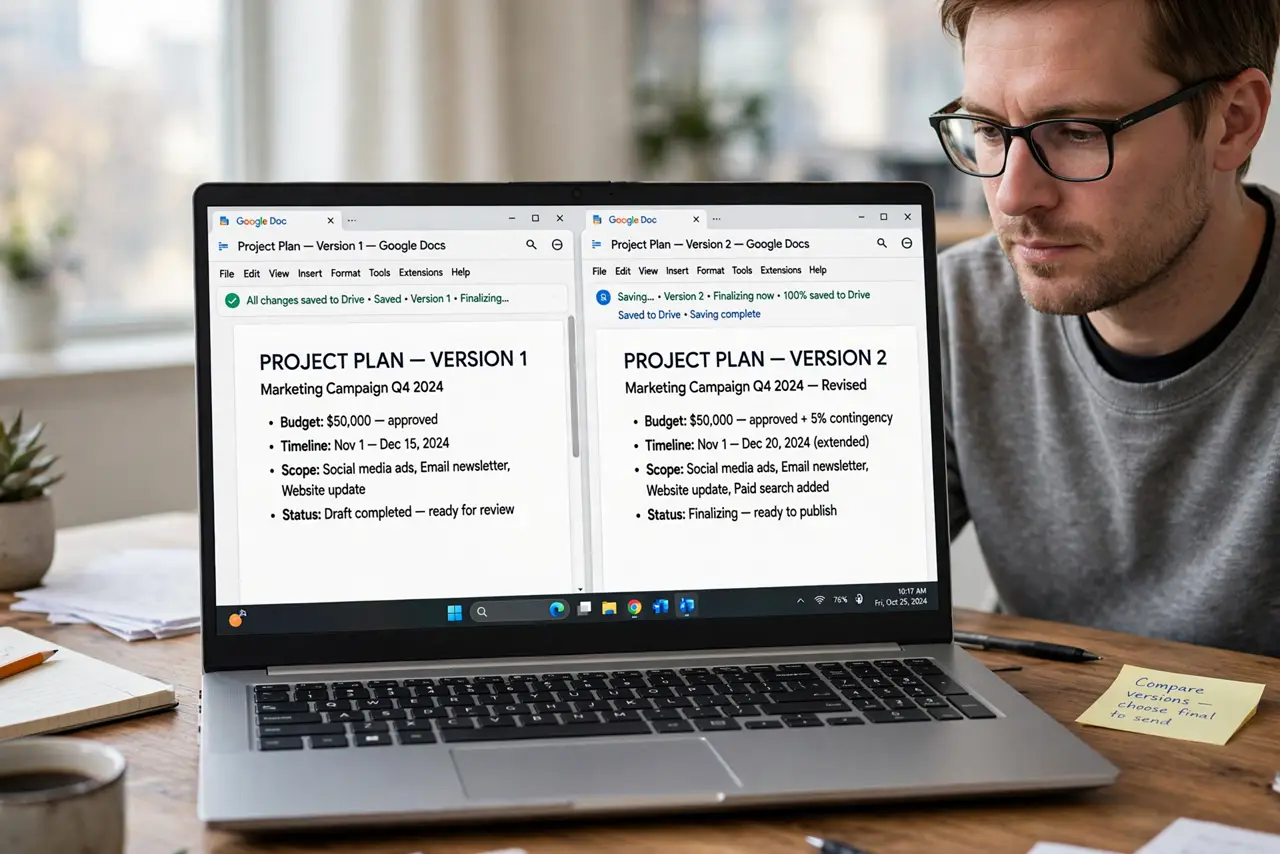
- Do not compare documents that are still being edited. Freeze both versions first.
- Do not compare wildly different documents. The tool diffs versions of one document — two different docs produce noise.
- Do not skip naming the output. Comparison of... with no versions named is archaeology later.
- Do not treat the diff as approval. Reading changes is step one; someone still has to accept them.
Frequently asked questions
Where does the comparison document go?
Google Drive, as a new document with your chosen name. It is a real doc — share and comment on it normally.
Can I compare more than two documents?
Pairwise only — compare v1 vs v2, then v2 vs v3. Chains of comparisons tell the full story.
Compare vs version history — which?
Version history shows one doc past; Compare diffs two separate documents. Related but different — see the side-by-side guide too.