Add Footnotes in Docs
Sources, asides, and definitions belong at the bottom of the page, not clogging the paragraph. Footnotes in Docs are one shortcut away and renumber themselves as you edit. Here is how to add them properly.
TL;DR / Quick Fix
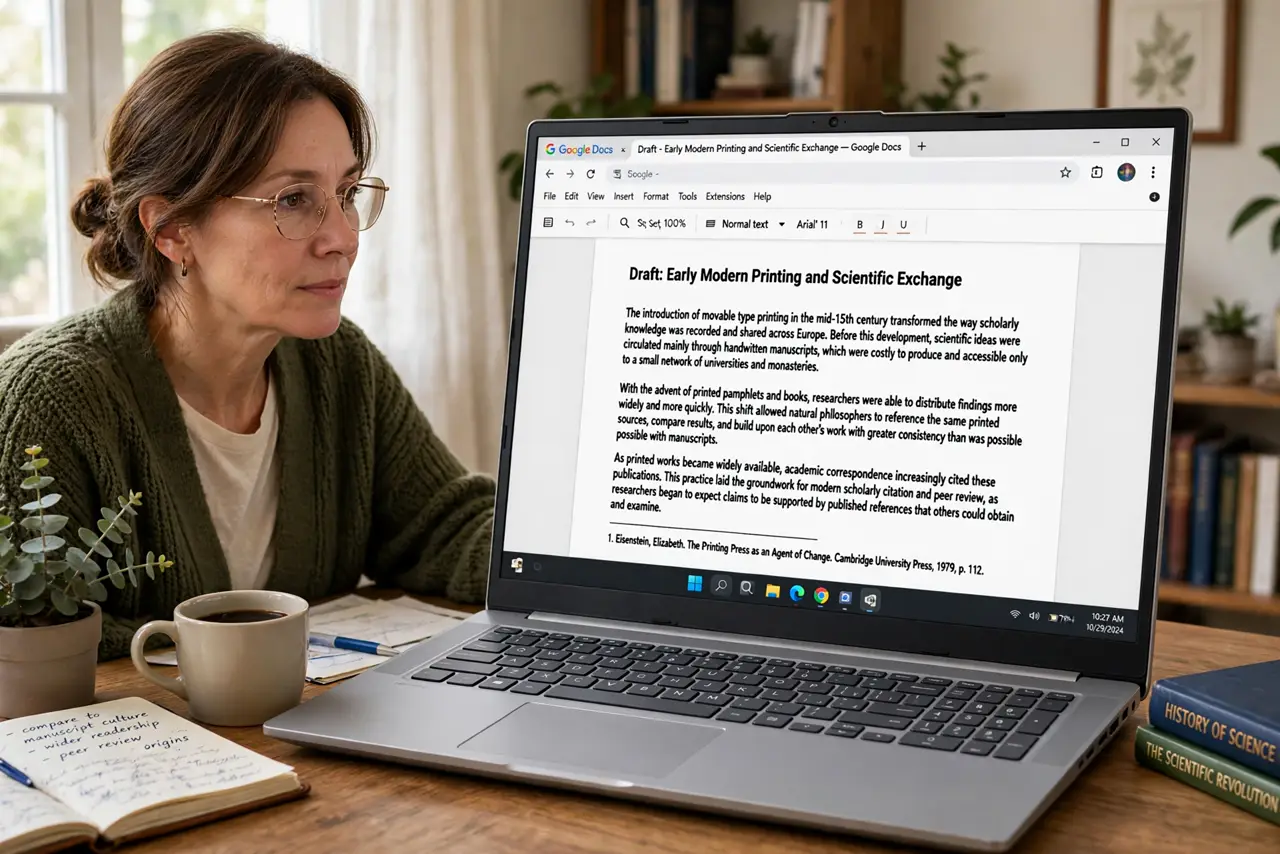
Quick fix: in Google Docs place the cursor after the word, press Ctrl+Alt+F (Cmd+Option+F on Mac), and type the note — Docs numbers and positions it automatically. Keep footnotes short; if it needs a paragraph, it belongs in the body. They renumber themselves when you add or delete.
Follow these steps
- Place the cursor. Click right after the word or sentence the note belongs to — no space before the marker.
- Insert the footnote. Insert > Footnote, or Ctrl+Alt+F — Cmd+Option+F on Mac. The cursor jumps to the footer, numbered and ready.
- Write it short. One or two sentences: source, definition, aside. A footnote that needs a paragraph is body text in exile.
- Let numbering handle itself. Add and delete freely — Docs renumbers every footnote automatically. Never number them by hand.
- Style consistently. Pick one citation style and stick to it — author, title, year, in the same order every time. Consistency is credibility.
- Check in print preview. Footnotes live at page bottoms; pagination shifts them. Preview before printing — a footnote orphaned from its page confuses.
What NOT to do
- Do not write essays in footnotes. If it matters that much, promote it to the body.
- Do not number footnotes manually. Auto-numbering exists — manual numbers rot on the first edit.
- Do not footnote common knowledge. Sources for claims, not for the sky is blue.
- Do not mix footnotes and endnotes randomly. Pick one system per document.
Frequently asked questions
What is the footnote shortcut?
Ctrl+Alt+F on Windows, Cmd+Option+F on Mac. Insert > Footnote works everywhere.
Can I convert footnotes to endnotes?
Docs keeps footnotes at page bottoms; true endnotes need an add-on or manual section.
Why did my footnote numbers restart?
Section breaks can restart numbering — see the numbering guide if it happens.