Edit Docs Offline? Setup
On a plane, in a dead zone, or with flaky Wi-Fi — Google Docs can still work, but only if offline mode was set up beforehand. The setup takes a few minutes on a computer with Chrome and then your recent documents quietly sync for offline use. Edits you make offline upload themselves the moment you reconnect.
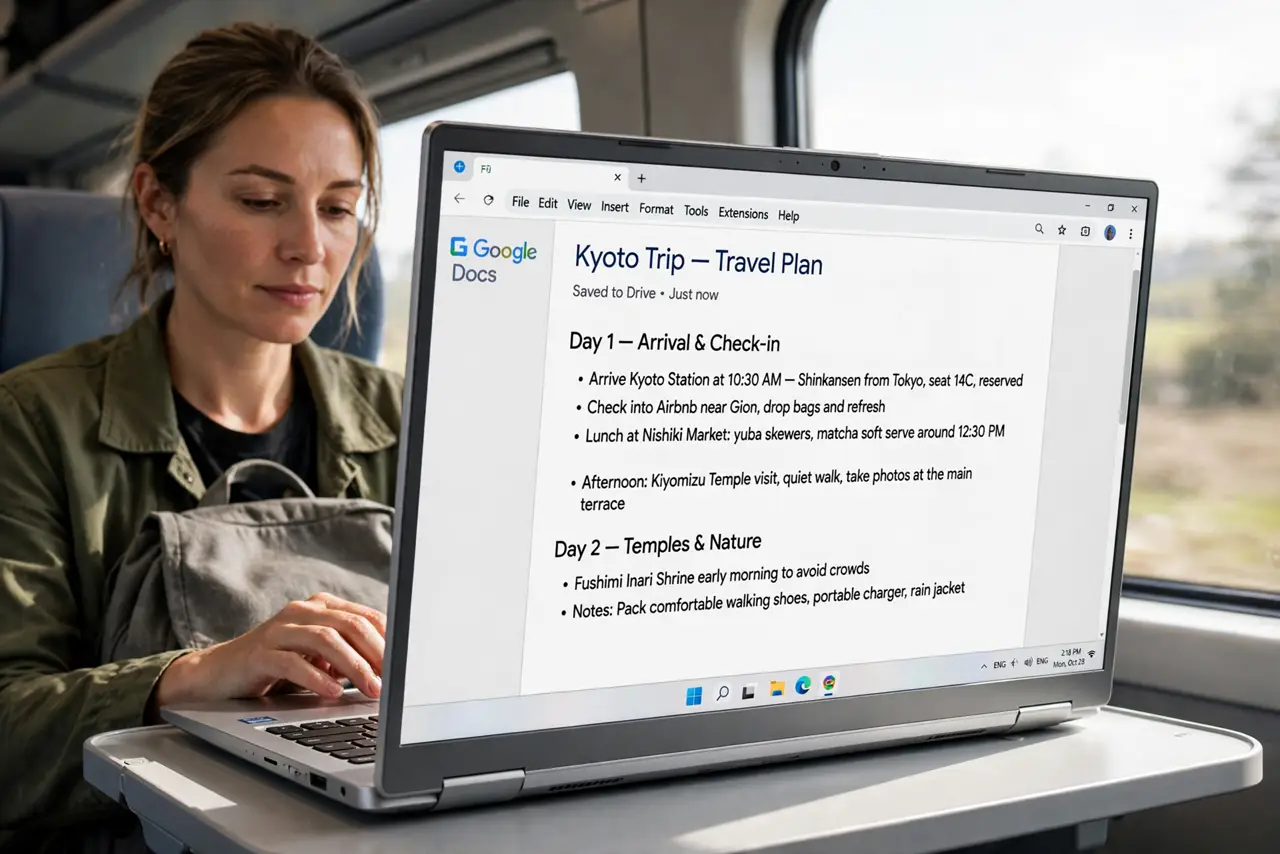
TL;DR / Quick Fix
Install Chrome and the Google Docs Offline extension, then open Google Drive settings and turn on Offline so recent Docs sync locally. You can also open a single doc and choose File > Make available offline for just that file. Edits queue while disconnected and sync when you reconnect.
Follow these steps
- Use Chrome on a computer. Offline Docs works best in Chrome on Windows or Mac. Open Chrome and sign in to your Google account first.
- Install the Google Docs Offline extension. Chrome usually prompts you; otherwise install Google Docs Offline from the Chrome Web Store. It is the engine that stores documents locally.
- Turn on Offline in Drive settings. Go to drive.google.com, click the gear, choose Settings, and tick Offline under the General tab. Drive begins syncing your recent files.
- Make one document available offline. Open the document and choose File > Make available offline. This pins that specific file even if it is not recent — useful for the one doc you need on the plane.
- Test before you need it. Disconnect Wi-Fi, open docs.google.com, and confirm your document opens and edits. An offline edit shows a small lightning-bolt style indicator.
- Reconnect to sync. When you are back online, open the document — queued edits upload automatically. Check for a brief syncing indicator, then confirm the latest text is there.
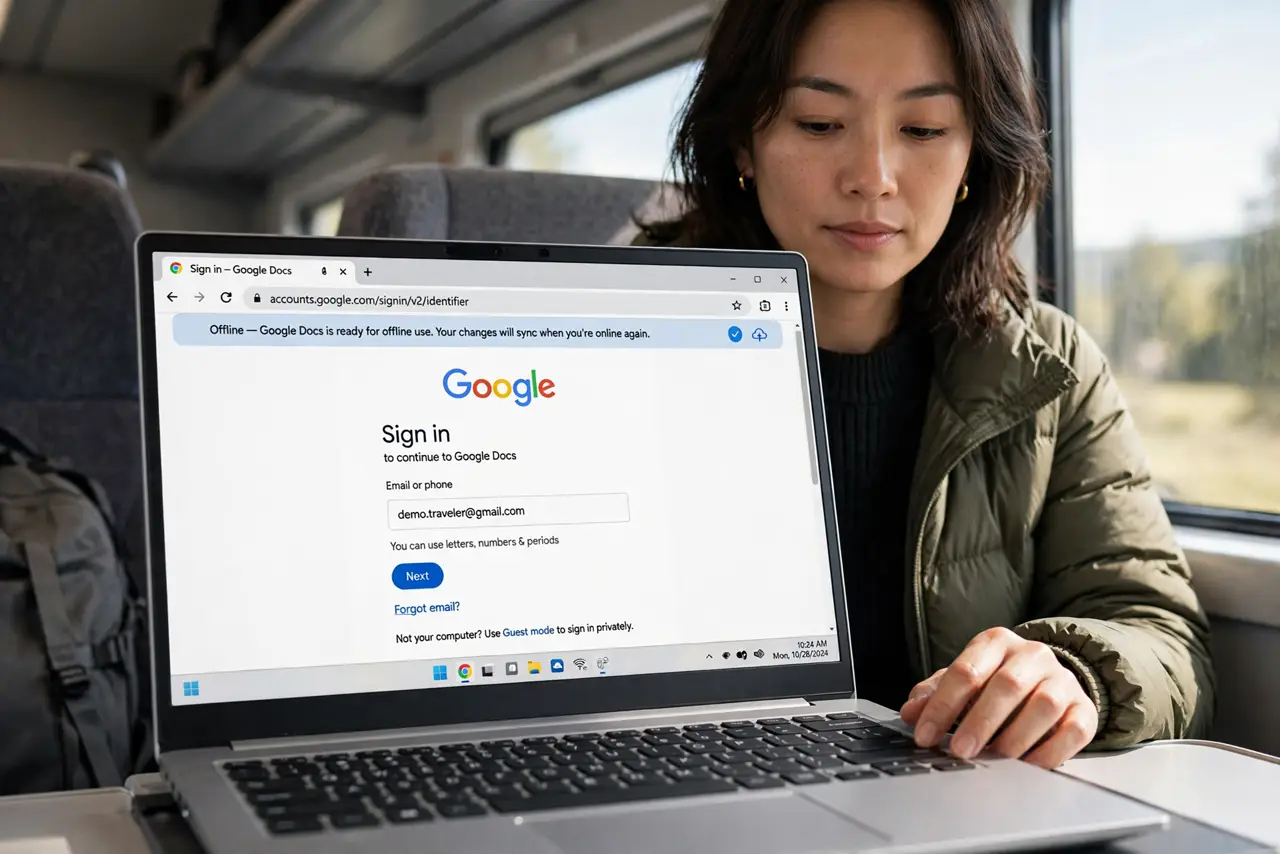
What NOT to do
- Do not set this up at the gate. Syncing hundreds of documents needs time and bandwidth — do it at home the night before.
- Do not use offline mode on a shared or public computer. Locally synced files linger on that machine for the next user.
- Do not edit the same document on two offline devices. You will create conflicting versions that are painful to merge — stick to one device while offline.
- Do not assume every file type works. Docs, Sheets, and Slides support offline; other Drive files may only be viewable.
Frequently asked questions
Why does my document say offline is unavailable?
Usually the extension is missing or you are not in Chrome. Install Google Docs Offline and confirm the Offline toggle in Drive settings.
Do offline edits ever get lost?
Rarely — they queue locally and sync on reconnect. The risk case is wiping the browser profile before reconnecting, which deletes the queue.
Can I make a shared document available offline?
Yes, with File > Make available offline — but if someone else edits it while you are offline, you will merge on reconnect; coordinate on busy shared docs.