Start Page Numbers Later in Docs? Fix It
Reports and essays often need page 1 to start on page 3, after the cover and table of contents. Google Docs hides this behind section breaks, which is why it feels impossible. This guide shows the exact clicks to start numbering on any page.
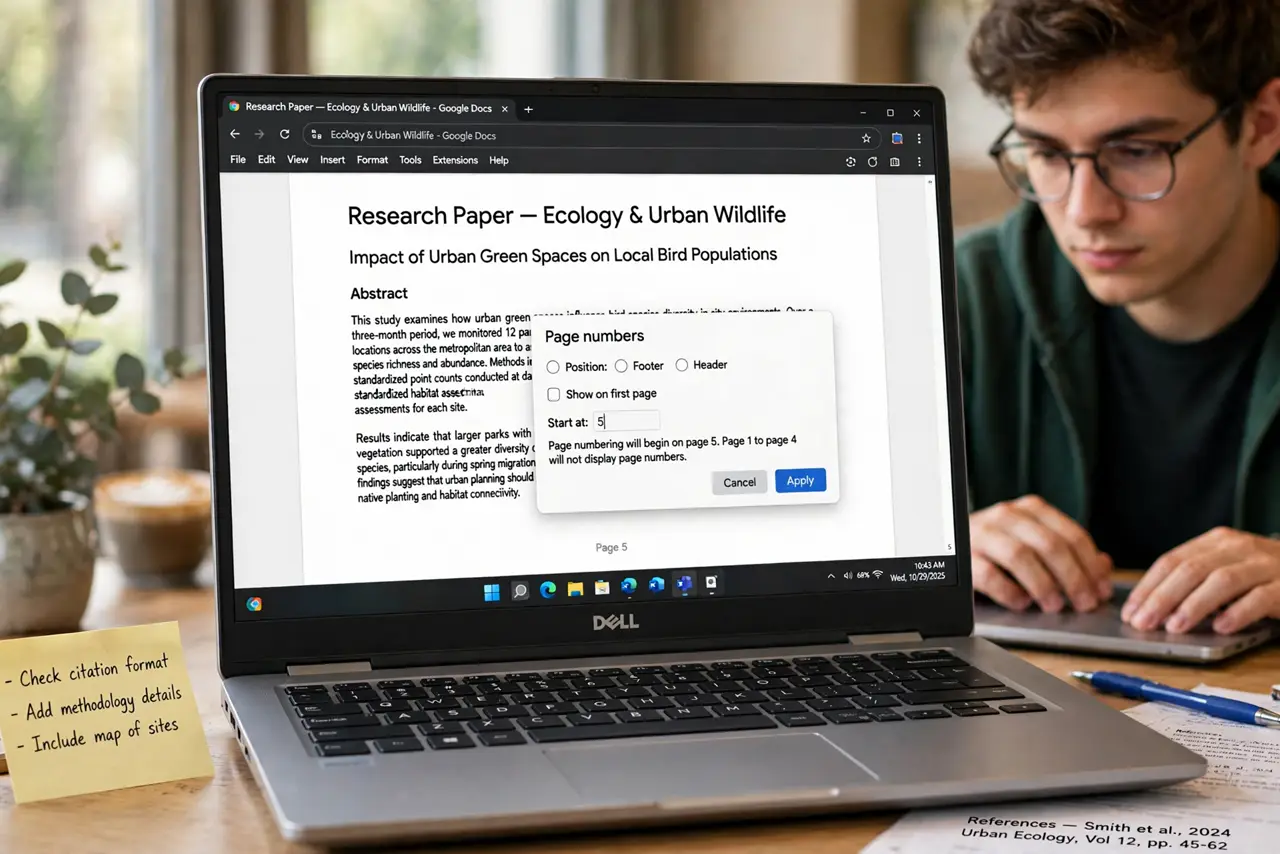
TL;DR / Quick Fix
Insert a section break where numbering should start, unlink the new section's header or footer, then insert page numbers and set the start value. Check that earlier pages show no numbers. Test the whole document twice before printing or exporting.
Follow these steps
- Put the cursor where numbering should start. Click at the very start of the page where page 1 should appear — for example, the first page of the actual content.
- Insert a section break. Open Insert, then Break, then Section break (next page). The document now has two sections, and each can have its own headers, footers, and numbering.
- Unlink the new section's footer. Double-click the footer in the new section and uncheck Link to previous — the same idea as footnotes that restart their numbering. Without this, numbering changes leak into the first section.
- Insert page numbers in the new section. With the cursor in the new section's footer, open Insert, then Page numbers, and pick a position. Numbers now appear only from this section on.
- Set the starting number. Open the page number format options and set the start value to 1, or whatever the first content page should show.
- Check every page before exporting. Scroll from the first page to the last and confirm the cover pages have no numbers and the sequence is right. Fix it now, not after printing twenty copies.

What NOT to do
- Do not use a plain page break instead of a section break. Page breaks do not separate numbering, so the numbers will still start on page one.
- Do not forget to unlink the footer. This single checkbox is the step almost everyone misses.
- Do not number by typing numbers manually. Manual numbers never update when pages shift.
- Do not skip the full scroll-through. Numbering bugs hide on pages you never look at.
Frequently asked questions
Can page 1 start on page 3 in Google Docs?
Yes. Insert a section break before page 3, unlink the footer, insert page numbers there, and set the start value to 1.
Why do my first pages still show numbers?
The new section's footer is still linked to the previous section. Uncheck Link to previous in that footer.
Will this survive exporting to Word or PDF?
Yes, if the section breaks are real section breaks. Always re-check the export, since converters occasionally mishandle them.