Resolve Comments? How To
Your document is peppered with comment threads — questions answered, typos fixed, debates settled — and the margins are chaos. Resolving a comment marks its discussion as done and tucks it away, without deleting the history. A resolved document is a clean document. Here is how to resolve comments properly.

TL;DR / Quick Fix
Quick fix: resolving a comment in Google Docs marks the discussion done and tucks it away without deleting it. Click the checkmark on the comment to resolve it; the thread stays in comment history. Reopen it anytime if the issue returns. Resolve comments as you finish to keep things clean.
Follow these steps
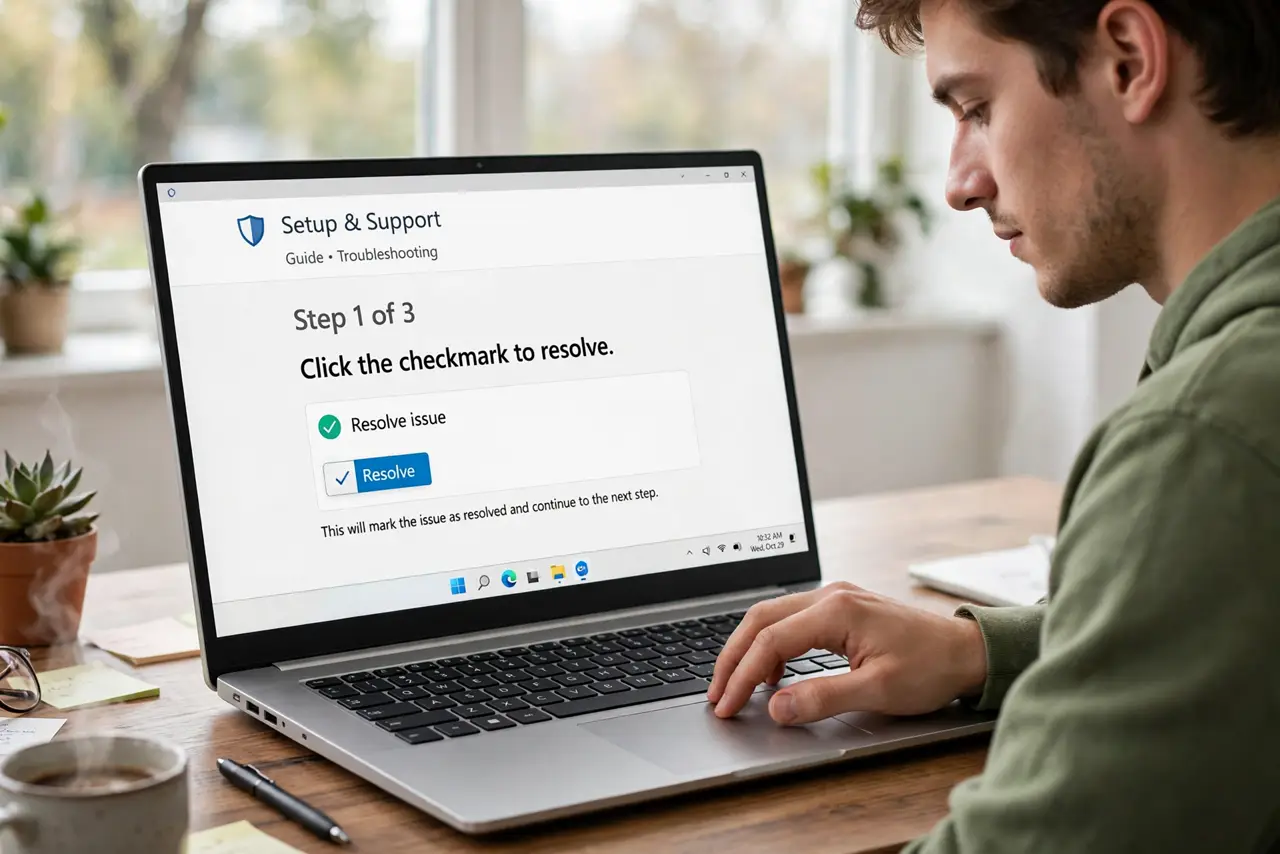
- Click the checkmark to resolve. Every comment has a Resolve button (the checkmark). One click marks the thread done and collapses it out of the margin.
- Know resolved does not mean deleted. The thread moves to the comment history, retrievable anytime. Resolving is filing, not shredding — unlike deleting, which is permanent.
- Resolve only what is actually done. Read the thread first. Resolving an unanswered question to 'clean up' just buries someone's concern — reply first, then resolve.
- Reopen when issues return. From the comment history, any resolved thread can be reopened. Decisions get revisited; the history makes that painless.
- Use resolve as a progress tracker. In a review pass, resolving each thread as you address it shows exactly what remains. The shrinking margin is satisfying and honest.
- Know the difference from deleting. Delete removes the thread forever. Resolve archives it. When in doubt, resolve — see resolve vs delete.
What NOT to do
- Do not resolve comments you have not read. Drive-by resolving buries other people's questions and breeds resentment.
- Do not delete comments instead of resolving. Deletion destroys the history; resolving preserves it for future reference.
- Do not leave fifty open threads 'for later.' Stale open comments make every reader wonder what is still broken.
- Do not resolve someone else's thread without answering. If the comment was addressed to you, reply first — then resolve.
Frequently asked questions
Can I see resolved comments later?
Yes — open the comment history from the Comments button in the toolbar. Every resolved thread lives there, searchable.
Who can resolve a comment?
Anyone with commenter or editor access can resolve threads. Viewers cannot.
I resolved by accident — can I undo?
Yes. Find the thread in the comment history and reopen it. Nothing about resolving is permanent.