Translate a Whole Document
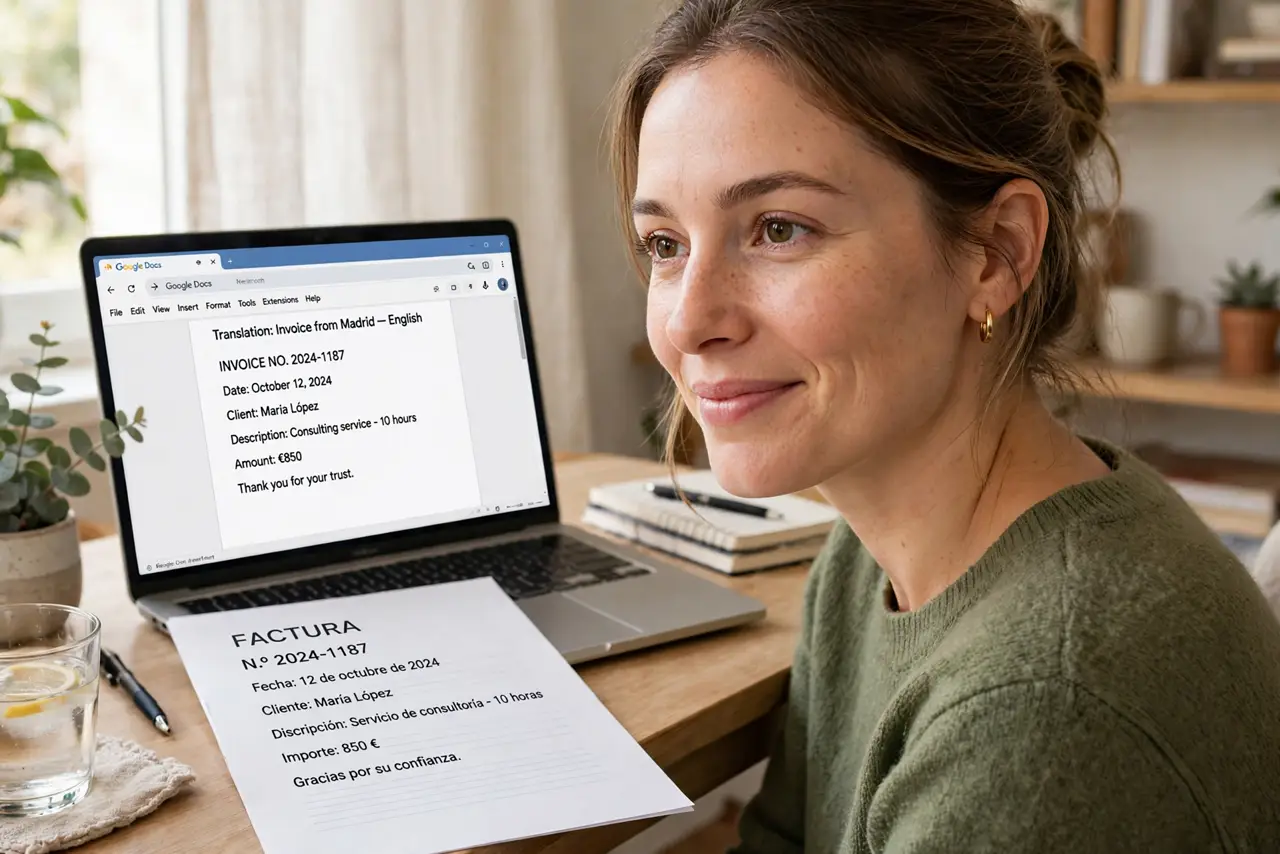
A document arrives in a language you do not read — a contract, a manual, a relative's letter. Google Docs translates the entire document in seconds, creating a translated copy while keeping your original safe. Formatting mostly survives the trip. See the translate document walkthrough and the formatting notes.
TL;DR / Quick Fix
Quick fix: in Google Docs, use Tools then Translate document to create a translated copy in seconds — pick the language and go. It handles the whole document at once, formatting mostly intact. Machine translation is great for understanding; have a human check anything you will publish.
Follow these steps
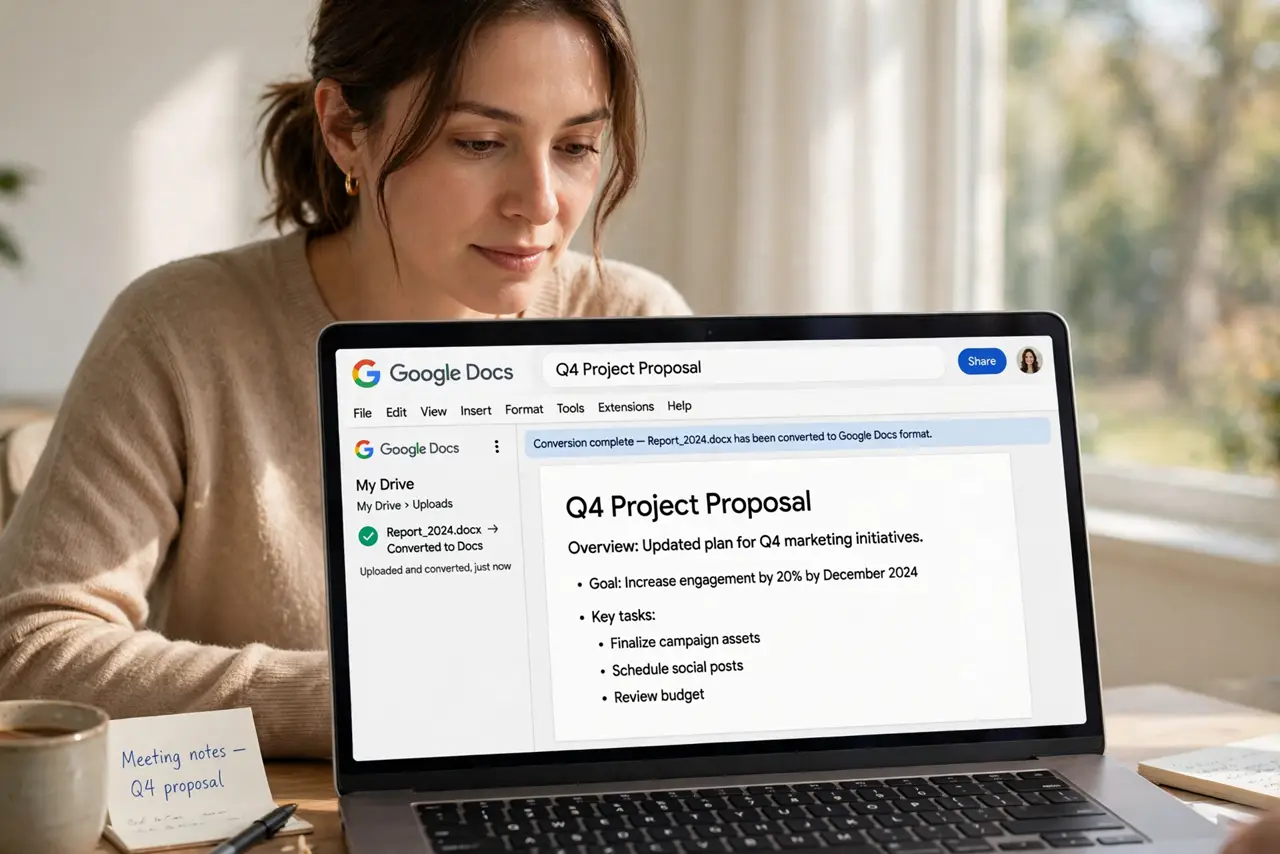
- Open the document in Google Docs. The file needs to be in Docs format — upload and convert it first if it arrived as a PDF or Word file.
- Open the Translate tool. Go to Tools, then Translate document. A dialog asks for the new document's name and target language.
- Pick the language. Choose the language you read. When unsure of the source language, let the tool detect it automatically.
- Create the translated copy. Confirm, and Docs generates a full translated copy in a new document. Your original stays untouched — always work from the copy.
- Skim for translation quirks. Machine translation nails the gist and fumbles idioms, jokes, and technical terms. Read the critical passages with skepticism.
- Get human review for important uses. Contracts, medical info, anything official: a bilingual human must verify. Machine translation informs; humans certify.
What NOT to do
- Do not trust it for legal documents alone. A mistranslated clause is worse than no translation — get professional review.
- Do not translate sensitive documents carelessly. The text passes through translation servers — consider the privacy implications.
- Do not expect perfect formatting. Tables and complex layouts may need tidying in the translated copy.
- Do not delete the original. Keep it alongside the translation for reference and for re-translating as tools improve.
Frequently asked questions
How accurate is it?
Excellent for understanding, shaky for nuance. News articles and manuals translate well; poetry and contracts do not.
Does it work on scanned PDFs?
Only if the PDF has real text. Scanned images need text recognition first — otherwise there is nothing to translate.
Can I translate back to check?
Yes — translating the translation back to the original language is a rough quality check, though not a guarantee.