Docs Voice Typing Ignores Punctuation? Fix It
Google Docs voice typing hears your words but often drops the punctuation unless you say it out loud. Saying comma and period feels unnatural at first, yet it is the whole trick. This guide shows the exact phrases to say and how to fix the text voice typing misses.
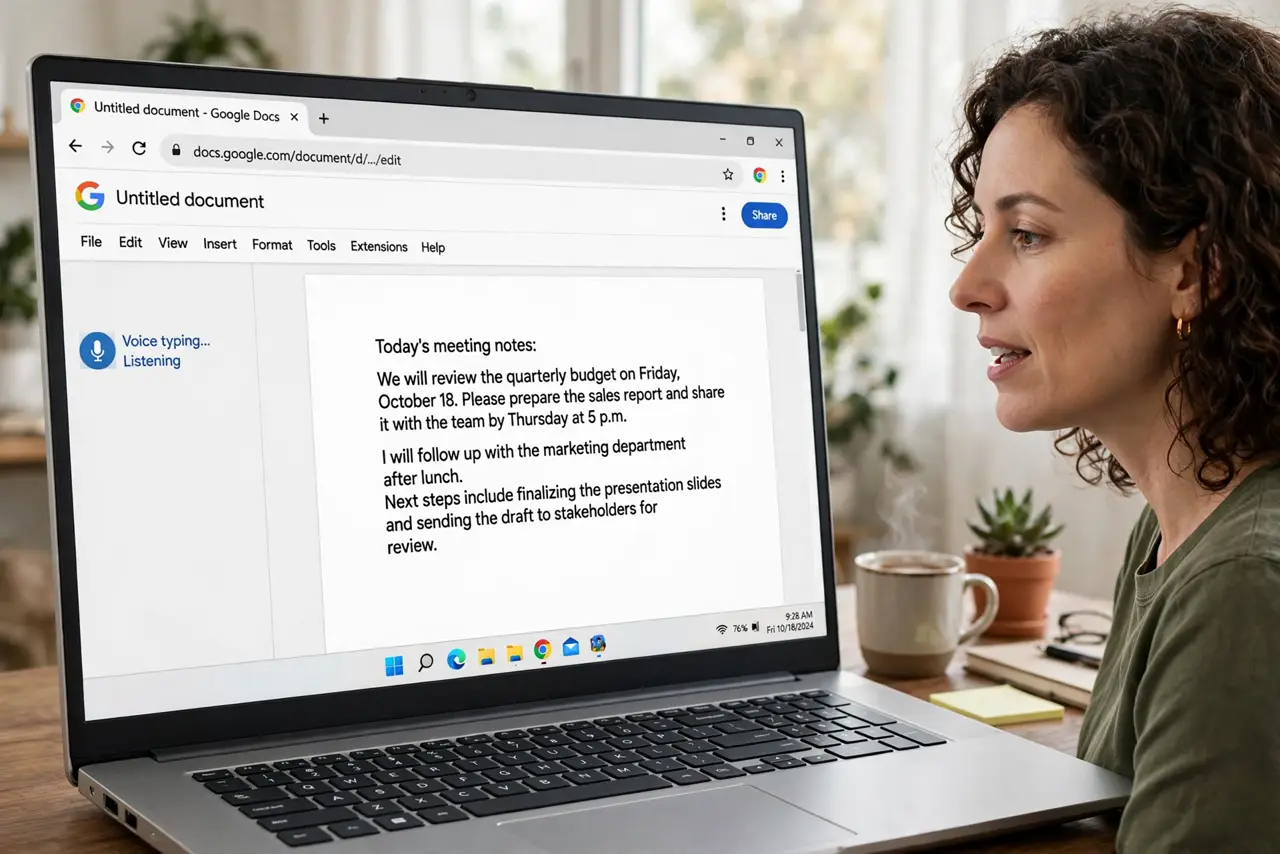
TL;DR / Quick Fix
Say punctuation out loud while dictating: comma, period, new paragraph, and so on. Speak in short phrases, pause briefly at sentence ends, and keep background noise low. After dictating, read the text once and fix anything the tool missed carefully.
Follow these steps
- Open voice typing in Docs. In Google Docs, open Tools and choose Voice typing, then click the microphone. Use Chrome on a computer for the best results, since support is thinnest on other browsers.
- Say every mark out loud. Say comma, period, question mark, exclamation point, and new paragraph exactly where you want them. The tool writes only what you say, so silent punctuation never appears.
- Speak in short, complete phrases. Dictate one sentence or clause at a time, then pause. Long run-on dictation confuses the punctuation engine and produces walls of text.
- Keep the room quiet. Close the door, move away from fans and TVs, and use a decent microphone. Noise makes the tool drop words and marks alike.
- Dictate into suggesting mode for shared docs. If others will review the text, switch to suggesting mode before dictating. Your dictated words arrive as suggestions they can accept or reject.
- Read and fix once after dictating. Read the whole passage aloud and fix missed marks by keyboard. A single cleanup pass is faster than correcting every sentence mid-dictation.

What NOT to do
- Do not dictate a long paragraph without pausing. The tool loses track of sentence boundaries and punctuation collapses.
- Do not mumble the punctuation words. Say comma and period as clearly as the words around them.
- Do not use voice typing for text with heavy formatting. Dictate the words, then add bold, lists, and headings by hand.
- Do not skip the cleanup read. Voice typing gets you most of the way there, but no dictation is publish-ready without one pass.
Frequently asked questions
What punctuation commands does voice typing understand?
Common ones include comma, period, question mark, exclamation point, new line, and new paragraph. Say them exactly, in English, where you want them.
Why does voice typing miss my periods?
Usually you paused too briefly or spoke too fast. Slow down slightly and say the word period deliberately at each sentence end.
Does voice typing work offline?
No. It needs an internet connection, since the speech recognition runs on Google's servers, not on your device.