Add a Watermark in Docs
DRAFT, CONFIDENTIAL, or your logo ghosted behind the text — watermarks mark a document status on every page without touching the content. Docs supports text and image watermarks natively. Here is how.
TL;DR / Quick Fix
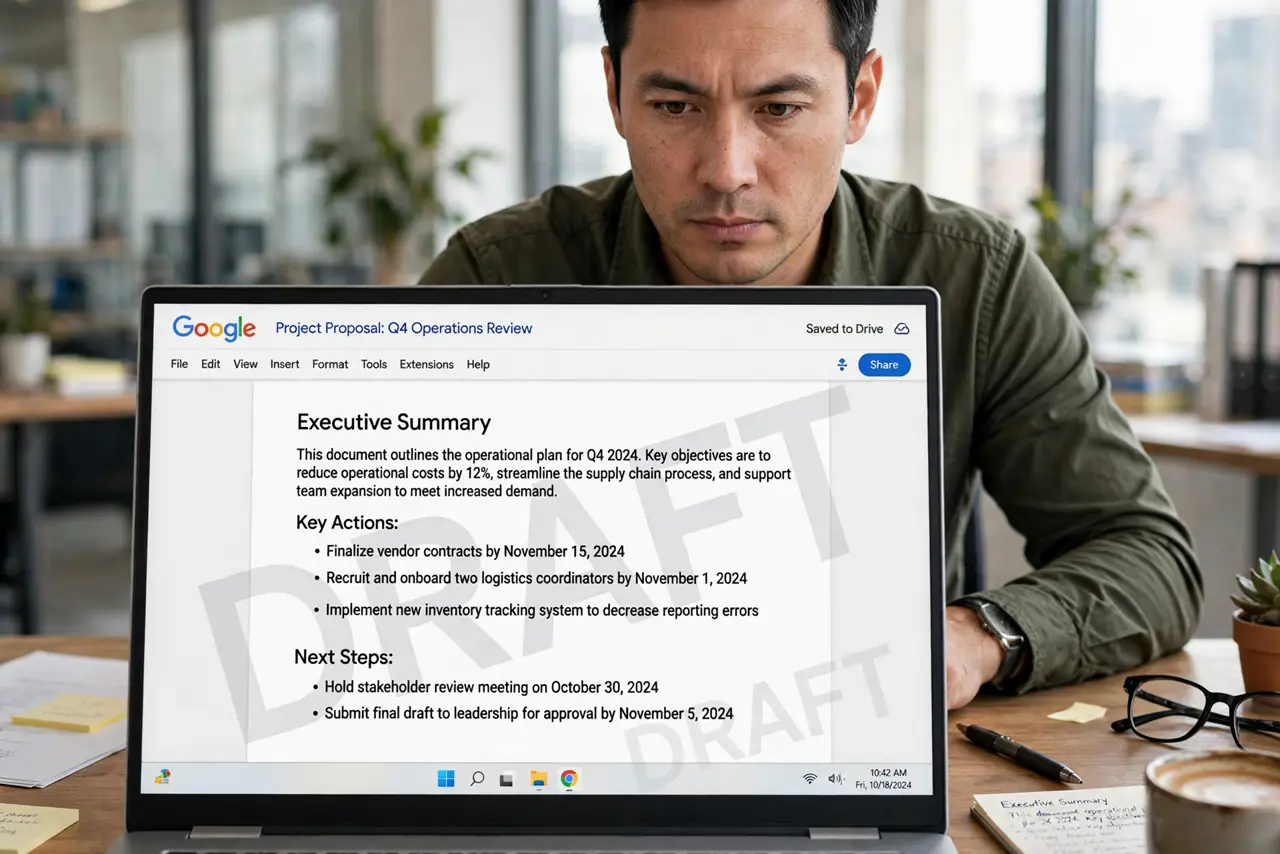
Quick fix: in Google Docs go to Insert > Watermark, choose Text or Image, and set transparency so the content stays readable. Keep watermark text to one word — DRAFT or CONFIDENTIAL. Remove it before final distribution; a watermark that outlives its purpose confuses everyone.
Follow these steps
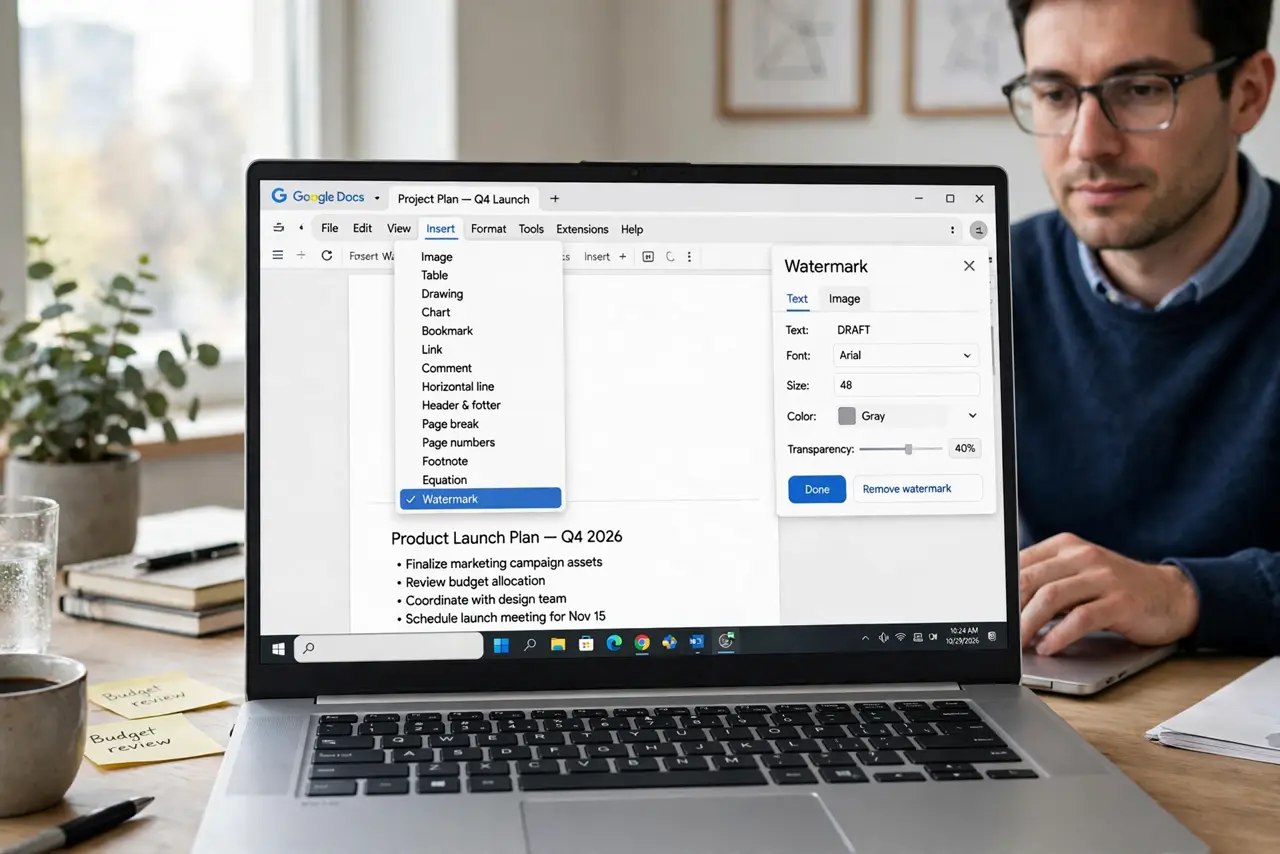
- Open the watermark panel. Insert > Watermark. The side panel offers Text or Image — pick your fighter.
- Set text watermarks. Type one word — DRAFT, CONFIDENTIAL, SAMPLE. Choose the font, then drag transparency until text reads clearly through it.
- Set image watermarks. Upload a logo, set it faded and centered. A watermark logo should whisper, not shout — 80 percent transparency and up.
- Check every page. Scroll the document — the watermark repeats on all pages. Confirm it sits behind text everywhere, not over it.
- Mind the print. Watermarks print by default. Preview in grayscale — a watermark invisible in color-blind printing is a wasted mark.
- Remove before final. Insert > Watermark > Remove watermark before sending the final. Stale DRAFT marks on finished work erode trust.
What NOT to do
- Do not use a dark watermark. If it fights the text for readability, it is too strong.
- Do not watermark with paragraphs. One word or a logo — sentences become wallpaper.
- Do not forget the watermark on exports. It carries into PDF — which is usually what you want, but check.
- Do not leave DRAFT on the final version. The most common watermark sin there is.
Frequently asked questions
Text or image watermark — which?
Text for status — DRAFT; image for branding — logo. Status changes; branding does not — pick accordingly.
Why can I not select the watermark text?
Watermarks live on a background layer — unselectable by design. Edit via Insert > Watermark.
Do watermarks show in Word exports?
Usually yes, as Word watermarks — but verify after converting, since rendering can shift.