Clean Metadata From Documents
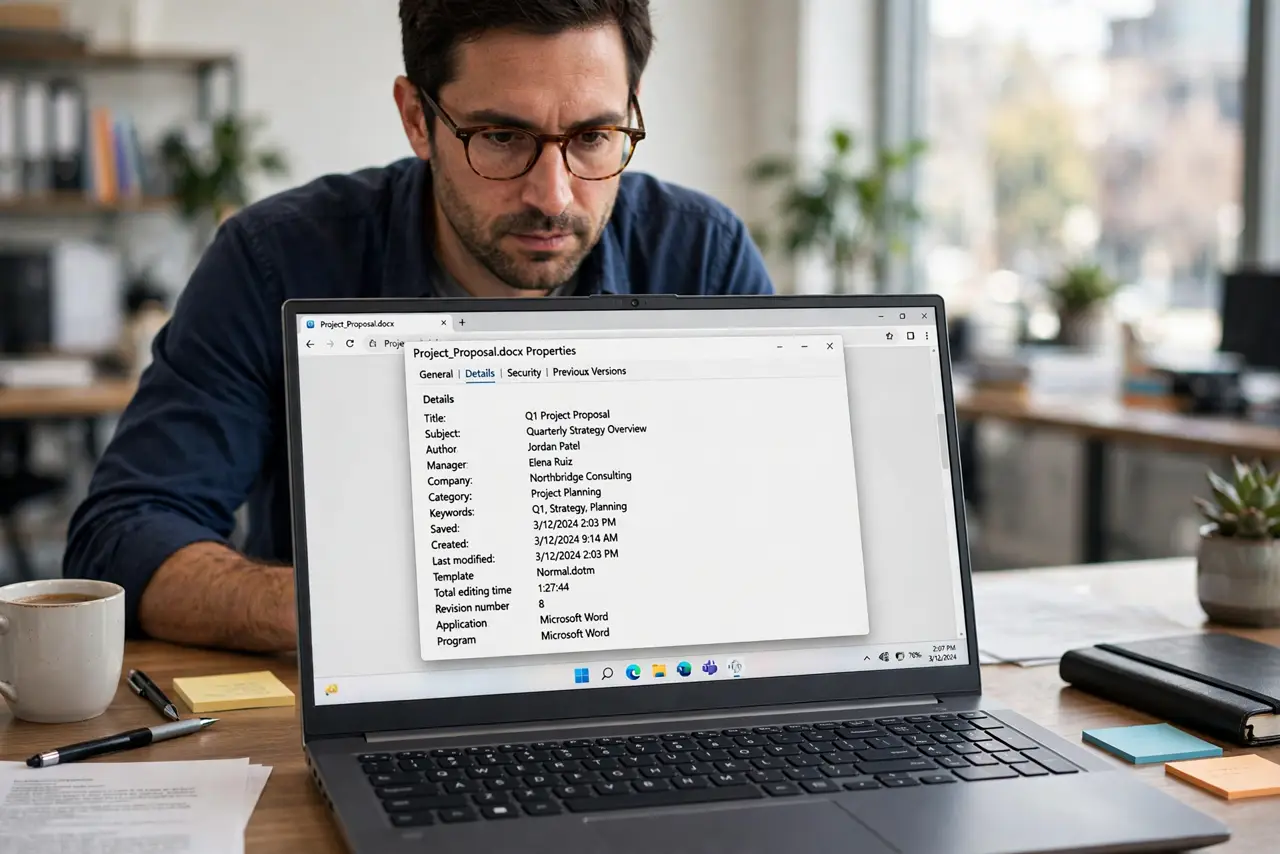
Word and Excel files carry invisible metadata: your name, company, edit history, even deleted text hiding in tracked changes. Sending a 'clean' document that is not can embarrass or endanger you. Here is how to inspect and scrub metadata before you share.
TL;DR / Quick Fix
Office documents store author names, edit history, and comments you thought you deleted. Before sharing externally, inspect the file's properties, accept or reject tracked changes, remove comments, and use the document inspector to scrub hidden data. Never send a .docx with tracked changes to someone who shouldn't see the edits.
Follow these steps
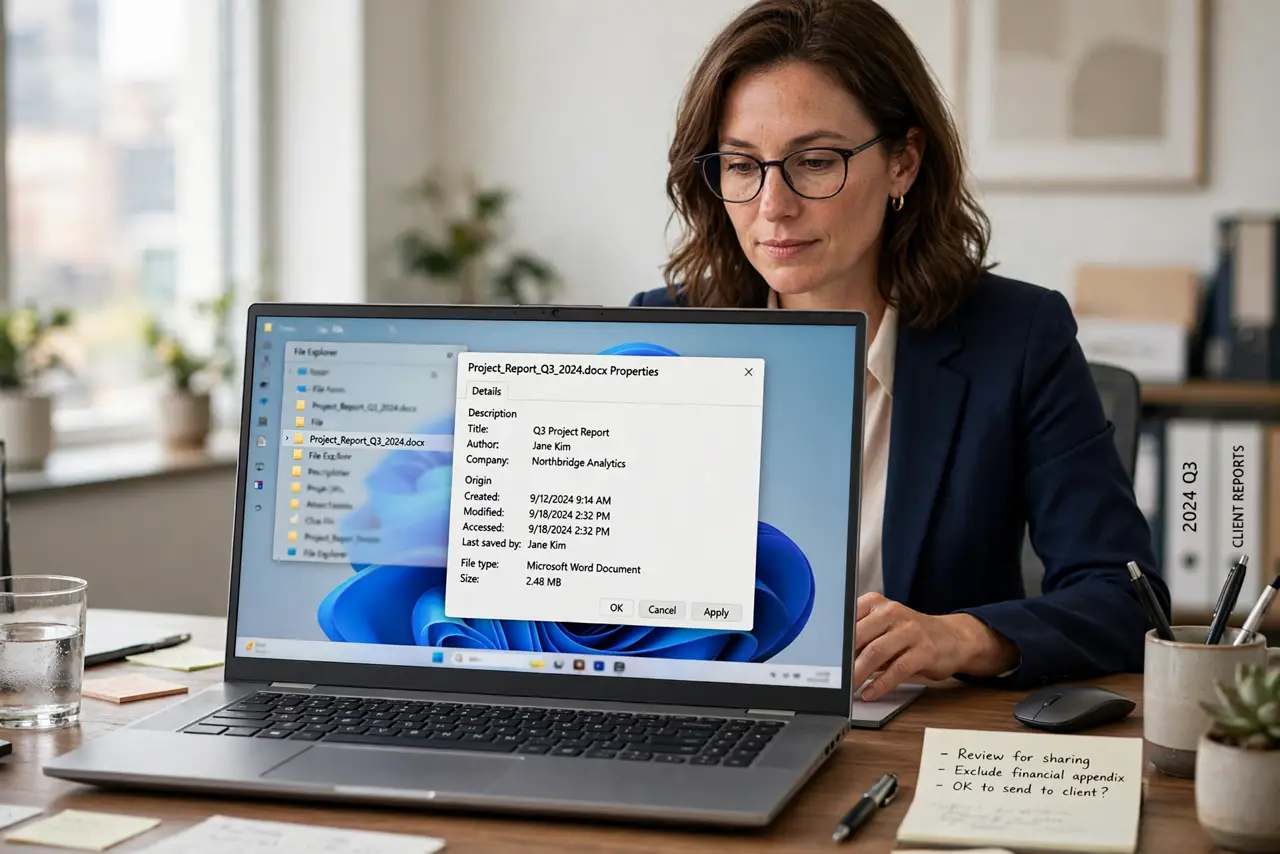
- Check the file's properties. Author, company, and timestamps sit in the properties panel. Decide what you are comfortable sharing.
- Deal with tracked changes. Accept or reject every change. Recipients of a tracked-changes file can see every edit you made — all of them.
- Remove comments properly. Resolve and delete comments; merely hiding them leaves them in the file.
- Run Document Inspector. Word, Excel, and PowerPoint include a built-in inspector that finds and removes hidden metadata.
- Watch the filename and path. Names like 'Final_v2_JUAN_edits.docx' tell their own story. Rename neutrally.
- Consider PDF for final sharing — after scrubbing. PDFs are the safer handoff format, but they carry metadata too — see the PDF guide.
What NOT to do
- Do not send tracked-changes documents externally. Every edit, deletion, and comment is visible to the recipient.
- Do not assume 'deleted' comments are gone. Hidden is not removed — delete them for real.
- Do not trust a rename to clean metadata. Properties survive renames untouched.
- Do not forget headers and footers. They can hold names, paths, and company info.
Frequently asked questions
What is Document Inspector?
A built-in Office tool that scans for hidden metadata — comments, revisions, author info — and removes what you approve.
Does saving as PDF remove metadata?
Not automatically. PDFs carry their own metadata, which needs its own scrub.
Can recipients recover my edits?
If tracked changes or comments remain in the file, yes — trivially.