Remove Metadata From a PDF
PDFs look final and clean — but they quietly carry author names, creation software, timestamps, and sometimes the entire edit history of the document they came from. Before you publish or share a PDF widely, scrub it. Here is how.
TL;DR / Quick Fix
PDFs store author, software, timestamps, and sometimes edit history in their metadata. Open the document properties in your PDF reader or editor, clear the author and title fields, and use a sanitization or redact-metadata option before sharing. Always verify the cleaned file — some tools leave traces behind.
Follow these steps
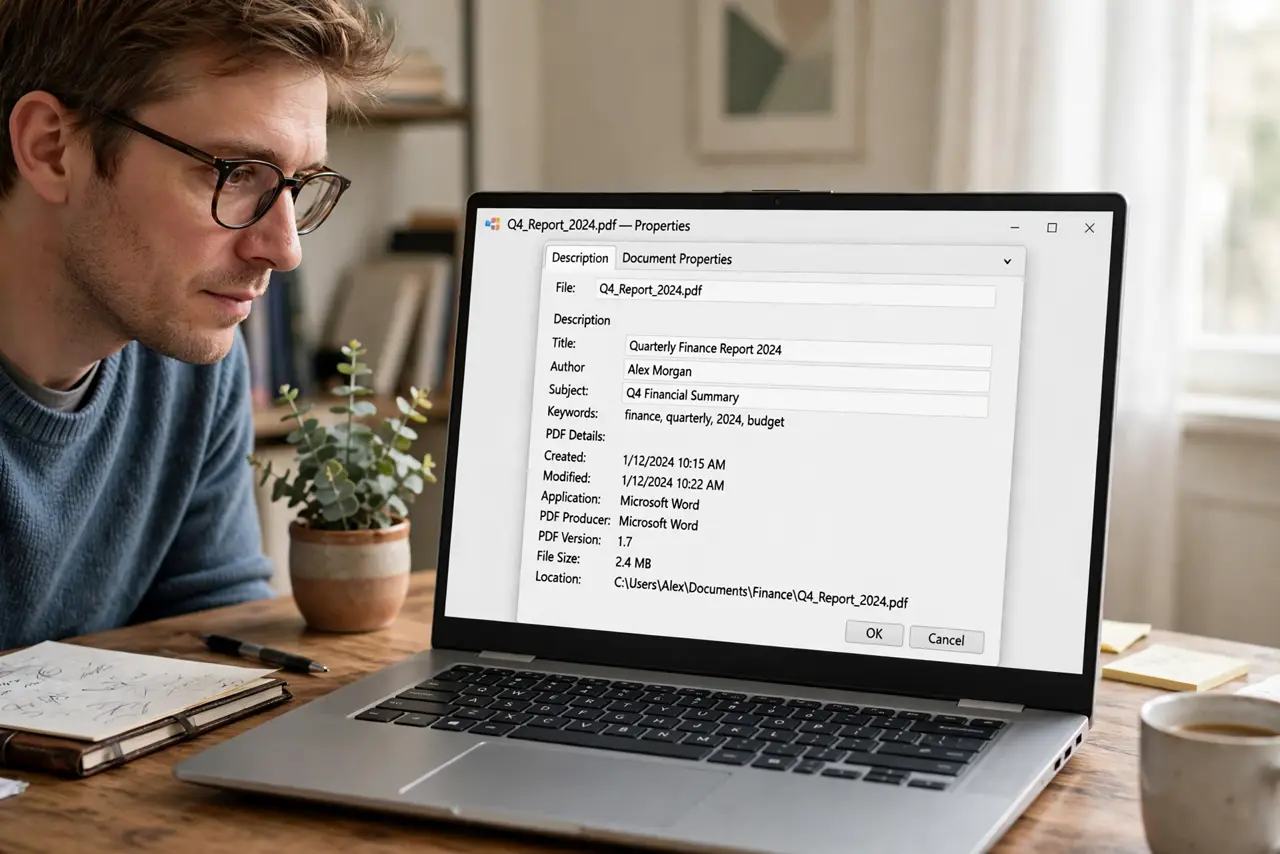
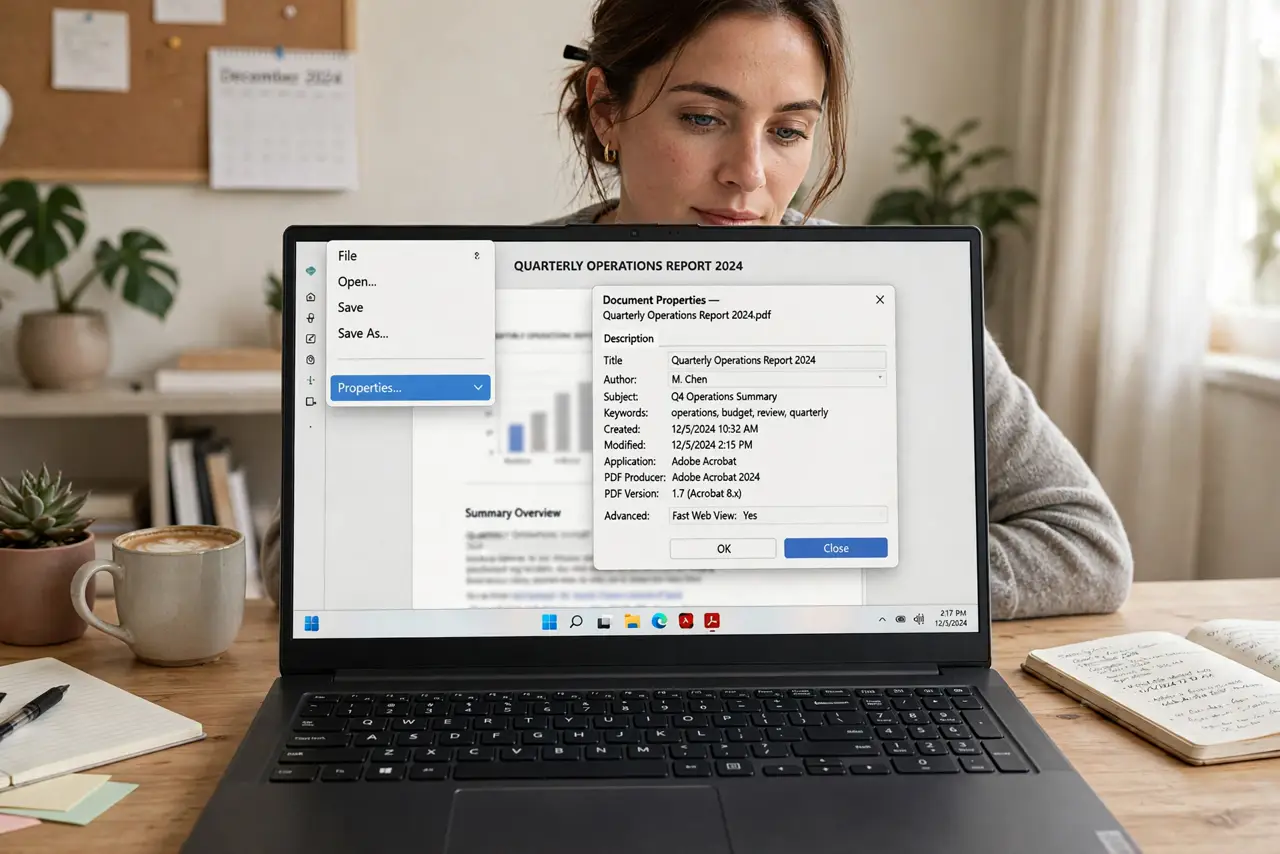
- Inspect the current metadata. Open document properties (usually File > Properties). Author, title, software, and dates are listed plainly.
- Clear the basic fields. Wipe author, title, subject, and keywords. These are the most commonly leaking fields.
- Sanitize the file. Many PDF editors offer a sanitize or clean-document option that strips hidden data beyond the basics.
- Flatten annotations and form data. Comments, form entries, and layers can carry their own metadata. Flatten what you do not need.
- Verify the result. Re-open properties on the cleaned copy. Trust the verification, not the tool's promise.
- Keep an unscrubbed original privately. Scrub a copy, not your only file — you may need the metadata yourself later.
What NOT to do
- Do not assume 'print to PDF' strips everything. It often preserves plenty of metadata.
- Do not share the pre-scrub version by accident. Scrub a copy and share only that copy.
- Do not ignore scanned PDFs. Scanner software writes its own metadata, and OCR layers can hold more.
- Do not trust online 'PDF cleaners' with sensitive files. Uploading the document to a stranger's server defeats the purpose.
Frequently asked questions
Does my PDF reader show metadata?
Most do under File > Properties or Document Properties. Check yours once so you know where to look.
Will scrubbing break the PDF?
No — content, links, and layout stay intact. Only the hidden data goes.
Is a scanned PDF safer?
Not necessarily. Scanner software embeds its own metadata, so scanned files need the same treatment.