Document Page Numbers Restart? Fix It
Page numbers that restart at 1 in the middle of a document make printing, referencing, and reading confusing. The cause is almost always a section break that resets numbering, not a broken page-number field.
TL;DR / Quick Fix
Quick fix: Find the page where numbering restarts. Show section breaks so you can see them. Set numbering to continue from the previous section. Check every section, not just the first bad one. Update the table of contents after fixing numbers. Check the header and footer on the changed pages.
Follow these steps
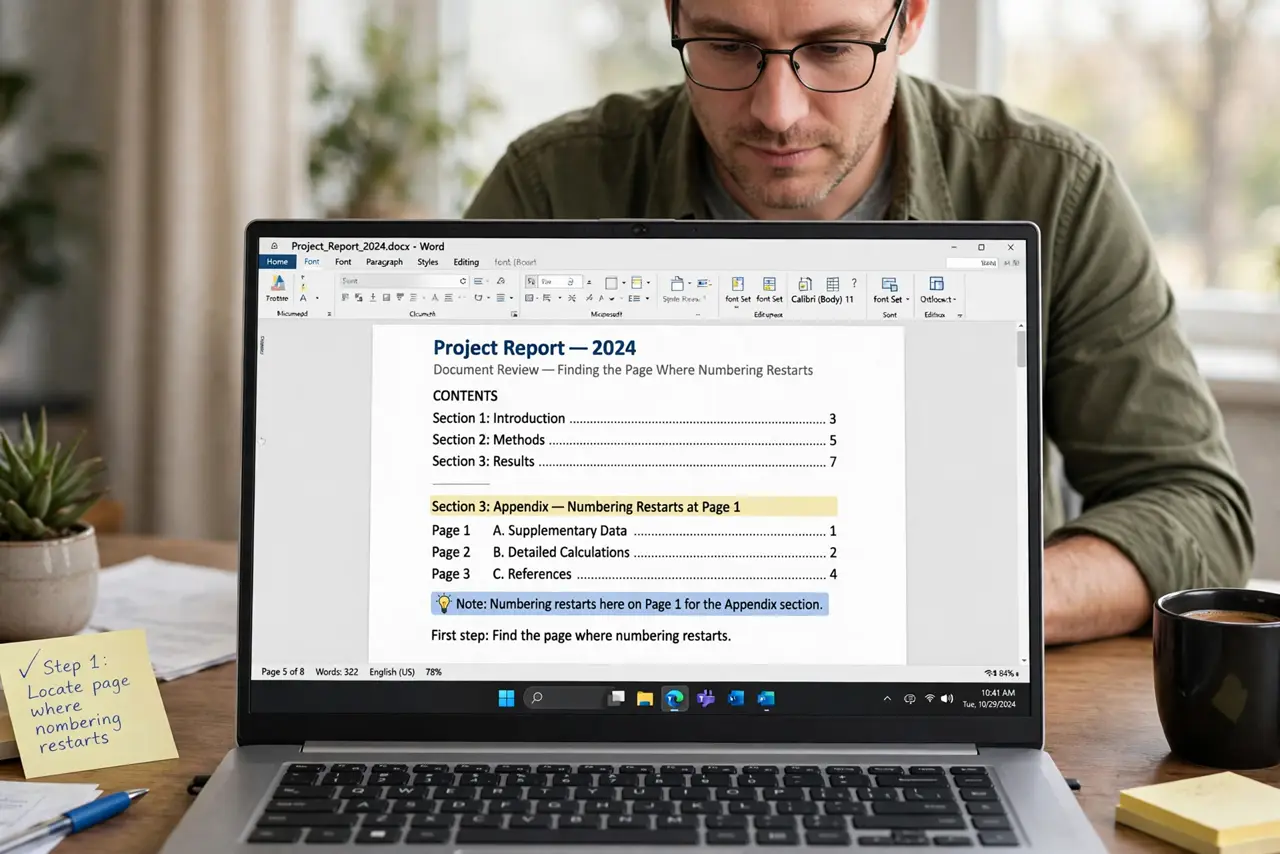
- Find the page where numbering restarts. Scroll to the first page with the wrong number and note it. The problem lives at a break just before that page, not in the footer itself.
- Show section breaks so you can see them. Turn on hidden formatting marks to reveal section breaks. Invisible breaks are the usual culprit, and you cannot fix what you cannot see.
- Set numbering to continue from the previous section. Open the page-number format for that section and choose continue from previous section instead of start at. This single setting fixes most restarts.
- Check every section, not just the first bad one. Long documents often have several sections, and each can restart numbering independently. Walk through them all before you call it fixed.
- Update the table of contents after fixing numbers. A contents list built on old numbers will point readers to the wrong pages. Refresh it once numbering is continuous.
- Check the header and footer on the changed pages. Section changes can also affect headers and footers. Skim the first page of each section to confirm nothing else shifted.
What NOT to do
- Do not delete all page numbers and start over. The section setting is the fix, not a rebuild.
- Do not fix only the first restart. Later sections often hide the same problem.
- Do not forget to refresh the table of contents. Correct numbers with a stale contents list still mislead readers.
- Do not ignore hidden formatting marks. Guessing at invisible breaks wastes far more time than showing them.
Frequently asked questions
Why do page numbers restart mid-document?
A section break usually resets numbering to start at 1, even though the footer field itself is fine.
What is a section break?
A marker that divides a document into sections with their own headers, footers, and numbering settings.
Do I need to remove the section break?
No. Keep the break and set its numbering to continue from the previous section.