Laptop Camera Bad? An External Webcam Helps
Your laptop camera makes you look like a blurry ghost on every call while everyone else looks crisp. Laptop webcams are tiny afterthoughts — an external webcam with a bigger sensor and real autofocus is the single biggest video-call upgrade. This guide picks and sets one up.
TL;DR / Quick Fix
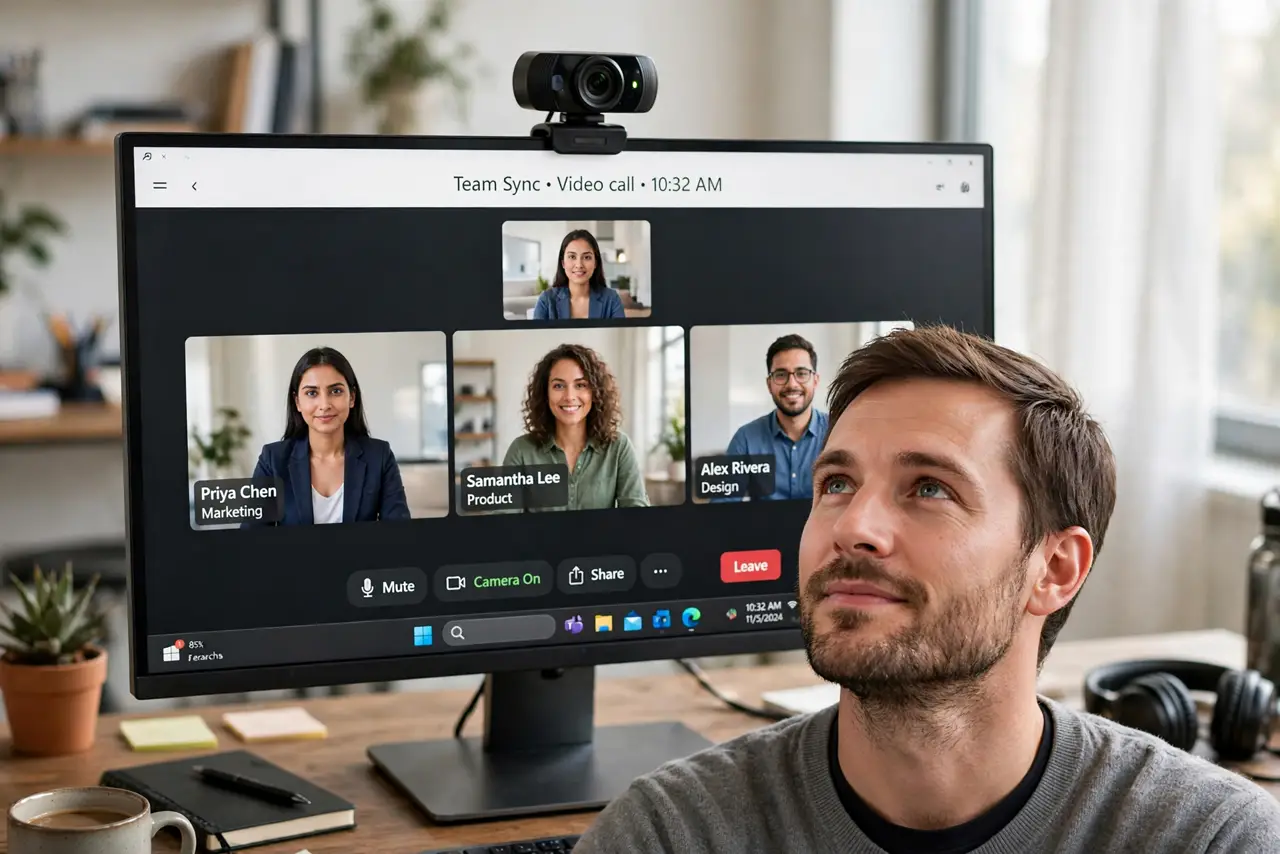
Quick fix: get a 1080p external webcam from a reputable brand — even a modest one beats any laptop camera. Clip it on the monitor, plug it in, and select it in your meeting app. Add light facing you; lighting improves any camera more than megapixels do.
Follow these steps
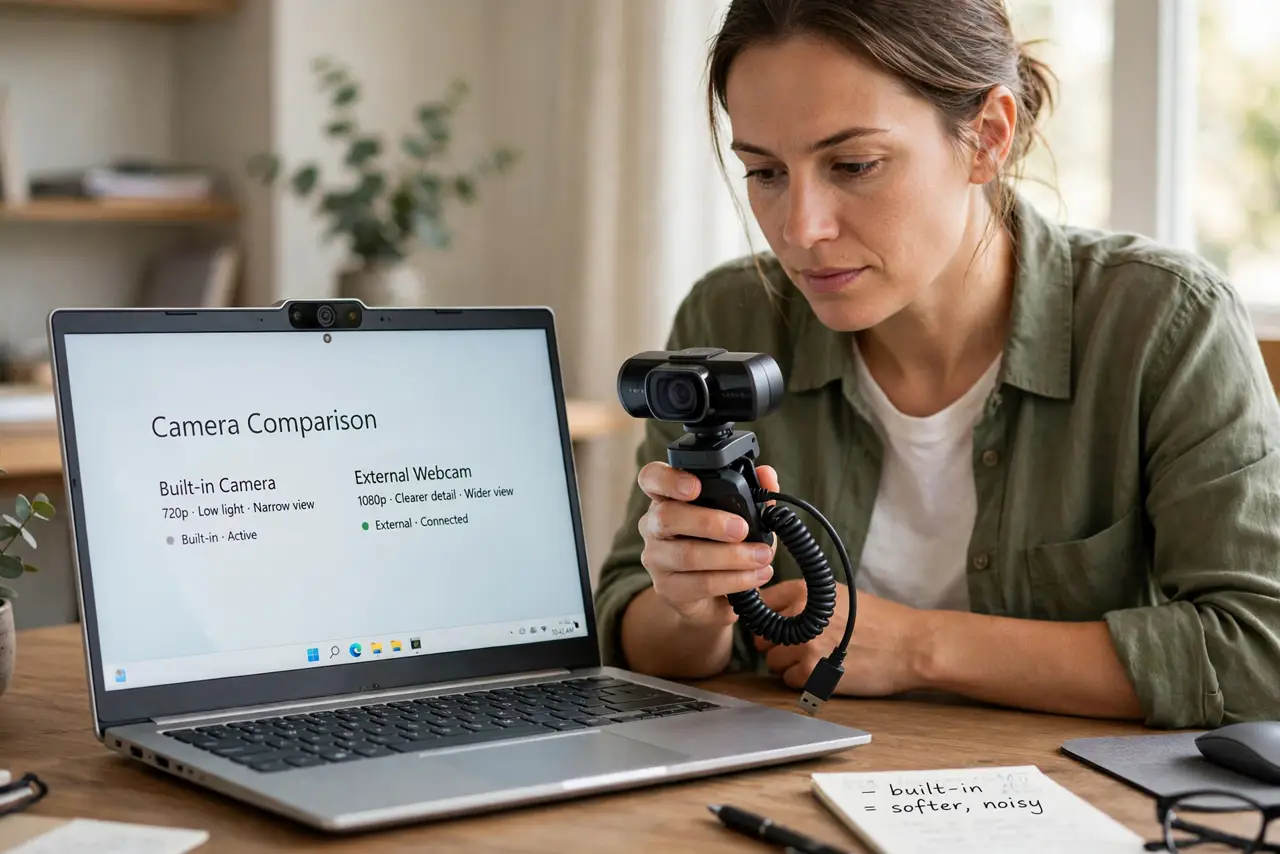
- Understand why laptop cameras lose. Laptop lids are thin, so their cameras use tiny sensors with poor low-light performance. Physics, not settings, is why you look grainy.
- Pick 1080p from a known brand. A 1080p webcam with autofocus from an established maker is the sweet spot. Beyond 1080p helps little on typical call bandwidth.
- Mount it at eye level. Clip the webcam to the top of the monitor, centered. Eye-level framing looks natural; a camera staring up your nose does not.
- Select it in every app. Each meeting app has its own camera setting. Select the external webcam in Zoom, Teams, Meet, and anywhere else you call — the app-in-use issue aside, selection is per-app.
- Light your face, not the background. Put a lamp or window light in front of you. A well-lit face on a cheap camera beats a dark face on an expensive one, every time.
- Cover it when done. Slide the built-in shutter or add a cover. A camera you can physically block is a camera you never worry about — see cover vs tape.
What NOT to do
- Do not buy 4K for typical calls. Meeting apps compress video heavily; 4K adds cost without visible benefit on most calls.
- Do not mount the webcam below the screen. Up-the-nose angles are unflattering on every camera ever made.
- Do not forget the microphone. Many external webcams include a decent mic — select it too, or keep your dedicated mic.
- Do not leave the lens dirty. A smudged lens softens the image more than any sensor upgrade can fix — wipe it.
Frequently asked questions
Will an external webcam really look better?
Dramatically. A bigger sensor, real autofocus, and better low-light handling beat any built-in laptop camera.
Do I need 4K for video calls?
No. 1080p is plenty — call apps compress the stream well below that anyway.
Why is my webcam dark on calls?
Usually backlighting — a bright window behind you. Face a light source instead, and see the too-dark guide for more.