Two Routers? Double NAT Symptoms and Fixes
A double NAT happens when two routers both do address translation — usually your ISP's box plus your own router. Games, video calls, and port forwarding can act weird for no obvious reason. The fix is usually one settings change on your own router.
TL;DR / Quick Fix
Quick fix: check whether your ISP's box is already a router — if it is, put your own router in [[bridge mode|router-bridge-mode-explained-simply]] or the ISP box in bridge mode so only one device does NAT. Then reboot both boxes and retest port forwarding, gaming, and video calls to confirm.
Follow these steps
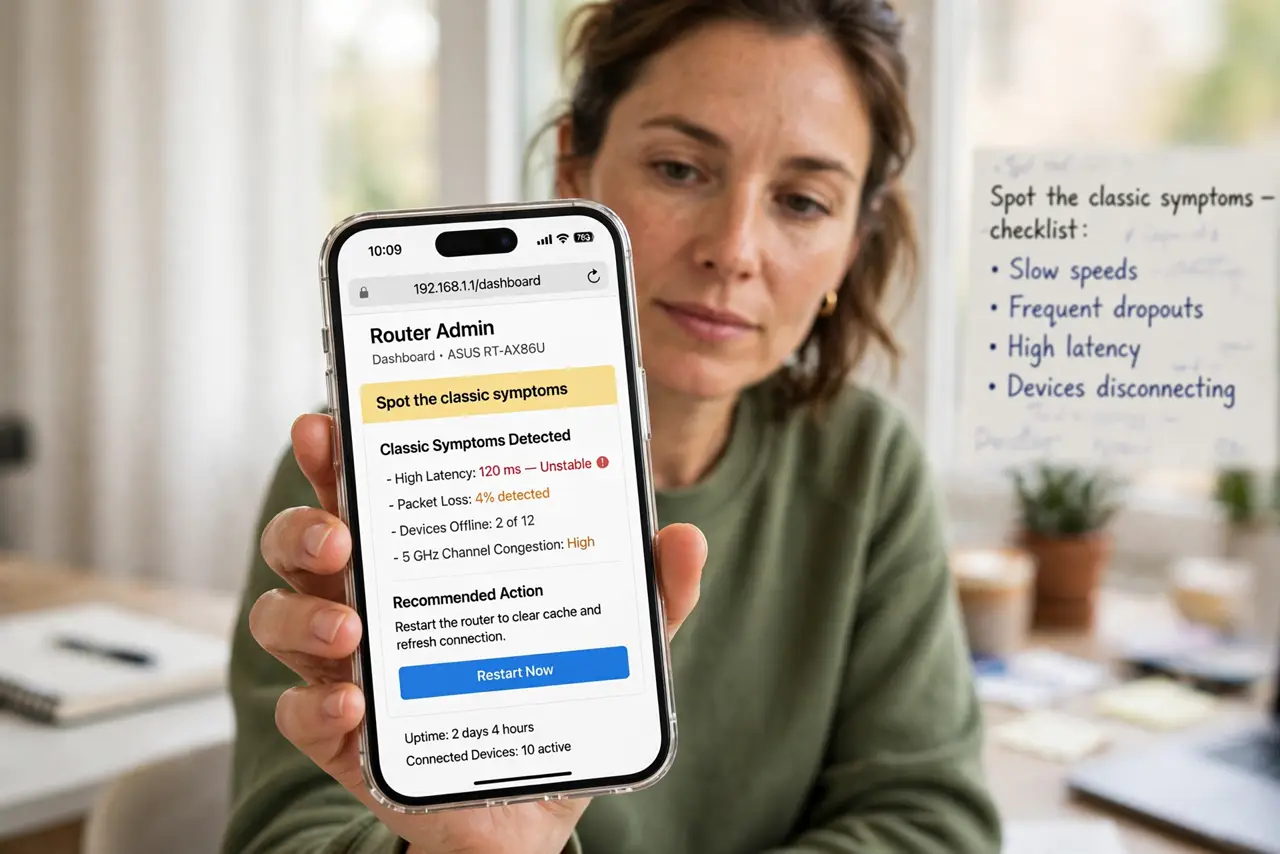
- Spot the classic symptoms. Laggy games, voice calls that drop, port forwarding that never works, and cameras you cannot reach from outside are classic signs. If everything works except things that need inbound connections, double NAT is a prime suspect.
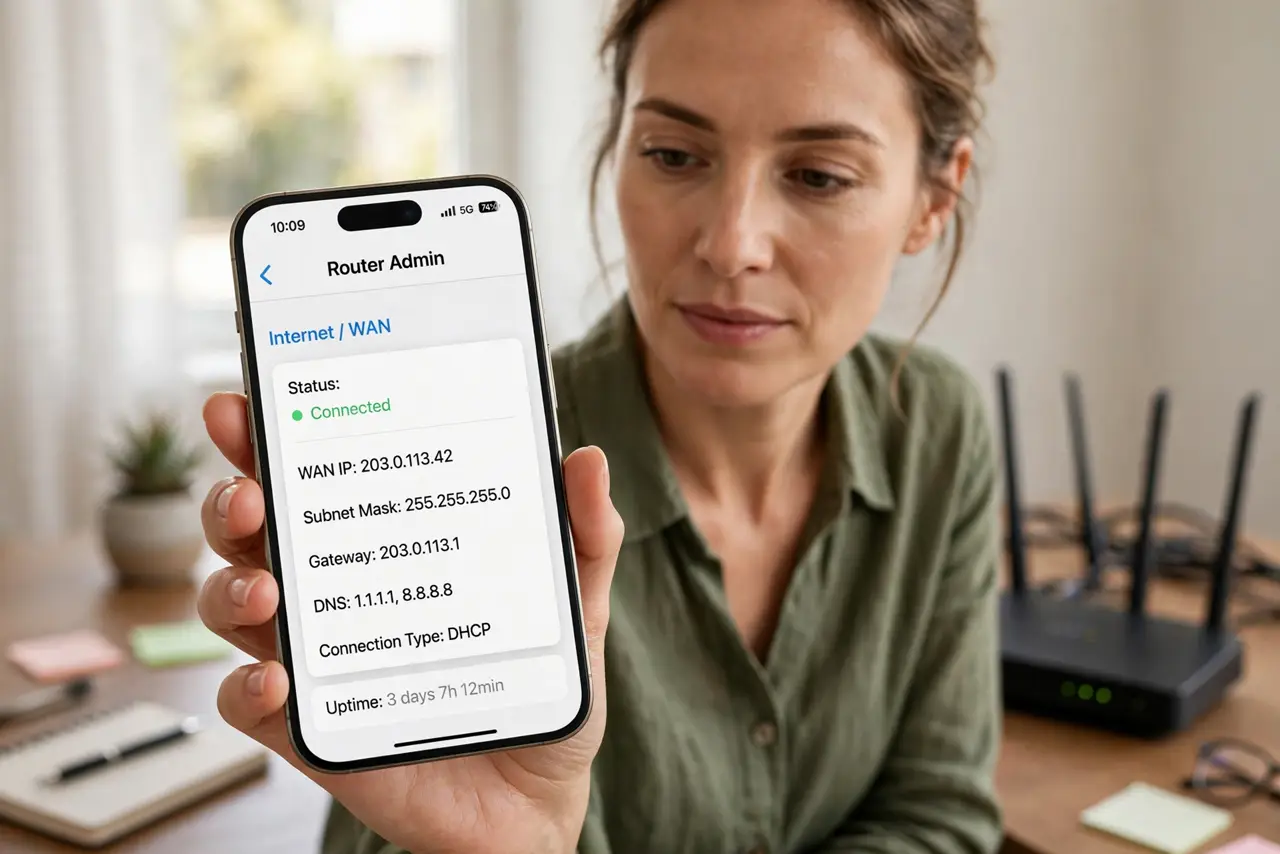
- Confirm both boxes are routing. Open your router's admin page and look at its WAN or Internet IP. If it starts with 192.168, 10., or 172.16–31, your ISP's box is also acting as a router — that is the double layer.
- Pick one box to handle routing. Decide which device does the routing work. Usually you keep your own router for its better Wi-Fi and put the ISP's modem-router in bridge mode, following the bridge mode guide.
- Enable bridge mode on the other box. In the box you are demoting, find the bridge or passthrough setting and turn it on. Save, then reboot both devices so your own router gets the real public IP.
- Reboot and retest the problem apps. Restart the modem box first, then your router, then test. If games, calls, and remote access now behave, the double NAT was the cause.
- Keep DMZ or port forwarding as a last resort. If bridge mode is not available on the ISP box, put your router's IP in the ISP box's DMZ as a workaround. Do not open ports you do not need, and document what you changed.
What NOT to do
- Do not unplug boxes while they reboot. A firmware flash during a reboot can brick a router; let each device finish starting before you touch the next.
- Do not enable port forwarding on both boxes at once. Rules on the inner router are invisible to the internet when double NAT is active — fix the topology first.
- Do not put both boxes in bridge mode. Then nothing routes or assigns addresses, and your whole network goes dark until you restore one of them.
- Do not pay for a static IP just for this. Bridge mode fixes double NAT for free; a static IP is only needed for certain servers, not for gaming or calls.
Frequently asked questions
How do I know for sure I have double NAT?
Compare your router's WAN IP with the public IP a 'what is my IP' site shows. If they differ, something upstream is translating too.
Can double NAT slow down my speed?
Usually not. It mostly breaks inbound connections and some game features; a plain speed test often looks fine.
Will bridge mode break my ISP's TV or phone box?
Sometimes. ISP boxes that also feed TV or voice lines may need their router function. Call your ISP and ask for their recommended setup before switching.