Clean the Downloads Folder
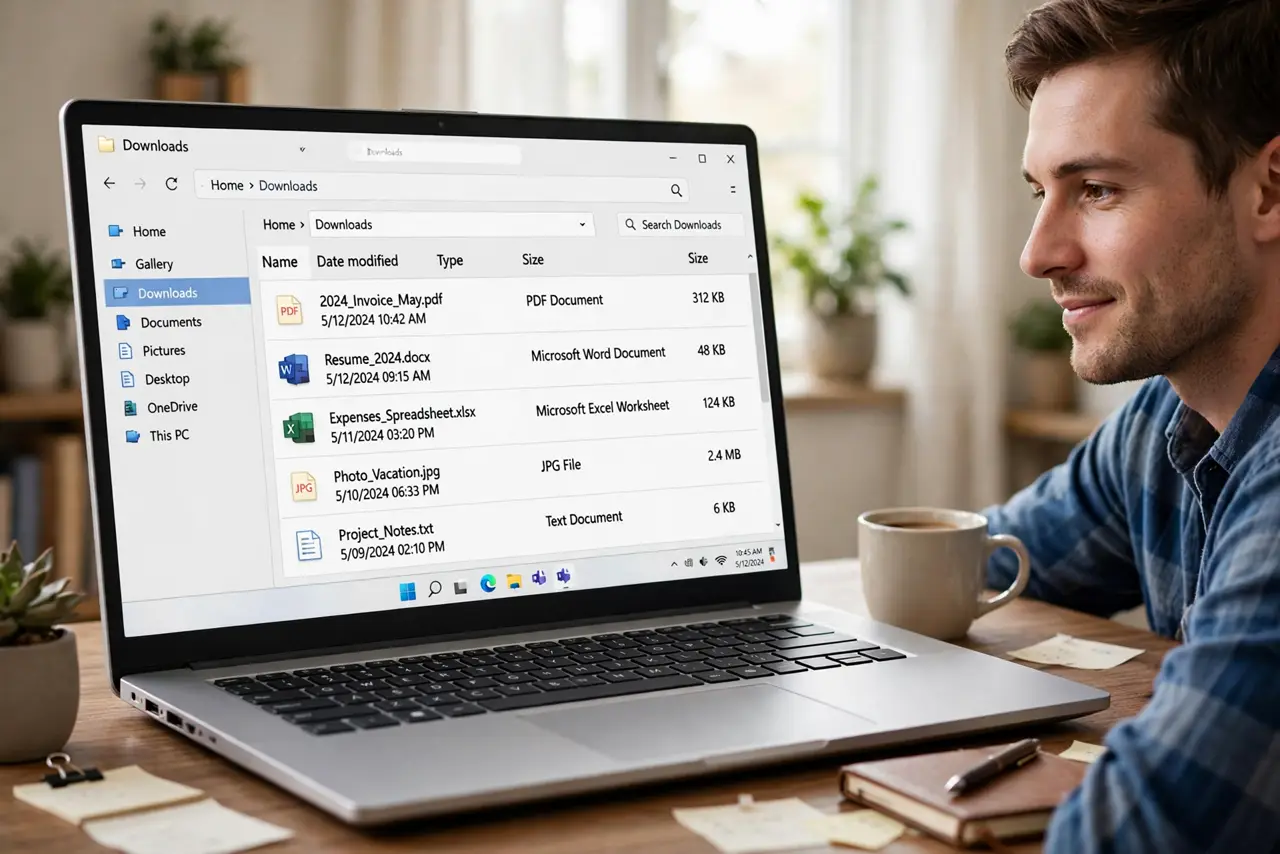
Your Downloads folder has 3,000 files, installers from 2019, and seventeen copies of the same PDF — and finding anything takes archaeology. This is the highest-impact 30 minutes in all of digital organizing: one focused pass turns chaos into a clean, self-maintaining folder.
TL;DR / Quick Fix
Quick fix: sort by date, delete everything older than a year you have not opened, file the keepers into proper folders, and empty the trash. Going forward, file or delete each download within a week. Pair it with a full digital declutter once the Downloads folder is tamed.
Follow these steps
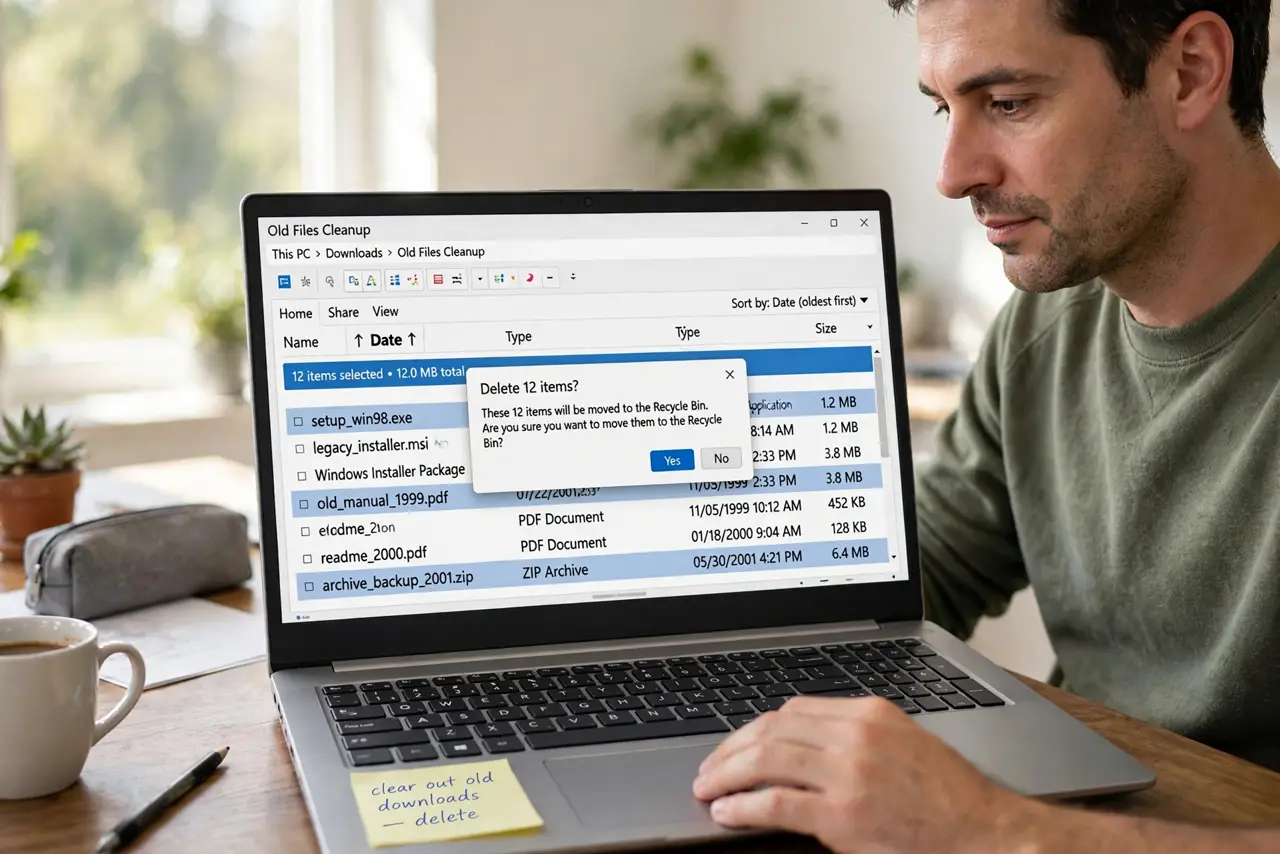
- Sort by date, oldest first. The oldest files are the easiest decisions — ancient installers and long-forgotten PDFs. Bulk-select the clearly dead and delete without overthinking.
- Delete installers you can re-download. Setup files for apps you already installed are pure clutter. Anything downloadable again in two minutes is safe to delete — that covers most of the folder.
- File the keepers immediately. Tax documents, receipts, important PDFs — move them to their real homes now, not 'later.' Later is how the folder refills.
- Hunt the duplicates. Sort by name to spot the report(1), report(2), report(3) chains. Keep the newest, delete the rest — duplicates are the silent majority of Downloads bloat.
- Empty the trash to finish. Deleted files still occupy disk until the trash empties. Finish the job — the freed space is part of the reward.
- Set a weekly 5-minute habit. Every Friday, spend five minutes filing or deleting the week's downloads. Five minutes weekly beats three hours yearly — and the filing system guide makes the habit stick.
What NOT to do
- Do not file everything into subfolders of Downloads. That just organizes the junk drawer — keepers belong in Documents, not in prettier clutter.
- Do not delete tax or legal documents casually. When in doubt, file it properly instead of deleting — some downloads are records.
- Do not skip emptying the trash. The cleanup is not done until the space is actually freed.
- Do not aim for zero files permanently. Downloads is a transit lounge, not a museum — a few recent files is normal and fine.
Frequently asked questions
How often should I clean Downloads?
A five-minute pass weekly keeps it near zero. Let it slide and the 30-minute deep clean becomes necessary again.
Should I auto-delete old downloads?
Some people set auto-delete after 30 days — effective if your real filing habit is solid, dangerous if Downloads is where important things land.
Where should keepers actually go?
Documents for work files, Pictures for images, proper app libraries for media. Downloads is for transit, not storage.