Do a Digital Declutter
Thirty thousand photos, a desktop covered in files, 200 open tabs, and apps you have not touched in years. Digital clutter creates the same low-grade stress as a messy room — every glance reminds you of unfinished business. A focused declutter weekend resets it all without losing anything important.
TL;DR / Quick Fix
Quick fix: back everything up first, then work in zones — photos, files, apps, inbox — deleting and archiving in passes. The Downloads folder is the highest-impact zone; start there. Keep what you use, archive what you might need, delete the rest without guilt.
Follow these steps
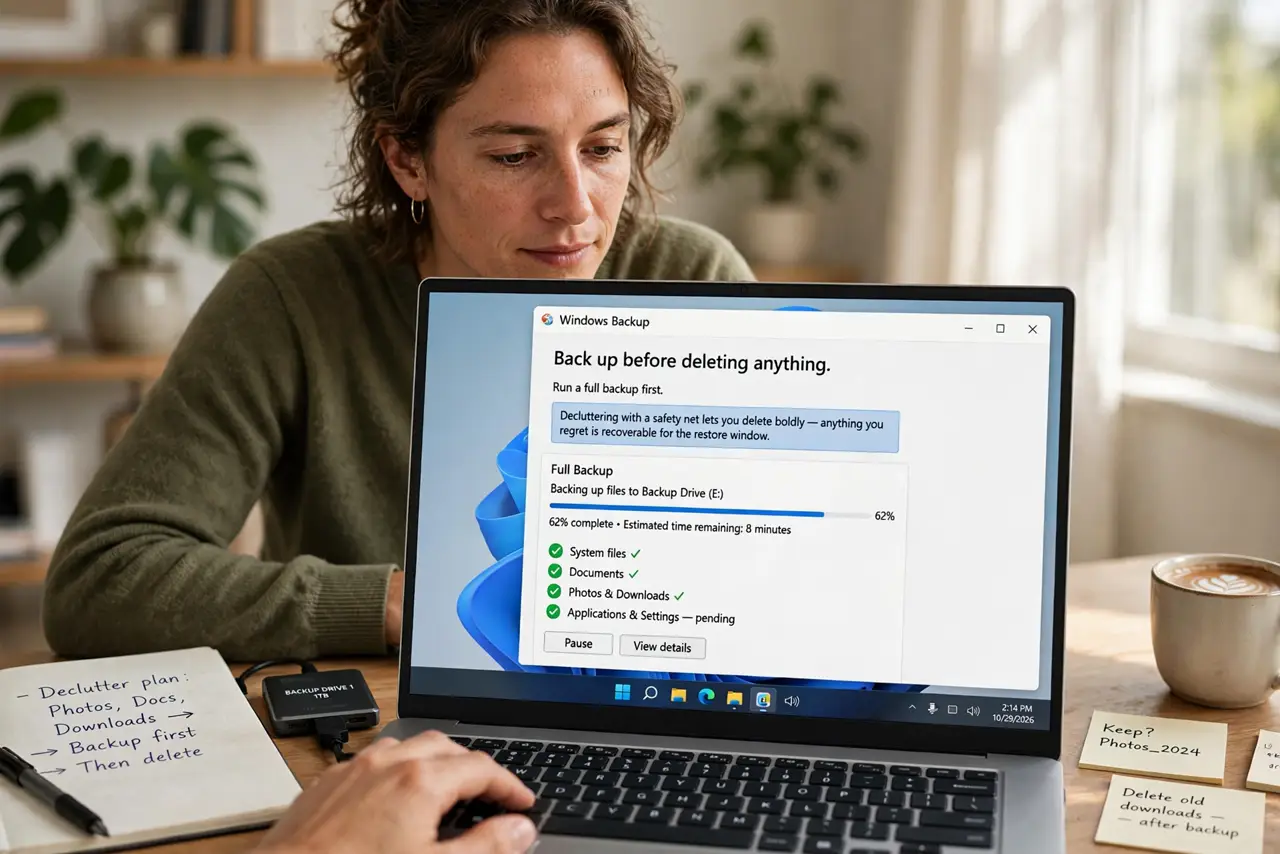
- Back up before deleting anything. Run a full backup first. Decluttering with a safety net lets you delete boldly — anything you regret is recoverable for the restore window.
- Start with the Downloads folder. It is everyone's junk drawer and the fastest win. Sort by date, delete the ancient installers, file the keepers — the cleanup walkthrough makes it a 30-minute job.
- Purge apps you never open. Scroll your full app list and delete anything unused for six months. Unused apps still update, notify, and consume space — and some harvest data in the background.
- Tame the photo library. Delete screenshots, duplicates, and blurry shots in bulk. Favorite the keepers. A 30,000-photo library is usually 20,000 photos nobody will ever miss.
- Clean the desktop to zero. Move every desktop file into proper folders or the trash. A clean desktop is not aesthetic fuss — it removes a daily background stressor.
- Set up maintenance so it sticks. Monthly 20-minute tidy sessions beat annual marathons. Pair it with your inbox routine and the clutter never rebuilds.
What NOT to do
- Do not delete without a backup. Confidence to delete comes from knowing recovery is possible — back up first, always.
- Do not try to organize everything perfectly. 'Good enough folders' that you actually use beat a perfect taxonomy you abandon.
- Do not declutter someone else's shared folders unilaterally. Shared drives need agreement — deleting a colleague's files creates real problems.
- Do not do it all in one exhausting day. Zone by zone across a weekend keeps judgment sharp — tired deleting makes mistakes.
Frequently asked questions
How often should I declutter digitally?
A light monthly pass plus one deep session a year. The monthly pass prevents the annual marathon from being miserable.
Should I keep old files 'just in case'?
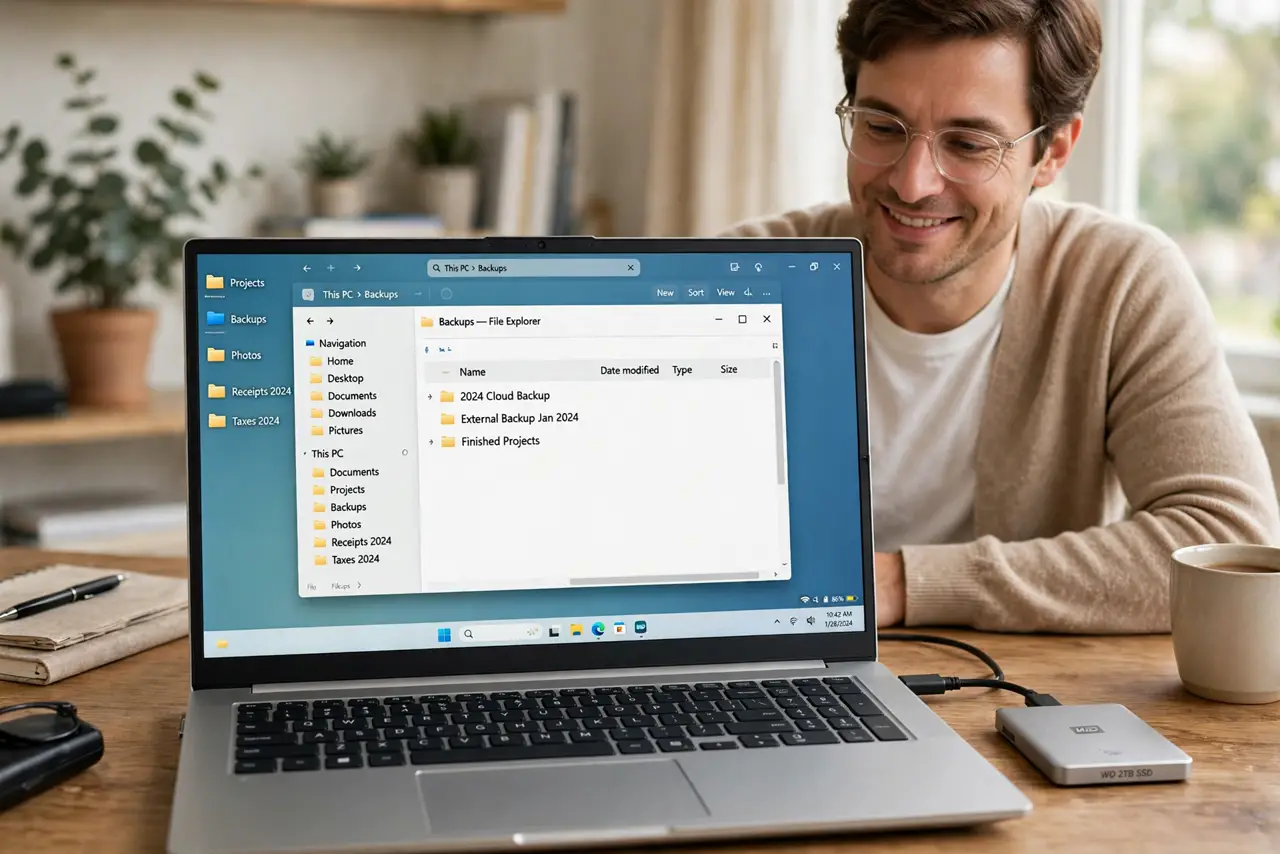
Archive them to an external drive instead of keeping them in your face. Out of sight, still recoverable — the best of both.
Does digital clutter really affect focus?
The research says yes — visual clutter competes for attention even when you try to ignore it. A clean workspace measurably calms the mind.