PC Dust Filters: A Cleaning Schedule That Works
Dust filters only work if you clean them — a clogged filter chokes airflow worse than no filter at all. A simple schedule tied to your environment keeps the PC breathing without becoming a chore.
TL;DR / Quick Fix
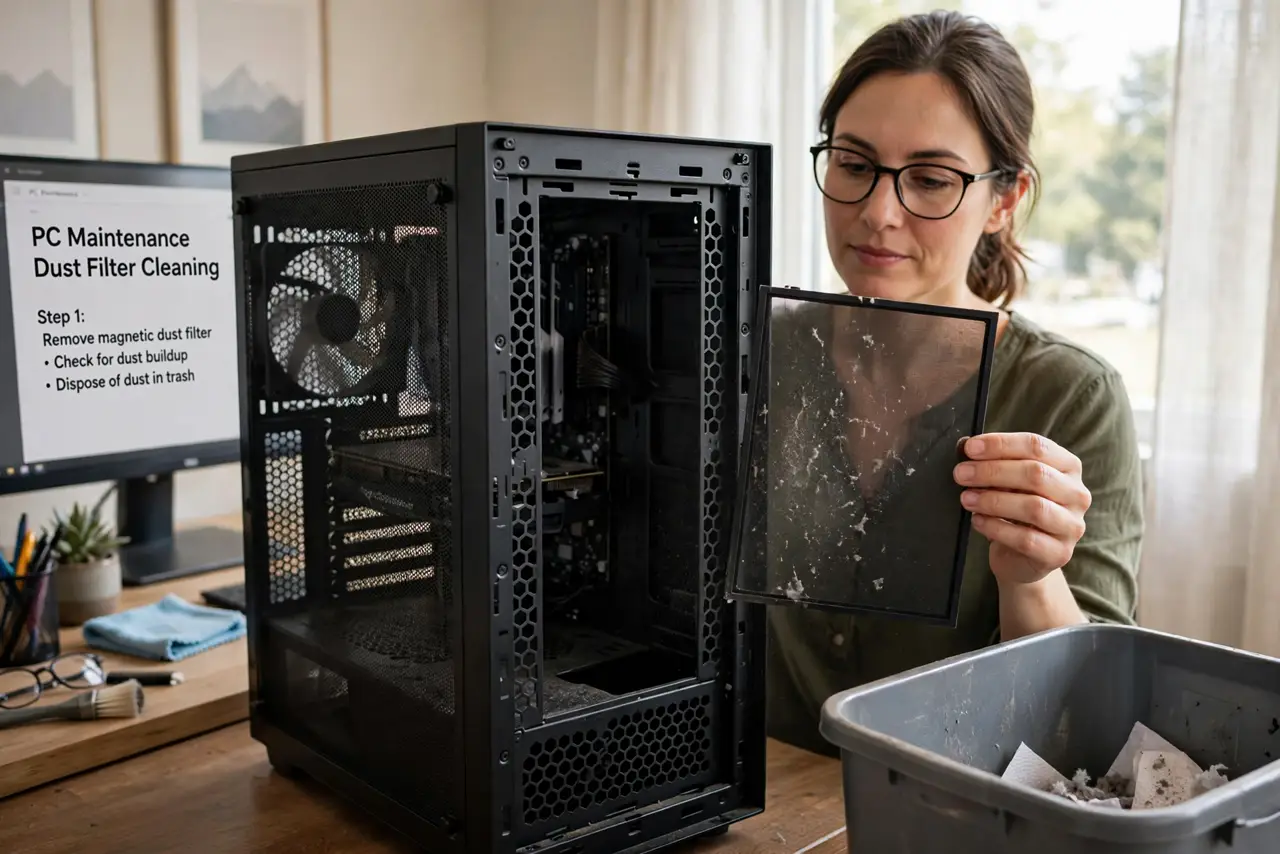
Quick fix: check every intake filter monthly — hold it to the light and clean it if you cannot see through. Rinse or wipe washable filters, let them dry fully, and clean more often if you have pets or carpet.
Follow these steps
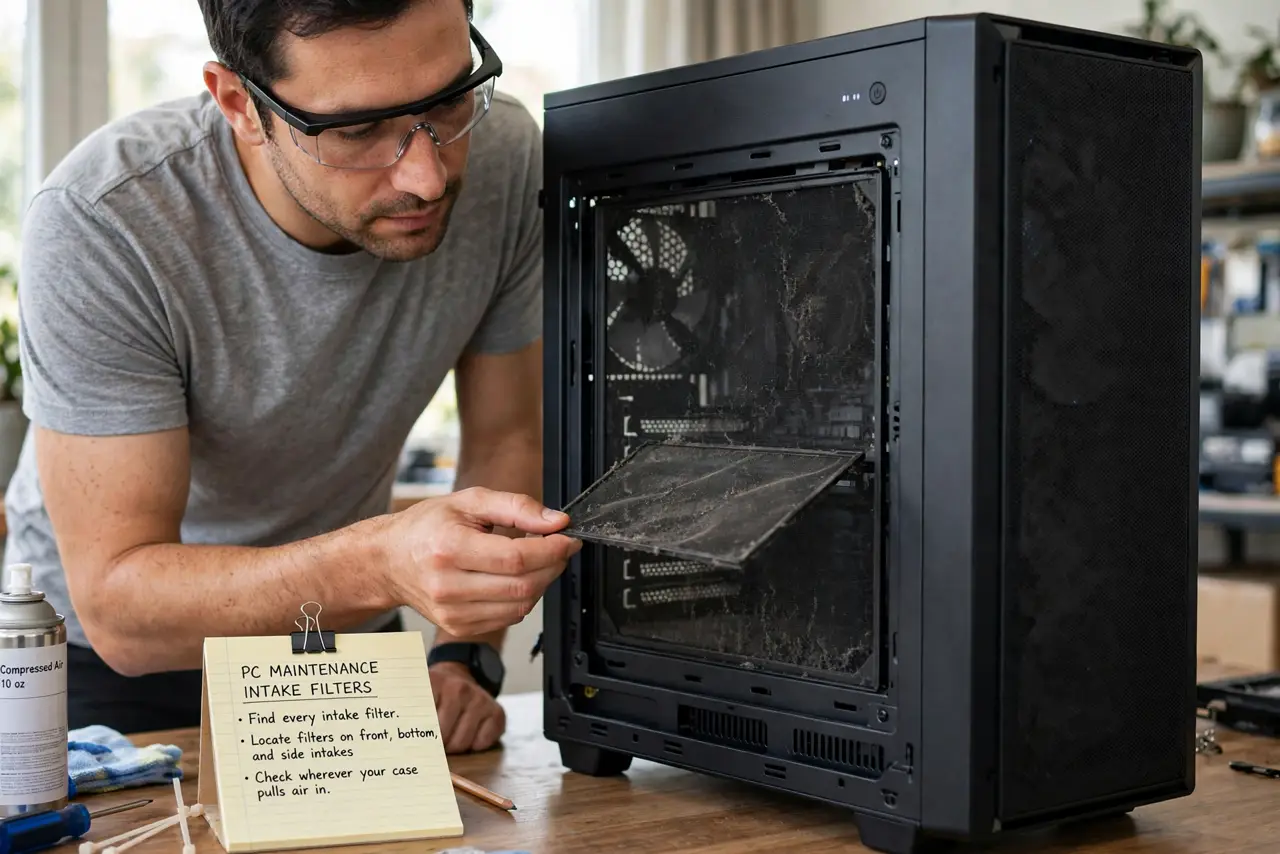
- Find every intake filter. Locate the filters on front, bottom, and side intakes — wherever your case pulls air in. Many people clean one filter while two others clog silently.
- Check monthly with the light test. Hold each filter up to a light once a month. If light barely passes, the filter is choking airflow and needs cleaning now.
- Clean the washable way. Rinse mesh filters with water or wipe them with a damp cloth, then let them dry completely. A damp filter back in the case invites moisture where it does not belong.
- Adjust for pets and carpet. Homes with pets, carpet, or smokers clog filters two to three times faster. If that is your home, check every two weeks instead of monthly.
- Clean the room around the PC too. Dust the desk and vacuum the floor near the intake. Less ambient dust means slower filter clogging — the schedule gets easier, not just the cleaning.
- Watch temperatures as the proof. Note CPU and GPU temps before and after a cleaning. Dropping temps confirm the schedule works; if temps stay high, check dust deeper inside too.
What NOT to do
- Do not run without filters to avoid cleaning. Unfiltered intakes coat heatsinks directly, which is far harder to clean than a filter.
- Do not use a vacuum inside the case carelessly. Vacuums build static; use gentle compressed air or a soft brush on components instead.
- Do not put a damp filter back in. Moisture plus electronics is a bad mix, so wait until it is fully dry.
- Do not clean on a rigid calendar only. Check visually — a dusty month needs cleaning even if the schedule says next week.
Frequently asked questions
How often should I clean PC dust filters?
Monthly for most homes; every two weeks with pets or carpet. The light test beats any calendar.
Can I wash dust filters?
Mesh filters, yes — rinse, dry fully, reinstall. Paper-like filters should be tapped or brushed, not soaked.
Do dust filters hurt airflow?
Clean ones barely do. Clogged ones choke it badly, which is why the schedule matters more than the filter itself.