Lint in the Headphone Jack? Get It Out
Your earbuds only work when you hold the plug at an angle, or one side cuts out. Pocket lint packed into the headphone jack stops the plug seating fully — the same story as a dusty charging port, in a smaller hole. This guide gets it out safely.
TL;DR / Quick Fix
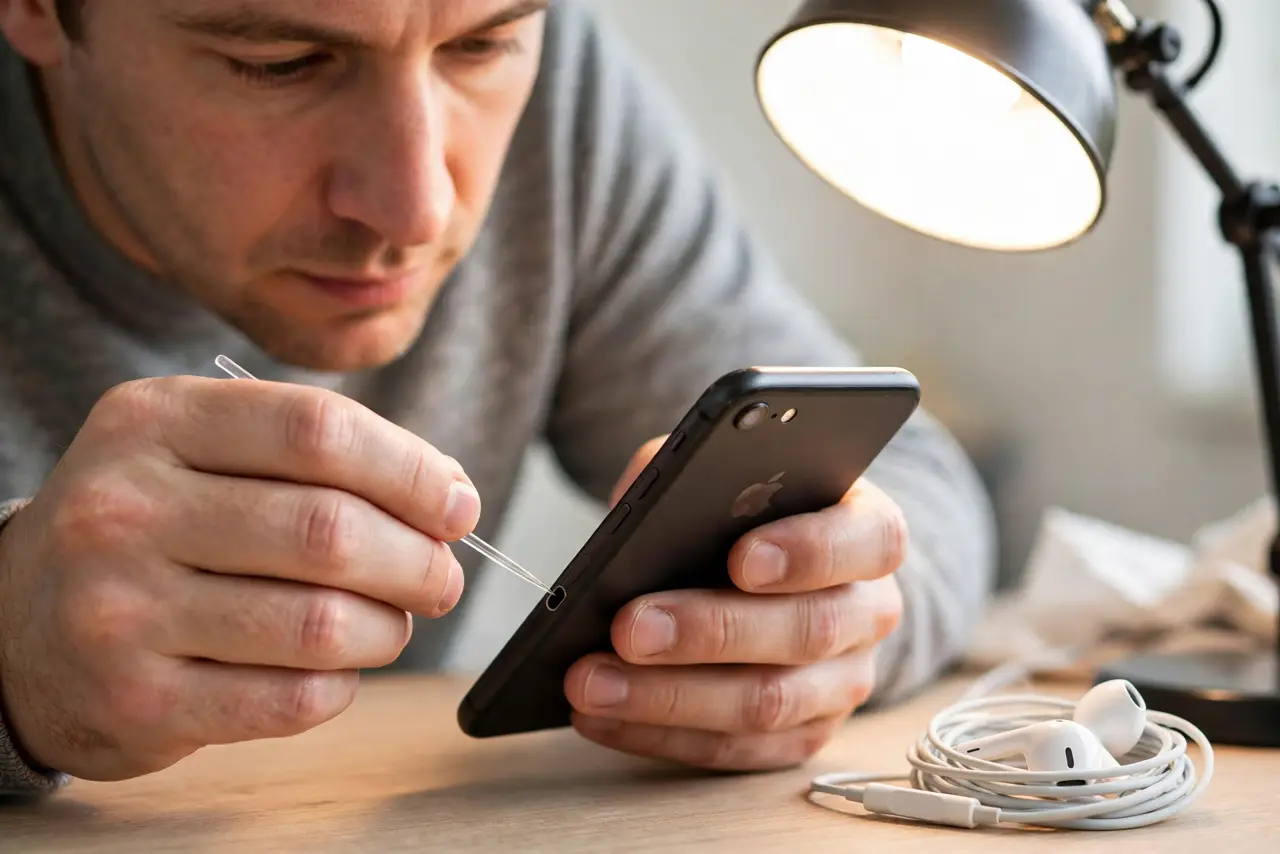
Quick fix: power the phone off and gently scoop lint out with a thin plastic pick or a toothpick whittled thin — never metal. Work under good light. When the plug seats fully with a click, test both earbuds; the fix is usually instant.
Follow these steps
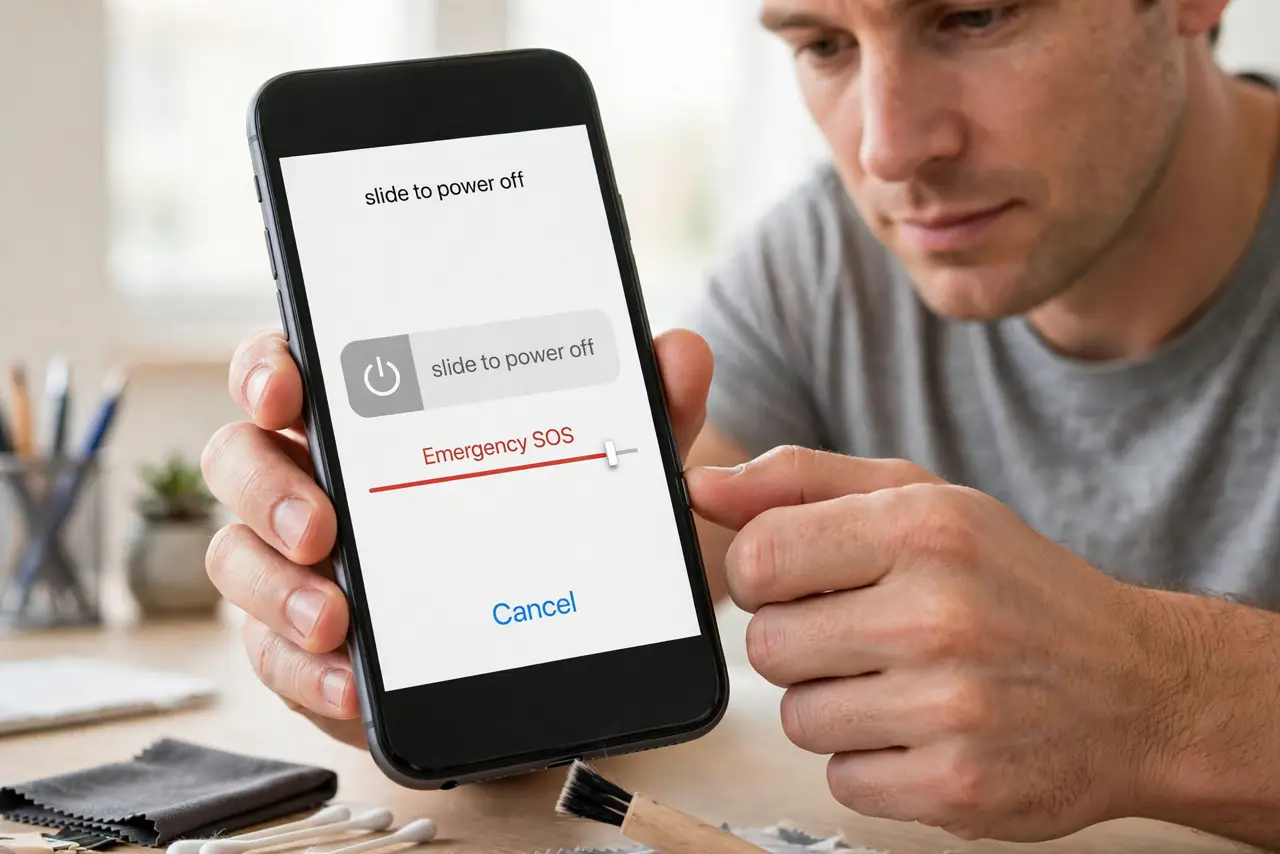
- Power off the device. Turn the phone or player fully off before working in the jack. It is an electrical connector — no power while you clean.
- Use a thin non-metal tool. A plastic dental pick or a carefully thinned toothpick fits the jack. Metal tools risk scratching contacts or shorting pins.
- Scoop, do not stab. Gently scoop along the bottom and sides of the jack. Lint compacts into a felt-like pad; lift it out in pieces rather than ramming through it.
- Check the plug too. Inspect the earbud plug for its own lint and grime. A dirty plug in a clean jack causes the same one-sided audio.
- Test both channels. Plug in and play something with stereo separation. Both ears working at every plug angle means the job is done.
- Consider wireless or a cap. If lint is a recurring battle, a jack dust plug costs almost nothing — or sidestep the jack entirely, as with a USB headset on a computer.
What NOT to do
- Do not use a needle or pin. Metal in the jack scratches contacts and can short the audio pins.
- Do not blow hard into the jack first. Pressure packs lint tighter; loosen it mechanically, then clear the dust.
- Do not assume the earbuds are dead. One-sided audio from a linty jack has 'killed' many perfectly good earbuds.
- Do not keep wiggling the plug to cope. Wiggling wears the jack's contacts; cleaning fixes the actual problem.
Frequently asked questions
Why does one earbud cut out?
Usually the plug cannot seat fully because of packed lint, so one channel's contact misses. Cleaning restores both sides.
Can I use compressed air in the headphone jack?
Gently, after loosening the lint mechanically. Air alone often just packs it tighter.
My phone has no headphone jack — what now?
USB-C audio adapters and Bluetooth earbuds bypass the jack entirely — no lint problem to have.