Use Email Aliases
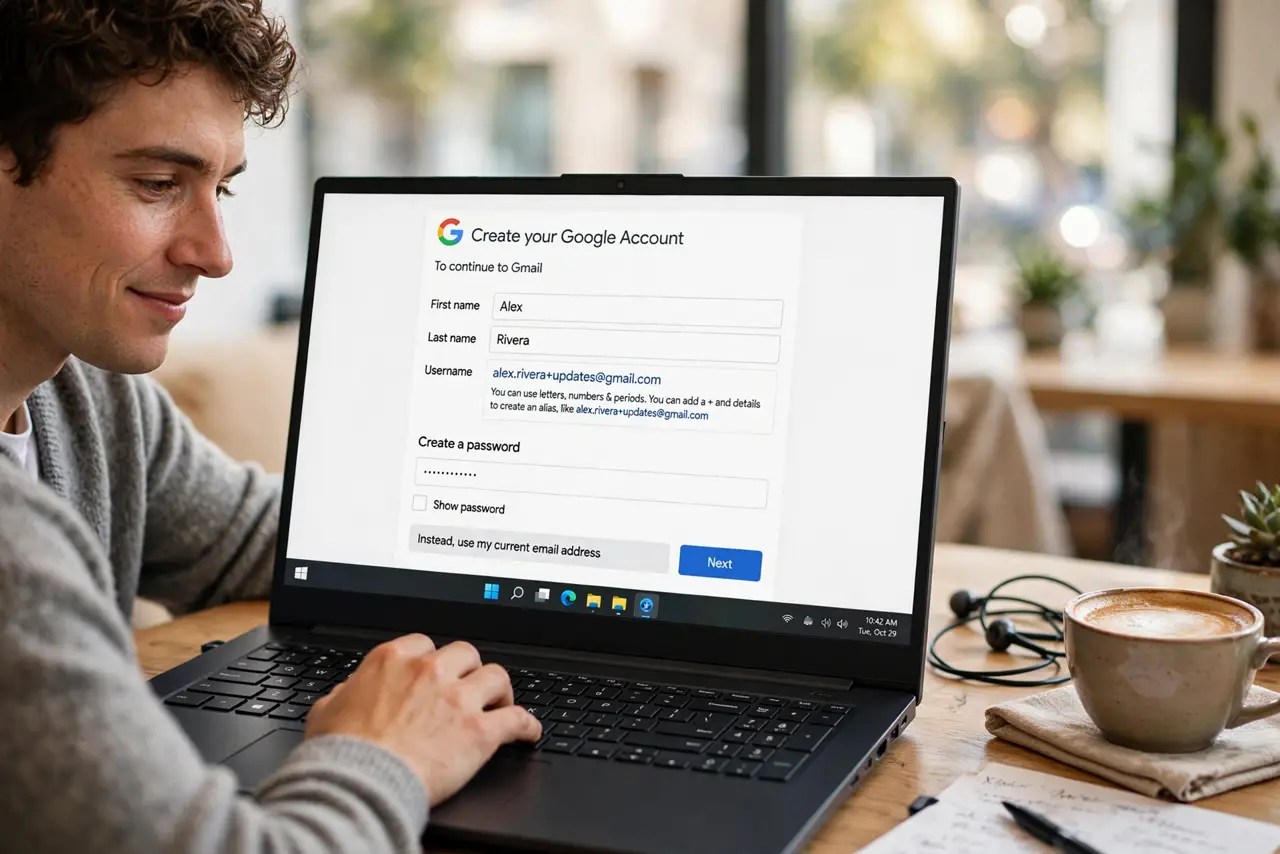
Every signup wants your email, and every signup eventually leaks, sells, or spams it. Plus-addressing lets you create unlimited aliases on the spot — [email protected] still reaches you, but you know exactly who sold your address. It is free, instant, and built into Gmail and Outlook already.
TL;DR / Quick Fix
Quick fix: add a plus tag when signing up, like [email protected]. Mail still reaches your inbox, but you can see which site leaked your address. Create filters that auto-label mail by tag. When spam arrives on a tagged alias, you know exactly who to blame.
Follow these steps
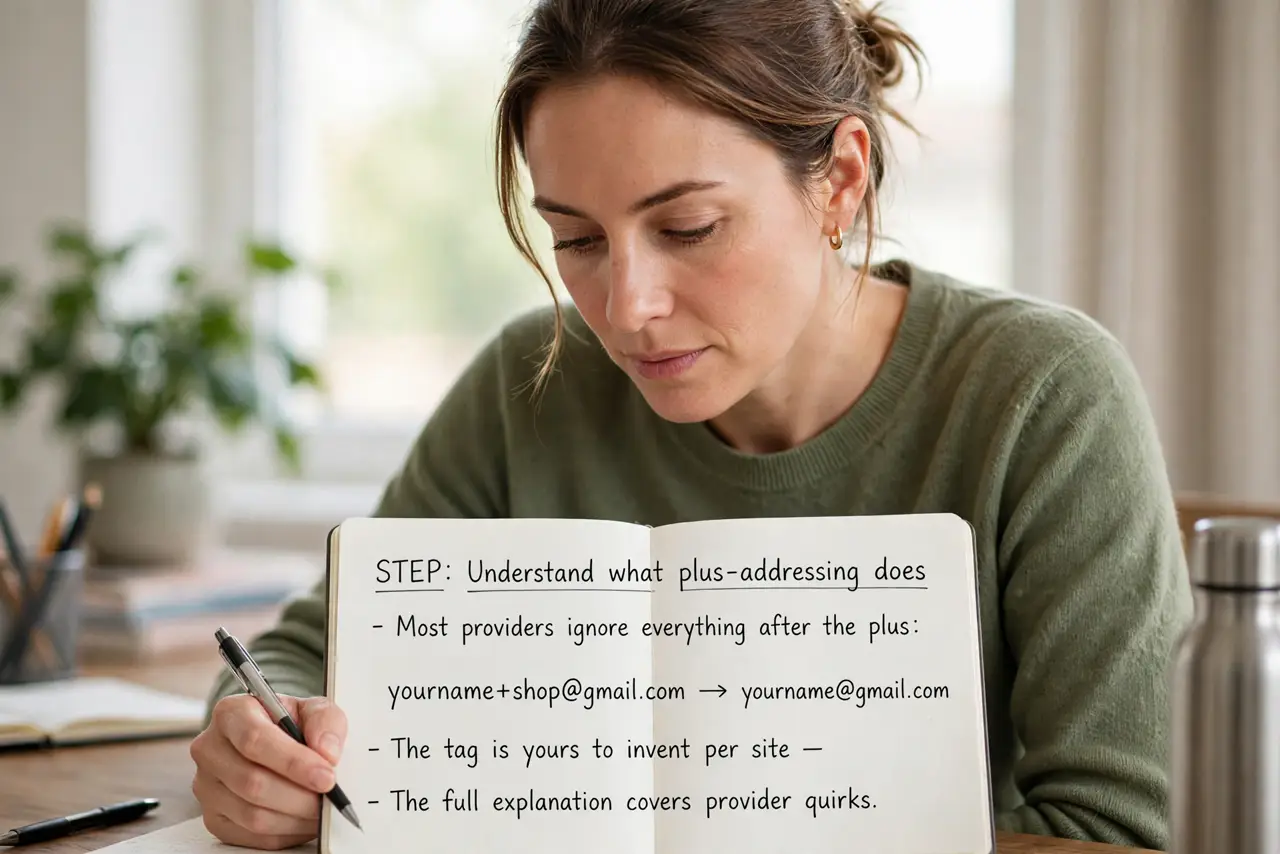
- Understand what plus-addressing does. Most providers ignore everything after the plus: [email protected] delivers to [email protected]. The tag is yours to invent per site — the full explanation covers provider quirks.
- Create an alias at signup. When a site asks for email, type your address plus a tag naming the site. No setup, no extra account — the alias works immediately.
- Filter by tag in your inbox. Make a filter matching To: yourname+shop to auto-label or file that mail. Tagged mail stays organized by source without any effort.
- Spot who leaked your address. Spam arriving at yourname+shop means that shop shared your address. You now have proof — and a filter target.
- Try built-in hide-my-email for stronger privacy. Plus aliases still reveal your real address. For signups you distrust, Apple's Hide My Email generates random addresses that forward to you.
- Retire abused aliases with filters. When a tag gets spammed, filter it straight to trash. The alias dies; your real inbox lives on.
What NOT to do
- Do not use plus aliases for banking or government accounts. Those deserve your real address and full alias security practices.
- Do not assume every site accepts plus signs. A few old forms reject them — use a dot variation or a different alias style there.
- Do not reuse the same tag everywhere. One tag for all sites defeats the whole leak-tracking purpose.
- Do not confuse aliases with separate accounts. All plus mail lands in one inbox — aliases organize, they do not isolate.
Frequently asked questions
Do plus addresses work with Outlook and Yahoo?
Yes — both support plus-addressing the same way Gmail does. A few smaller providers do not; test with your own first.
Can spammers just remove the plus tag?
They can, which is why plus aliases are for tracking, not hiding. For true hiding, use a random-address service.
Will I miss mail sent to an alias?
No — it arrives exactly like normal mail. Filters you create decide where it lands.