Delete Old Accounts
You signed up for seventeen services in 2016 and remember three of them. Every forgotten account is a breach waiting to notify an email you barely check — with a password you probably reused. Hunting down and deleting old accounts shrinks your attack surface dramatically.
TL;DR / Quick Fix
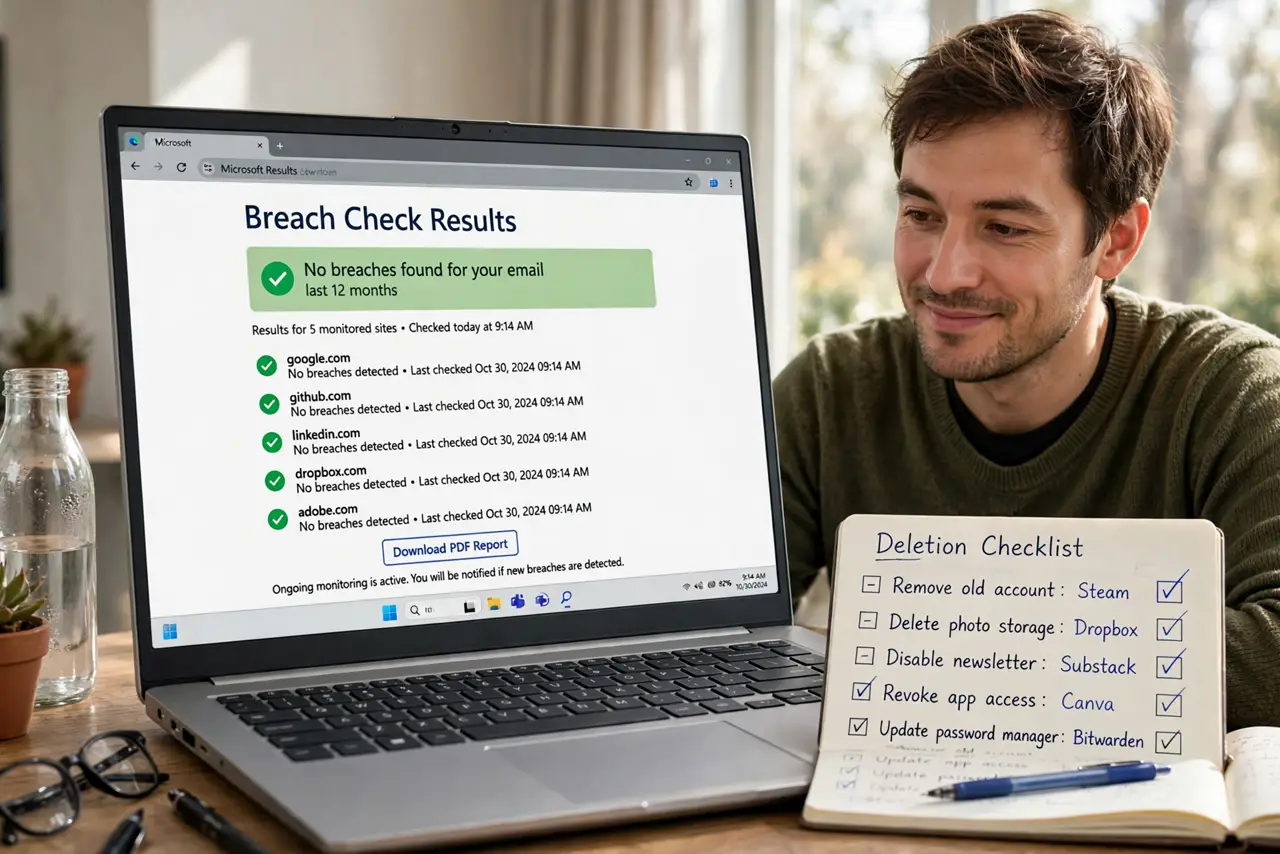
Quick fix: check your address on a breach-lookup site to see which old accounts leaked. Search your inbox for welcome emails to rediscover forgotten signups. Log into each old account, delete your data, then delete the account. Change any password you reused elsewhere, since old breaches expose it.
Follow these steps
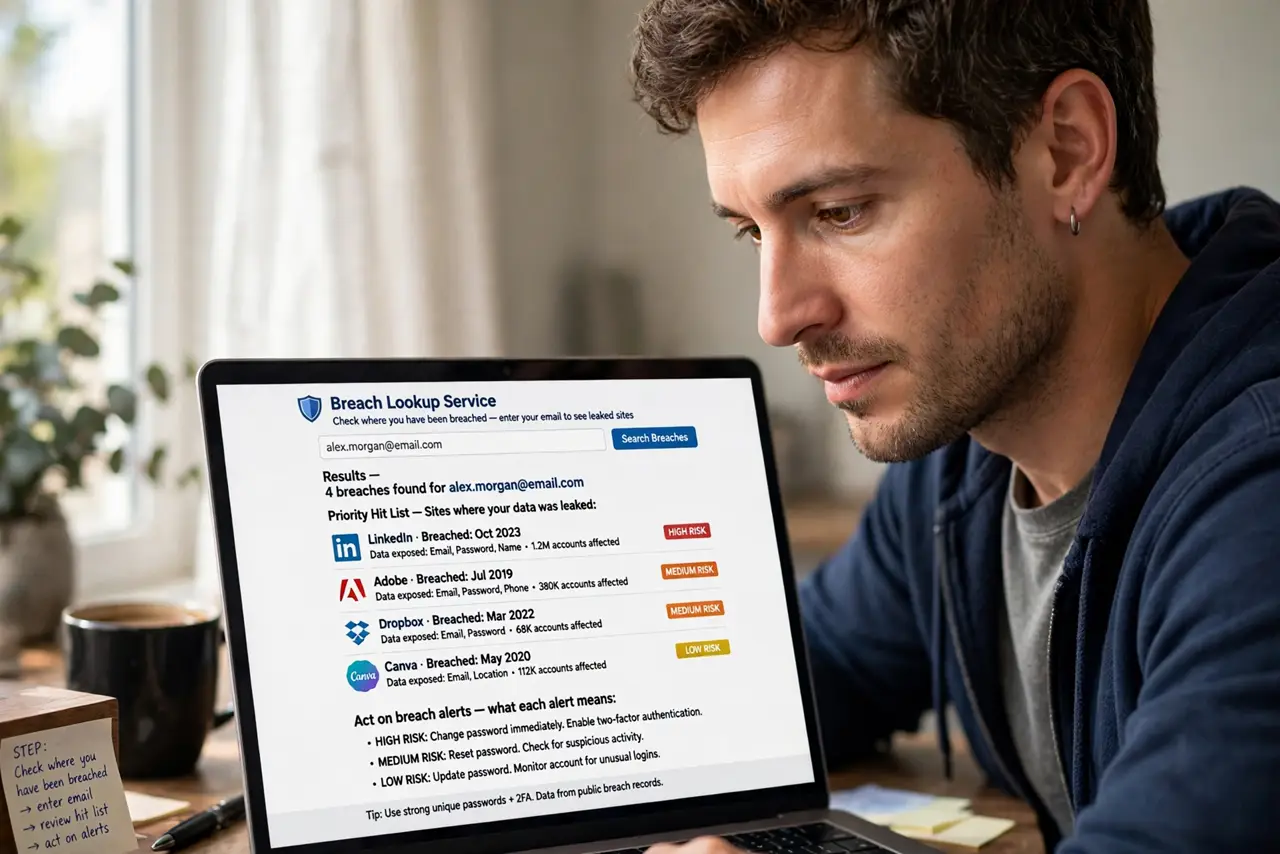
- Check where you have been breached. Enter your email on a reputable breach-lookup service. The results list which sites leaked your data — that is your priority hit list. See act on breach alerts for what each alert means.
- Rediscover forgotten accounts. Search your inbox for welcome, verify your email, and thanks for joining. Every hit is an account you forgot — star them into a cleanup list.
- Log in and delete data first. Before deleting, remove saved payment methods, addresses, and personal details from the account. Deletion requests work better on a cleaned profile.
- Delete the account properly. Use the site's delete or close-account flow, not just the app uninstall. Deleting the app leaves the account — and its data — fully alive.
- Change reused passwords everywhere. If the old account's password matches any current one, change the current ones now. Old breaches are how past-breach passwords get exploited years later.
- Set a yearly cleanup reminder. New forgotten accounts accumulate constantly. A fifteen-minute annual purge keeps the list from growing back.
What NOT to do
- Do not just delete the app. The account and its data survive app deletion — only the site's delete flow closes it.
- Do not reuse the cleanup password. Use a password manager and unique passwords so one old breach cannot cascade.
- Do not ignore breach alerts for old addresses. An alert on a forgotten account still means your data is circulating.
- Do not pay for deletion services first. The free manual flow works — paid removers are a convenience, not a necessity.
Frequently asked questions
How do I find accounts I signed up for with Facebook or Google?
Check your Google and Facebook security settings for connected apps — each lists every site you authorized. Revoke the dead ones.
The site has no delete option — what now?
Email their support requesting deletion under privacy law, and remove your data manually first. Most regions require them to comply.
Should I delete or just abandon old accounts?
Delete. Abandoned accounts keep getting breached, and you will not notice the alerts.