Good Mail Going to Spam? Fix Your Filters
Good mail lands in spam when a filter is too broad, or the spam system learned a wrong lesson from a past report. Check the spam folder first, then fix the rule that sent it there.
TL;DR / Quick Fix
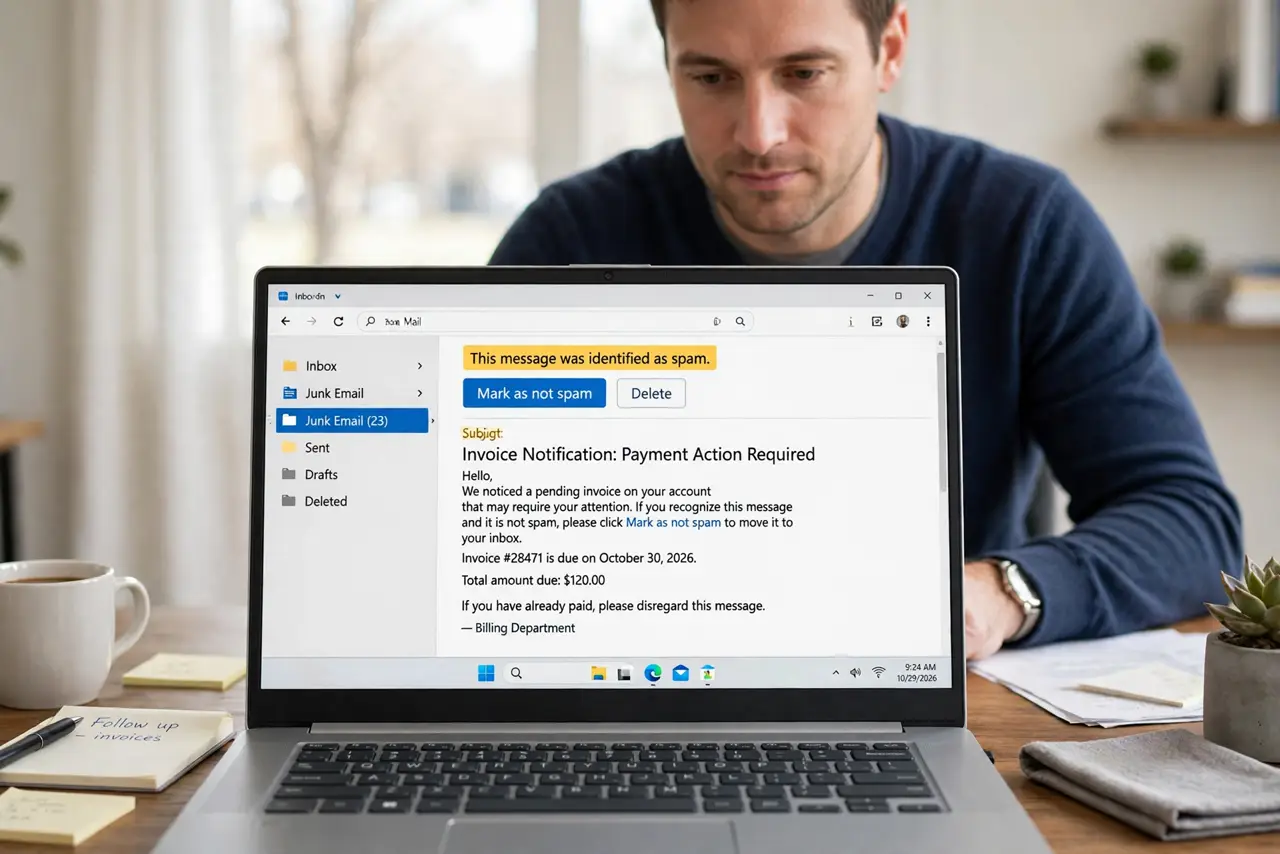
Quick fix: open the spam folder, mark the good message as not spam, and add the sender to your contacts. Then review your filters for any rule that is too broad, and narrow it to the exact sender or subject it should catch.
Follow these steps
- Check the spam folder for the missing mail. Open the spam folder and look for the message you expected. Finding it there confirms a filter or spam decision, rather than a delivery failure.
- Mark the message as not spam. Select the good message and mark it as not spam. This moves it to the inbox and teaches the spam system that this sender is wanted.
- Add the sender to your contacts. Add the sender's address to your contacts. Mail from a known contact is far less likely to be treated as spam.
- Review your filters for a broad rule. Open the filters list and look for rules that match too much, such as a single common word. A broad rule catches good mail along with the mail it was meant to catch.
- Narrow or delete the bad filter. Narrow the rule to an exact sender or subject, or delete it if it no longer serves a purpose. Test with the next message from that sender.
- Check the spam folder for a week. Glance at the spam folder daily for a week after the fix. A quick daily check catches any good mail that still slips through.
What NOT to do
- Do not mark every spam message as not spam to test. Only rescue messages you genuinely expected and trust.
- Do not create a filter that sends all mail to the inbox. That defeats spam protection for everything else.
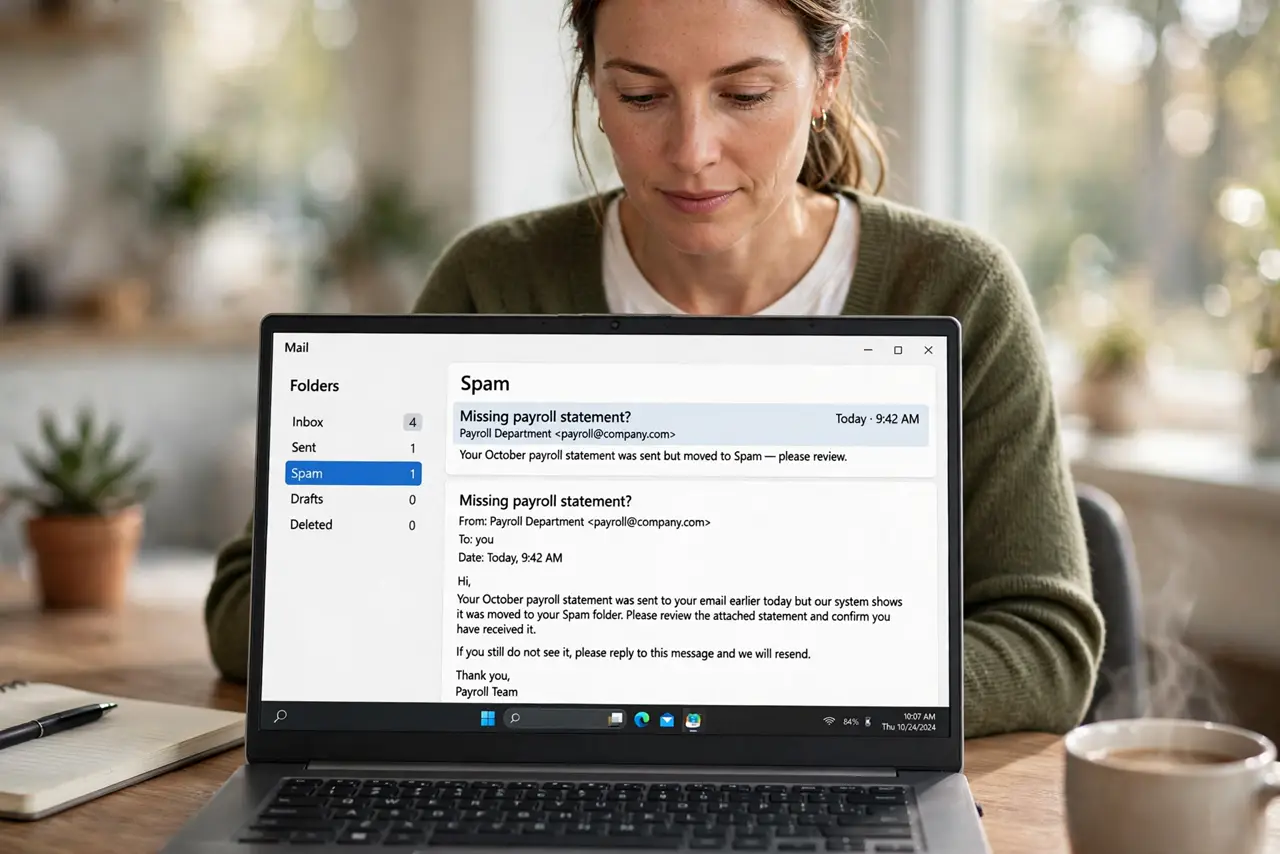
- Do not trust a message just because it escaped spam. A rescued message still deserves the usual caution about links and attachments.
- Do not delete the spam folder contents without a glance. A quick scan catches good mail before automatic deletion removes it.
Frequently asked questions
Why did a trusted sender go to spam?
A broad filter, a changed sending address, or a past spam report can each push a good sender into spam.
Does marking not spam fix it permanently?
It helps a lot, but a bad filter can still override it, so fix the filter too.
Should I check spam every day?
A quick daily glance for a week after a fix is enough, then a few times a week keeps you covered.