Thousands of Unread Emails? Tame the Inbox
Thousands of unread emails feel overwhelming, but most of them are old newsletters and notifications, not work waiting for you. Bulk-archive the old mail first, then set rules so the pile stops growing.
TL;DR / Quick Fix
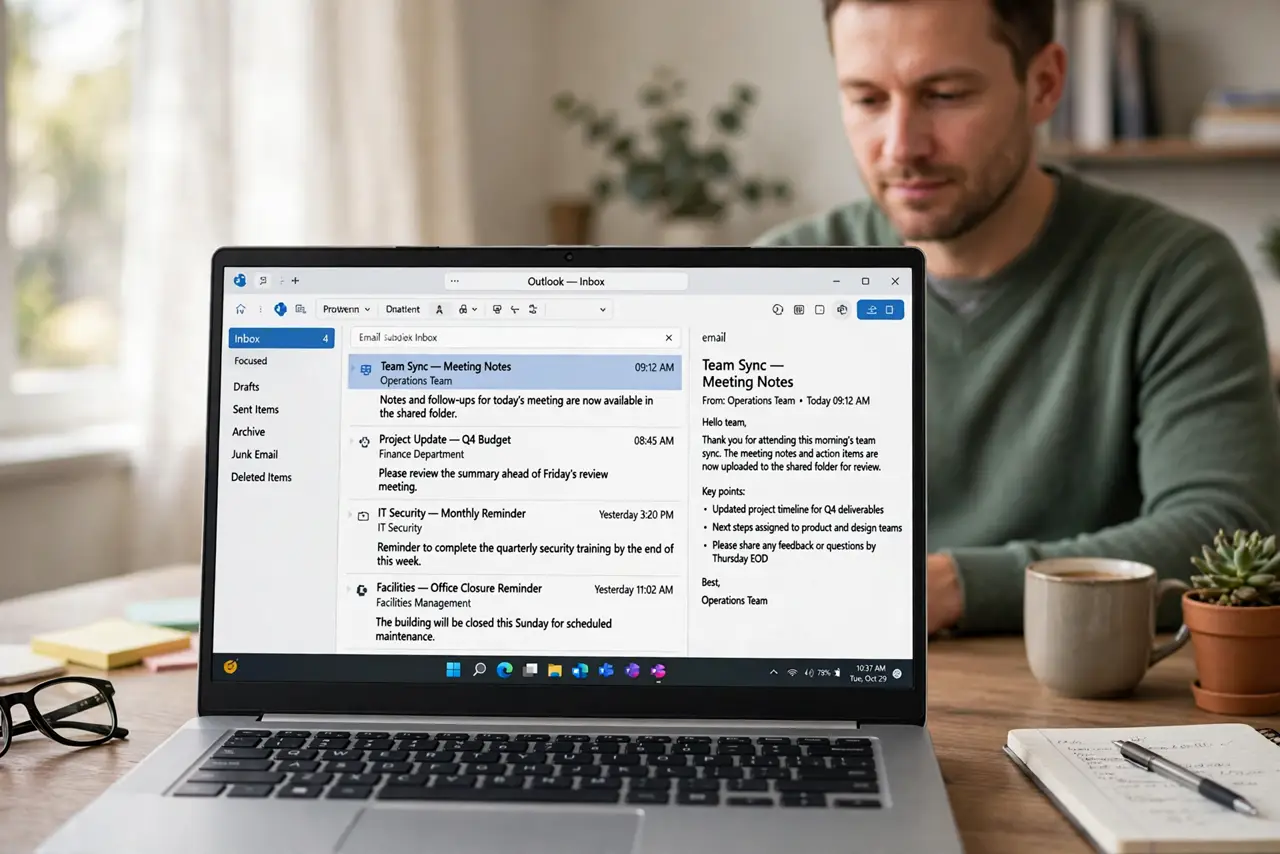
Quick fix: search for mail older than a set date and bulk-archive it, then unsubscribe from newsletters you never read. After that, set up filters so routine mail skips the inbox and only real messages stay visible. Last, keep a daily inbox habit to confirm it.
Follow these steps
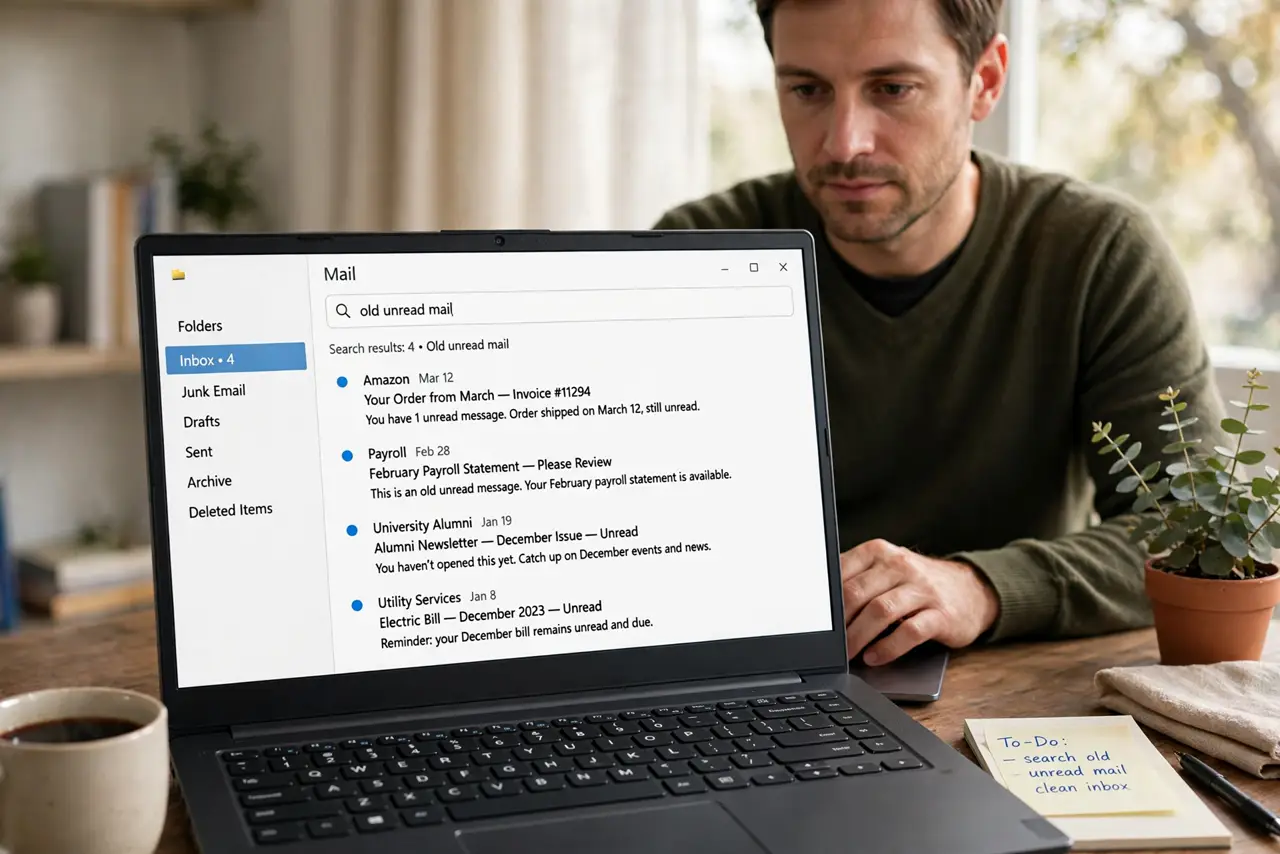
- Search for old unread mail. Search your inbox for unread mail older than six months, or older than a date you choose. Old unread mail is almost never urgent, and it is the bulk of the pile.
- Bulk-archive the old mail. Select all the old results and archive them in one action. Archiving removes them from the inbox without deleting them, so you can still search for anything later.
- Unsubscribe from what you never read. Open a few remaining newsletters and unsubscribe from the ones you never open. Each unsubscribe prevents dozens of future unread messages.
- Set up filters for routine mail. Create filters that send receipts, notifications, and newsletters straight to labeled folders, skipping the inbox. Routine mail stays searchable without crowding your day.
- Process the remaining inbox in batches. Work through what is left in short batches: reply, archive, or delete each message, and stop when the batch ends. A smaller inbox stays manageable with daily batches.
- Keep a daily inbox habit. Spend a few minutes each day archiving what you handled. A daily habit keeps the count low, so the pile never reaches thousands again.
What NOT to do
- Do not delete thousands of messages to clear the count. Archiving keeps them searchable, while deleting can remove something you need.
- Do not mark everything as read to fake a clean inbox. Unread markers are useful, and clearing them hides what you never actually handled.
- Do not unsubscribe from important senders in a rush. Check the sender first, so bills and account mail keep reaching you.
- Do not try to read every old message. Most old unread mail has expired, and reading it all wastes the day.
Frequently asked questions
Is archiving the same as deleting?
No. Archiving removes mail from the inbox but keeps it searchable, while deleting moves it toward permanent removal.
Will filters hide important mail?
Only if a filter is too broad. Filter by known routine senders, and check the filtered folders during the first week.
How many unread emails is normal?
There is no fixed number. An inbox you can process in one daily batch is a workable size, whatever the count.