Unsubscribe Still Sends You That Newsletter
You clicked unsubscribe, but the newsletter keeps arriving. The request may still be processing, you may have more than one subscription, or the sender may simply ignore the request.
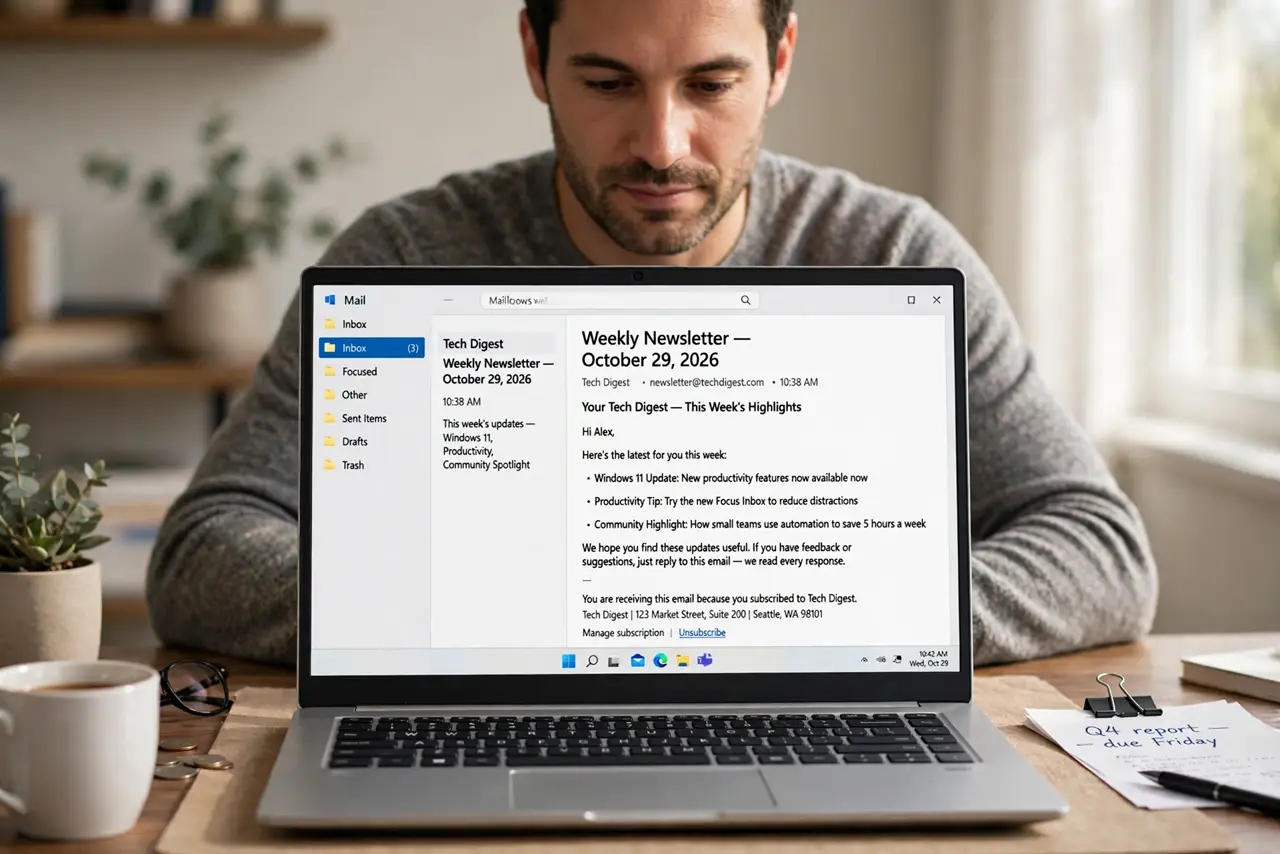
TL;DR / Quick Fix
Quick fix: open the newest email from that sender and click the real unsubscribe link at the very bottom, not just a delete button. Then wait a few days for processing, and check whether you subscribed with a second email address.
Follow these steps
- Click the real unsubscribe link. Open the newest email from that sender and scroll to the very bottom. Click the actual unsubscribe link there, since deleting the email or clicking a fake top link does not stop the subscription.
- Check for a second subscription. Search your inbox for the sender's name. You may have subscribed with another email address, and unsubscribing one address leaves the other one subscribed.
- Wait for the processing time. Many senders say unsubscribing takes several days. Give it that time before deciding the request failed, since processing is not instant.
- Check whether you resubscribed by accident. Opening the email's preferences link and saving can resubscribe you. Retrace your steps to confirm you did not opt back in while managing settings.
- Use your email's block or report option. If the sender ignores the request, use your email provider's unsubscribe or report spam option. Providers can force-stop senders that ignore direct requests.
- Filter the sender as a last resort. Create an email filter that deletes or archives mail from that sender. A filter stops the annoyance even when the sender will not stop itself.
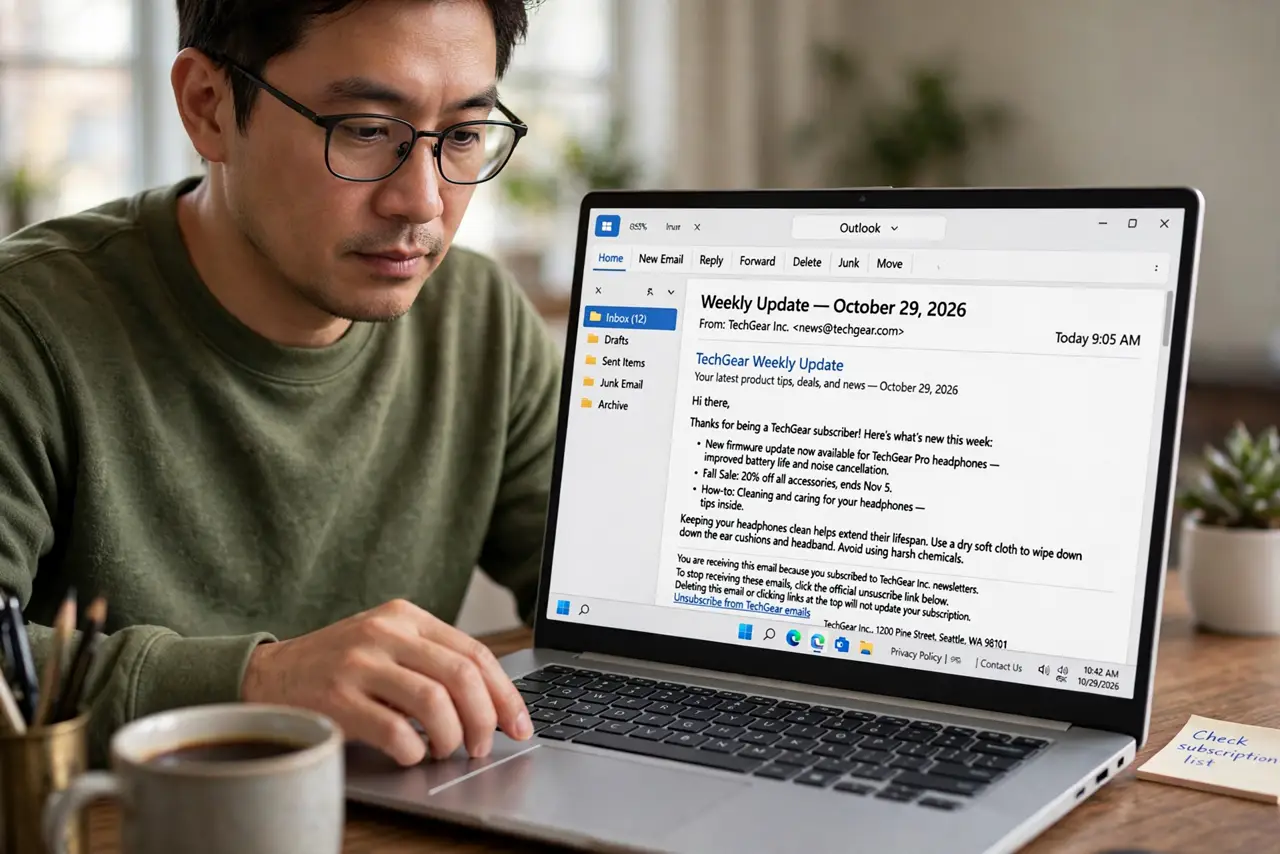
What NOT to do
- Do not keep clicking unsubscribe every day. Repeated clicks can reset the processing window, so click once, note the date, and wait.
- Do not reply asking to be removed. Replying confirms your address is active, and many senders never read those replies.
- Do not mark a legitimate sender as spam lightly. Use the real unsubscribe first, and save spam reports for senders that ignore your request.
- Do not unsubscribe from a link you cannot verify. In a suspicious email, use your email provider's own unsubscribe option instead of clicking an unknown link.
Frequently asked questions
How long does unsubscribe take?
Usually a few days. Most senders process requests within that window, so wait before deciding it failed.
Why do I still get emails after unsubscribing?
You may have a second subscription under another address, or the sender needs more time to process the request.
What if the sender never stops?
Use your provider's report or block option, or make a filter that deletes the sender's mail automatically.