An Out-of-Office Reply That Is Too Long
Your out-of-office reply reads like a short novel, so senders skim it and miss the point. A good reply needs only three facts: that you are away, when you return, and who to contact meanwhile.
TL;DR / Quick Fix
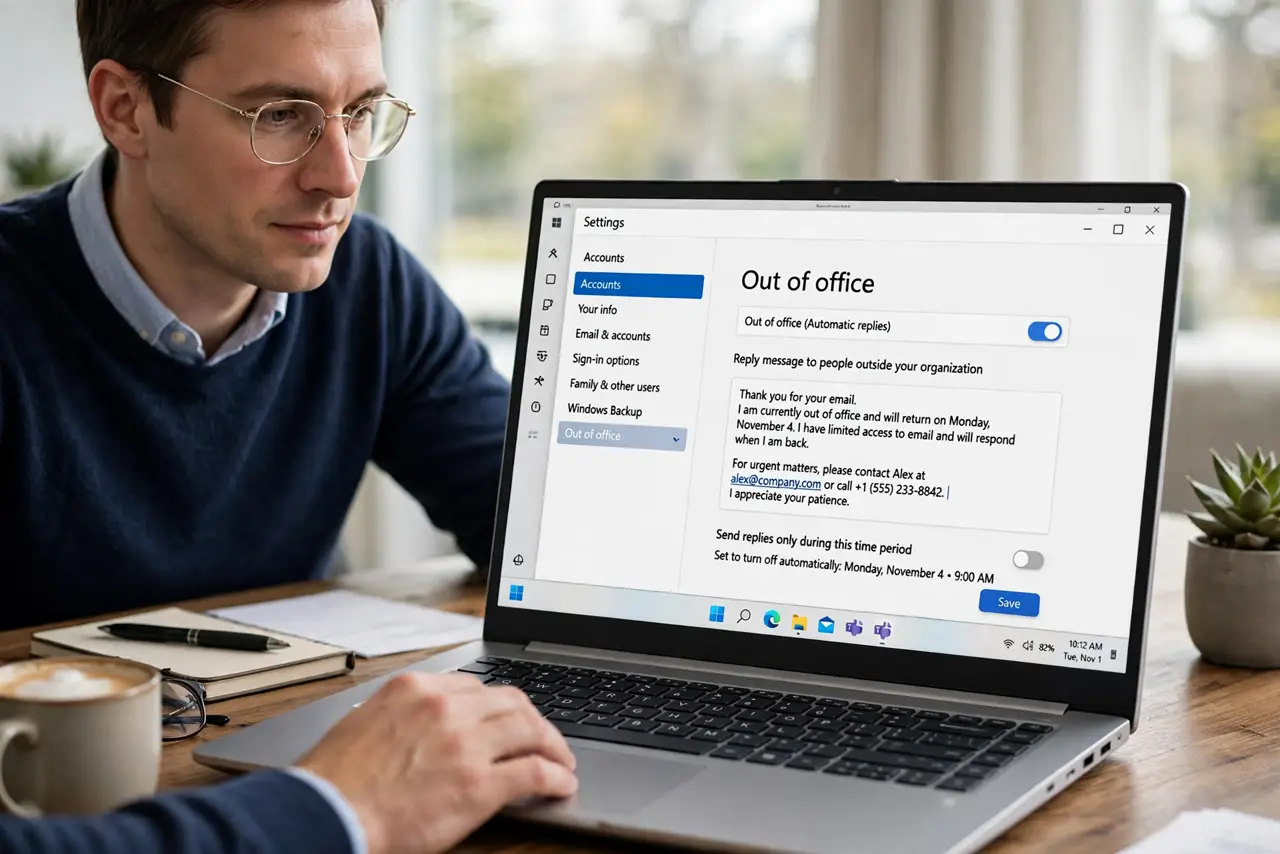
Quick fix: open your out-of-office settings and rewrite the reply in three short sentences: your return date, whether you will read email, and one alternate contact. Then set a start and end date so it stops by itself and turn it off automatically.
Follow these steps
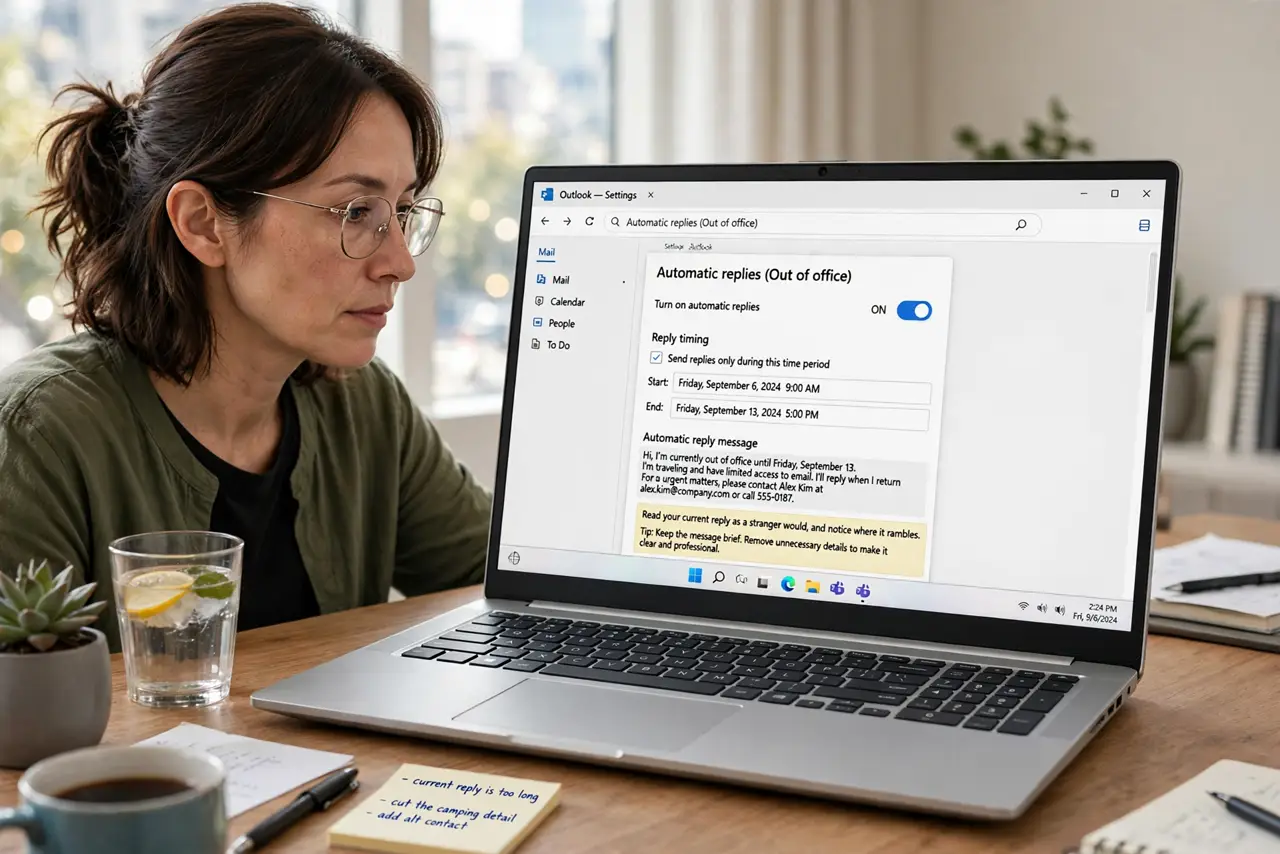
- Open the out-of-office settings. Find the automatic replies or out-of-office section in your email settings. Read your current reply as a stranger would, and notice where it rambles.
- Write three sentences, no more. Cover only the return date, email access, and one contact. Everything beyond that is detail most senders will never read.
- Name one alternate contact. Give the name and email of one person who can help. One clear contact beats a list of departments that leaves the sender guessing.
- Set a start and end date. Choose dates so the reply turns itself off. A reply left running after your return confuses everyone who writes to you.
- Keep the tone plain and short. Skip apologies and long explanations. A calm, brief reply looks professional and gets read, while a long one gets skimmed.
- Send yourself a test. Email yourself from another account and read the reply as a stranger. If you can find the return date and contact in seconds, it works.
What NOT to do
- Do not list every detail of your trip. Senders need your return date and a contact, not your itinerary.
- Do not leave the reply running with no end date. Set one, or your reply will greet people long after you are back.
- Do not name five alternate contacts. One clear contact gets used, while a list gets ignored.
- Do not promise you will read email if you will not. Say plainly whether you have access, so nobody waits for an answer that never comes.
Frequently asked questions
How long should an out-of-office reply be?
Three short sentences: when you return, whether you will read email, and who to contact instead.
Should I mention where I am going?
Only if it matters. A return date and a contact cover almost every case without personal detail.
What if nobody can cover for me?
Say so plainly and give your return date, so the sender knows to wait rather than hunting for a contact who does not exist.