Email Sender Name Spoofed? Check the Address
Email display names are easy to fake: a message can show your bank, boss, or a colleague as the sender while coming from a stranger address. The real sender address, not the display name, is what matters. Check it before acting.
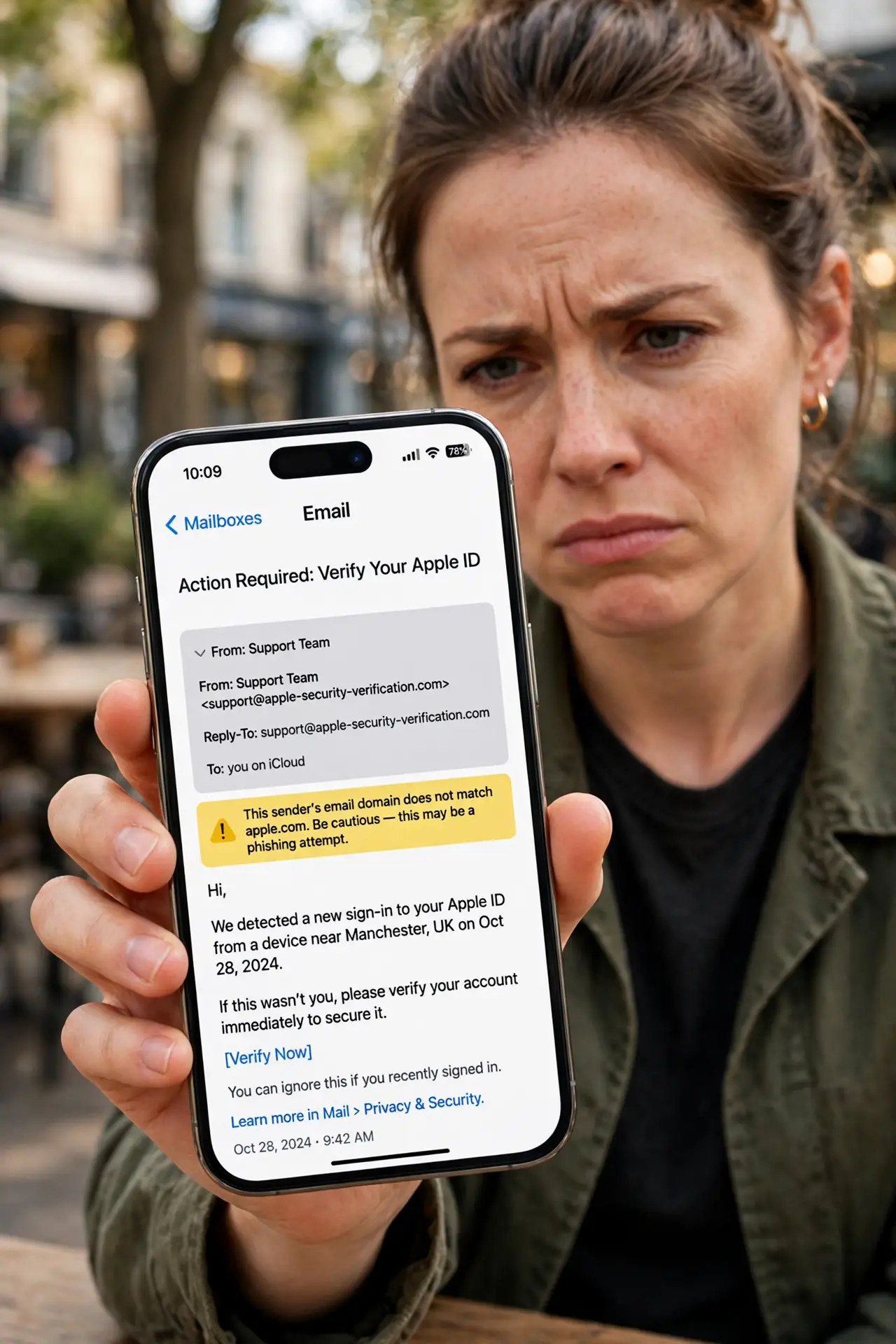
TL;DR / Quick Fix
Quick fix: tap or hover to reveal the full sender address, and compare it with the real domain of the company or person. If it does not match, delete the message. For any urgent request, verify through a separate, known channel.
Follow these steps
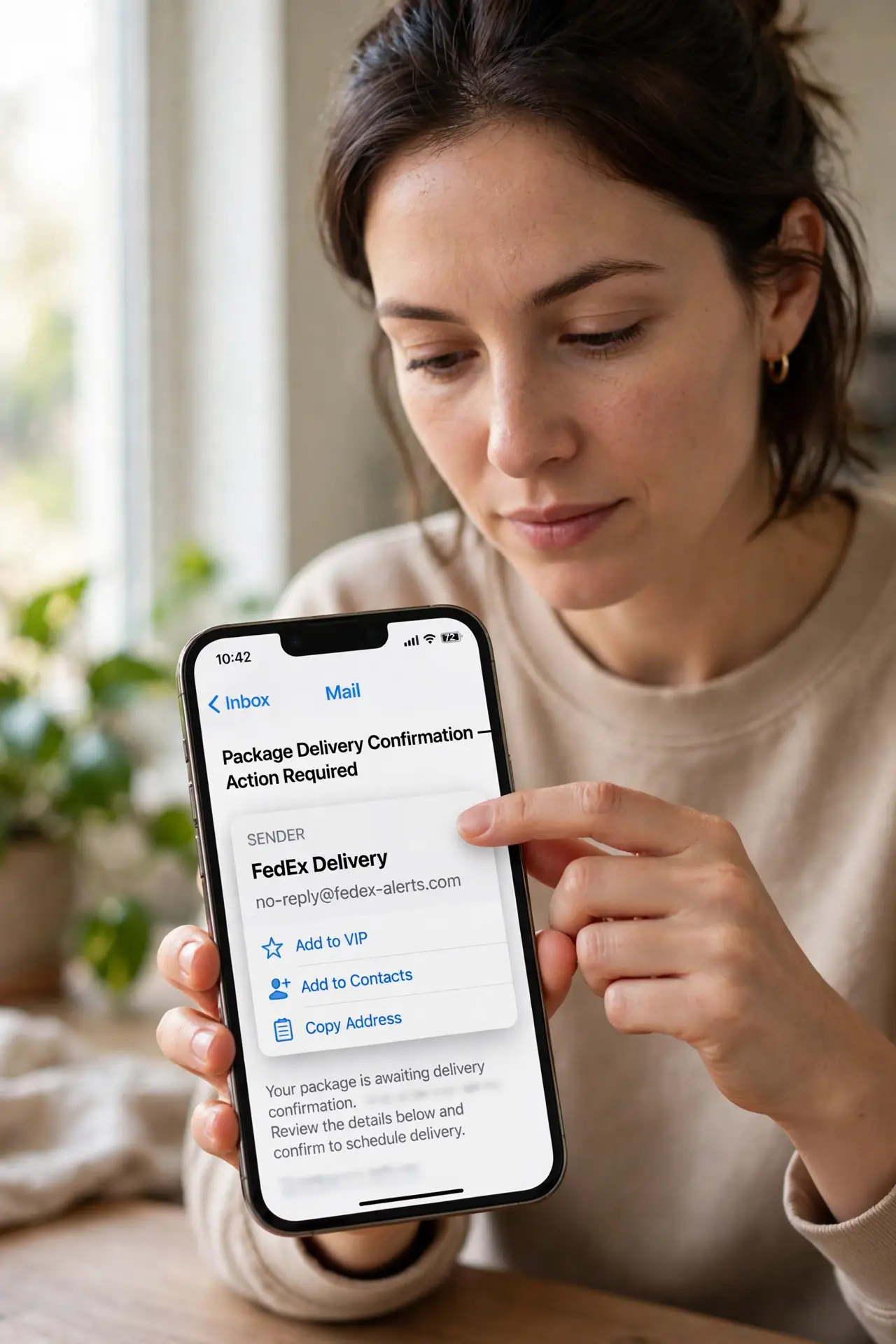
- Reveal the full sender address. Tap the sender name, or hover over it, to show the actual email address. The display name alone proves nothing, and often hides a stranger address.
- Compare it with the real domain. A genuine company email comes from its real domain, such as the domain on its official website. A look-alike domain, free mailbox, or unrelated domain is a warning.
- Check for urgent pressure. Spoofed emails often demand immediate action: a payment, a password, or a gift card. Urgency is a tactic, not proof the message is genuine.
- Do not act from the email alone. For payments, password changes, or sensitive data, verify through a separate channel: call a known number, or open the official app yourself.
- Delete and report the fake. Delete the spoofed message, and report it as phishing if your email app offers that option. Reporting helps filters catch similar messages.
- Warn the impersonated person if needed. If a colleague or boss was impersonated, tell them briefly through a known channel. They may need to warn others who received the same fake.
What NOT to do
- Do not trust a display name, a logo, or a familiar signature. All of those are easy to copy into a fake email.
- Do not reply to a spoofed email to ask whether it is genuine. A scammer will confirm it.
- Do not click links or open attachments in a message whose sender address does not match its claimed sender.
- Do not act on an urgent payment request from email alone, even if the name looks senior. Verify separately first.
Frequently asked questions
Can a sender address be faked too?
Yes, addresses can be spoofed as well, which is why urgent requests still deserve verification through a separate channel, not just an address check.
What if the address looks right but the request feels off?
Trust the feeling and verify separately. A compromised real account can also send odd requests, so the check still applies.
What if I already acted on a spoofed email?
Change passwords for accounts involved, contact your bank if money moved, and tell the impersonated person so they can warn others.