A Snoozed Email Returns at the Wrong Time
You snooze an email until tomorrow morning, and it pops back at midnight instead. Snooze presets use fixed times, or the snooze time sits in a different time zone than your day.
TL;DR / Quick Fix
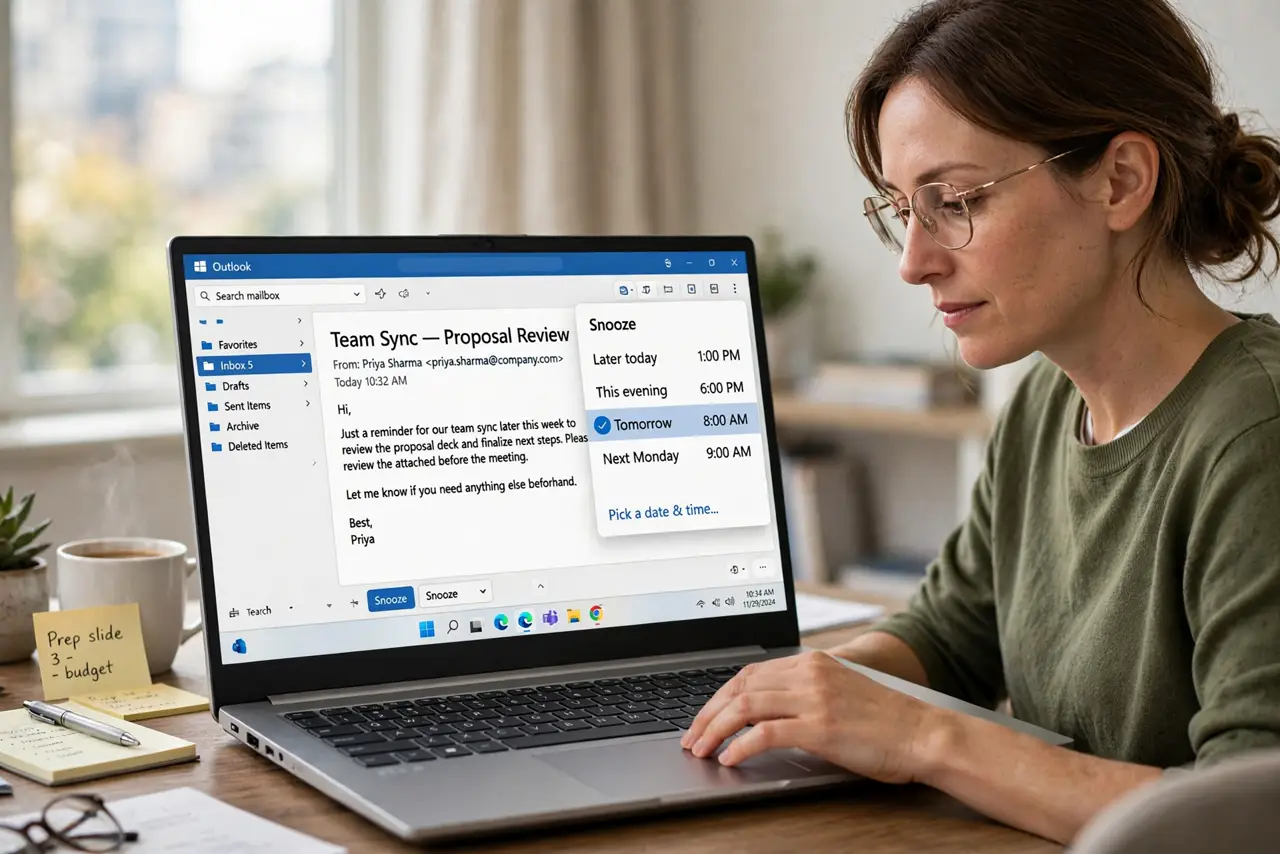
Quick fix: unsnooze the email if you can, then snooze it again using the custom date and time option instead of a preset. Pick the exact hour you want, confirm the time zone shown, and check that it returns when expected.
Follow these steps
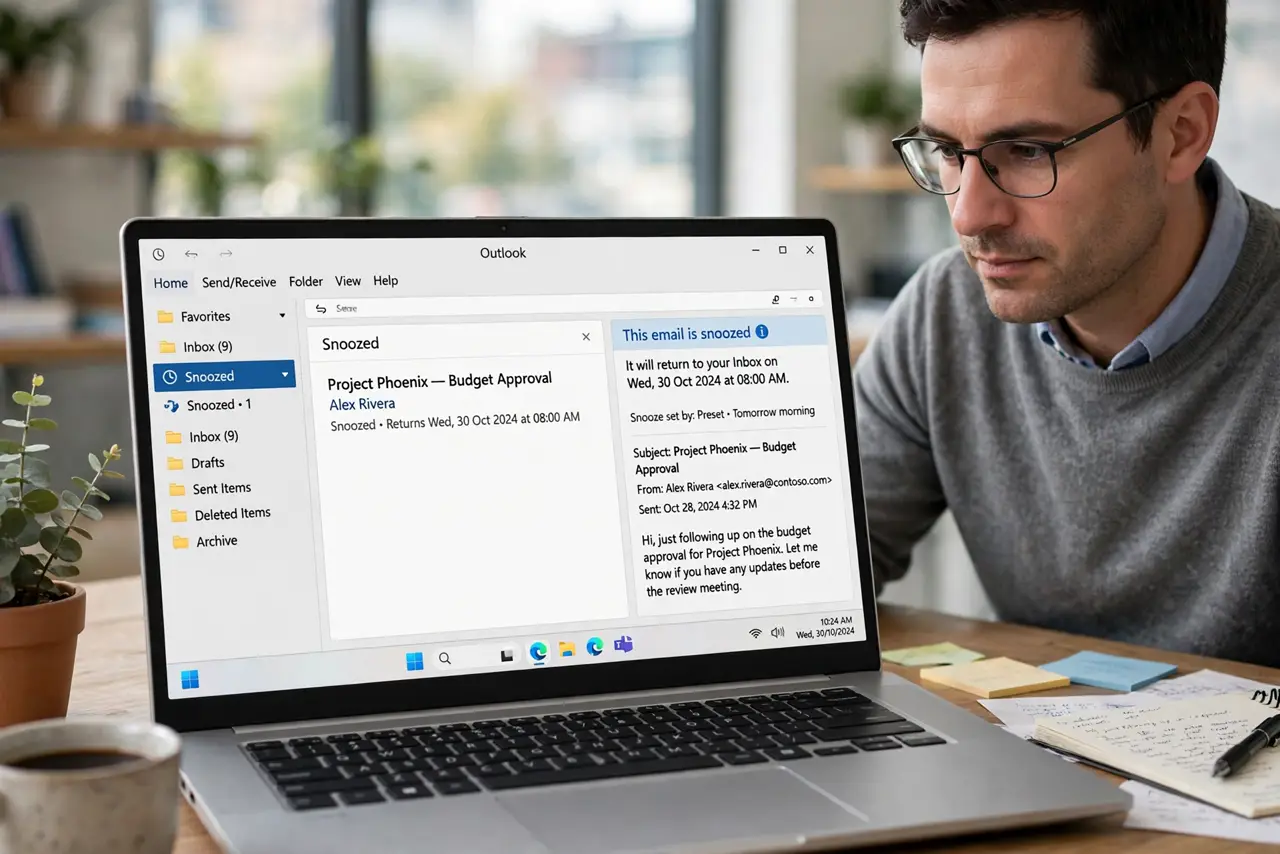
- Open the snoozed email's status. Find the email in the Snoozed folder and note when it is set to return. The shown return time often reveals whether a preset or a custom time caused the surprise.
- Unsnooze it if the time is wrong. Bring the email back now instead of waiting for a bad return time. Fixing the snooze beats letting it pop back at midnight.
- Use custom time, not a preset. Choose the custom date and time option when you snooze again. Presets like Tomorrow morning use the app's idea of morning, which may not match yours.
- Check the time zone shown. The custom snooze dialog usually shows a time zone. Confirm it matches your zone, especially if you travel or use a VPN.
- Note what your app's morning means. Check your email app's settings for default snooze times. Knowing that Tomorrow means 8 AM lets you pick a custom time that truly fits.
- Test with one email. Snooze one unimportant email to a custom time and watch it return. One successful test teaches you the app's behavior better than any help page.
What NOT to do
- Do not trust presets without checking. Tomorrow morning means whatever the app defines, which may be midnight or 6 AM.
- Do not snooze important emails until you know the behavior. Test the feature on an unimportant email first, so a wrong return time costs nothing.
- Do not assume snooze uses your time zone. Travel and VPNs can shift it, so confirm the zone in the custom dialog.
- Do not stack snoozes to fix a wrong one. Unsnooze and set one clean custom time instead of layering presets.
Frequently asked questions
Why did my snoozed email return at midnight?
Because a preset defined morning differently than you do, or the snooze time sat in another time zone.
What is the safest way to snooze?
Use the custom date and time option, pick the exact hour, and confirm the time zone shown.
Does my email app let me change preset times?
Many do in settings. Check there so even the quick presets land when you want.