Answer Repeat Emails With Templates
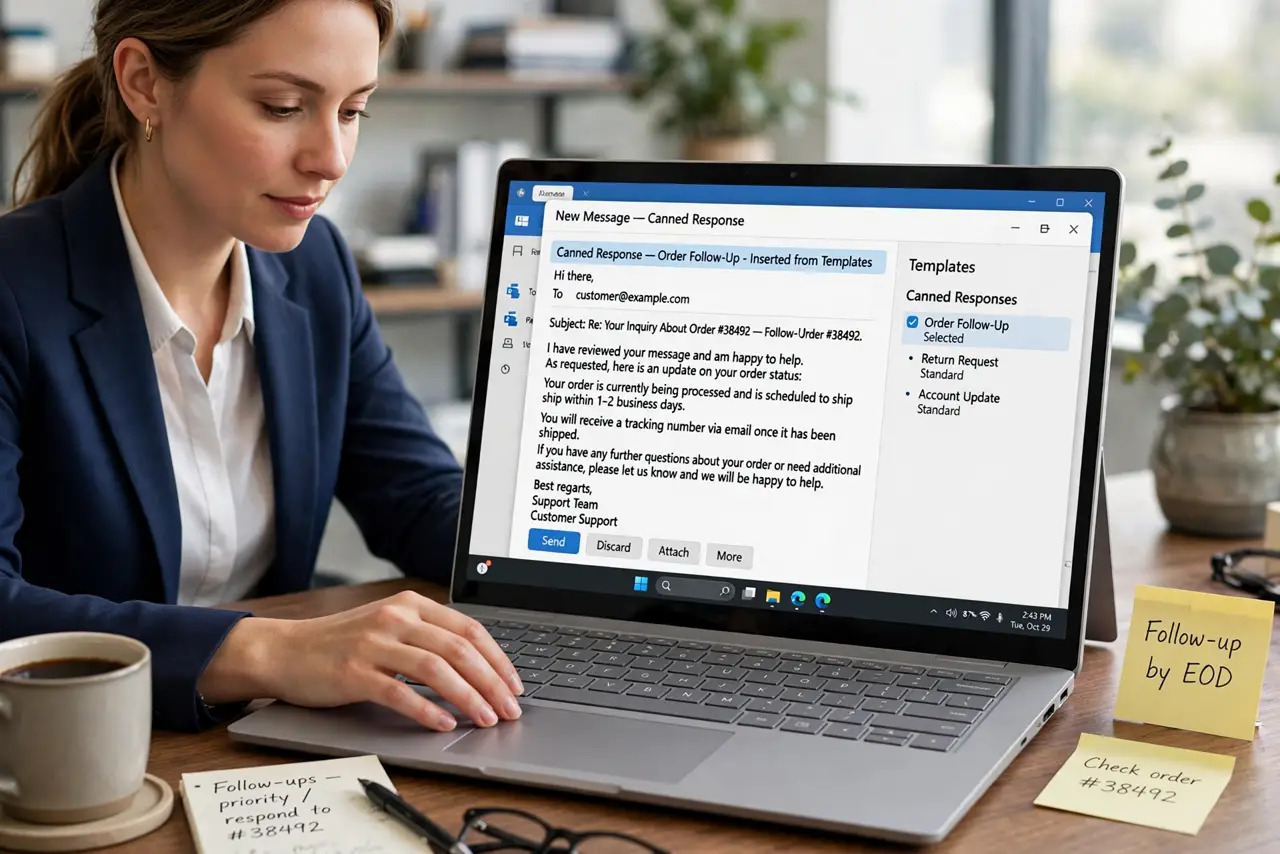
Half your inbox gets the same five answers, retyped from scratch every time. Canned responses — email templates — let you answer in seconds with consistent quality. This guide shows how to build a template set you will actually use.
TL;DR / Quick Fix
Create templates for your five most common replies in your email client's canned responses feature. Personalize the greeting and one detail before sending — templates should speed you up, not sound robotic. Review the set monthly and retire stale ones.
Follow these steps
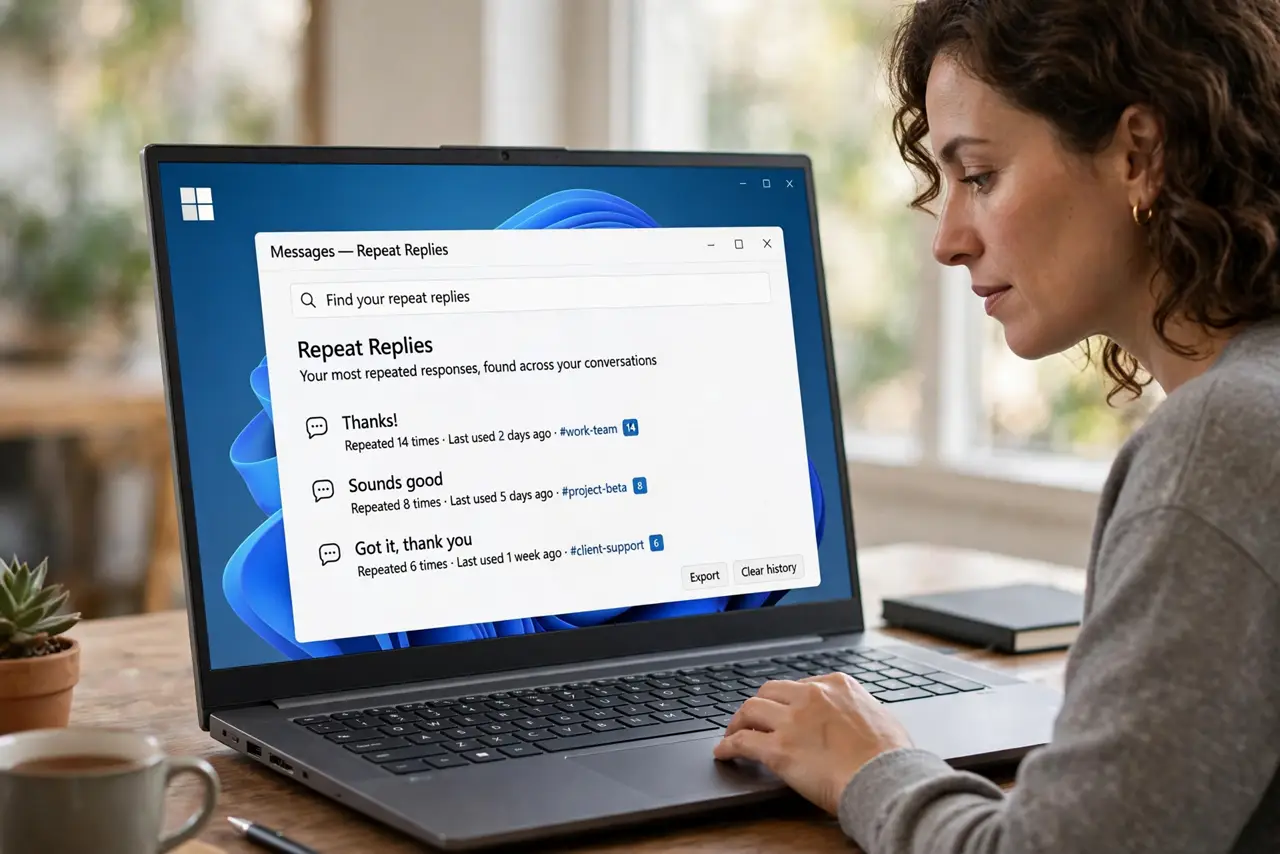
- Find your repeat replies. Scan sent mail for answers you have written three or more times. Those are your first templates — the same candidates behind snippets that save time.
- Write the template once, well. Draft each reply carefully with placeholders like [Name] and [Date]. One good draft beats ten hasty ones.
- Save them as canned responses. Store each template in your email client's templates or canned responses feature, with a clear name like Pricing reply.
- Personalize before sending. Fill the placeholders and tweak one sentence per reply. A template with a personal touch reads as thoughtful, not automated.
- Keep templates short. Trim every template to the essential answer plus one friendly line. Long templates get skimmed, which defeats the purpose.
- Retire stale templates monthly. Delete or update templates that reference old prices, people, or policies. A stale template sent confidently is a real embarrassment.
What NOT to do
- Do not send a template with placeholders still in it. [Name] in a sent email is unforgettable for the wrong reasons.
- Do not template sensitive or angry replies. Those deserve fresh words every time.
- Do not build templates for rare emails. Templates pay off on repetition; rare emails deserve custom replies.
- Do not let templates go stale. Review monthly or they will betray you with outdated details.
Frequently asked questions
What are canned responses?
Pre-written email replies you insert and personalize, for messages you answer the same way repeatedly.
Will people notice I used a template?
Not if you personalize the greeting and one detail. The template handles structure; you add the human touch.
How many templates should I have?
Start with five for your most common replies. Grow the set only when a new repeat pattern appears.