Stop Retyping the Same Text? Use Expansion
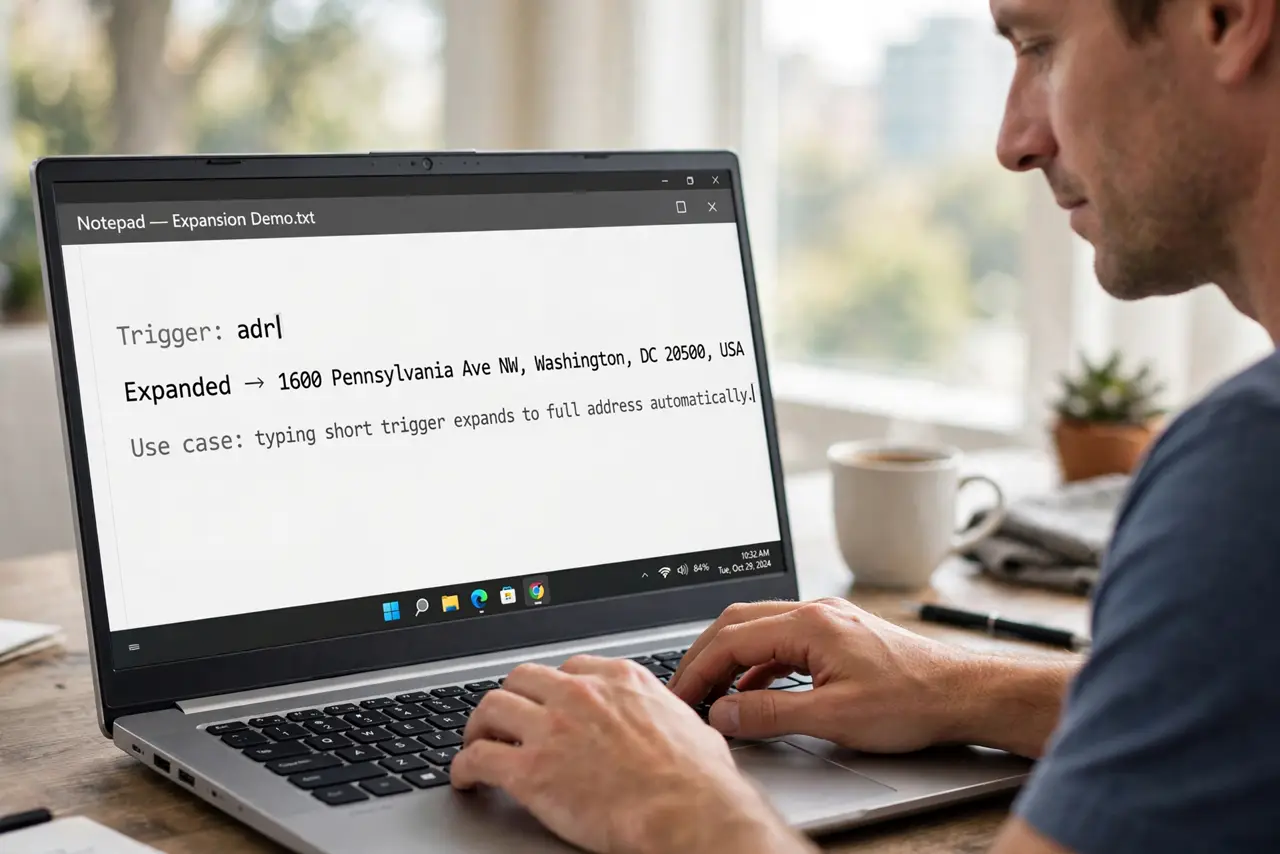
You type the same address, the same reply, the same snippet fifty times a week. Text expansion turns a short trigger like ;addr into the full text instantly. This guide shows how to set it up and which snippets pay off first.
TL;DR / Quick Fix
Install a text expander and create snippets for your five most-typed phrases first. Use memorable triggers with a prefix like semicolon to avoid accidents. Test each snippet, then expand gradually — a small reliable set beats a huge forgotten one.
Follow these steps
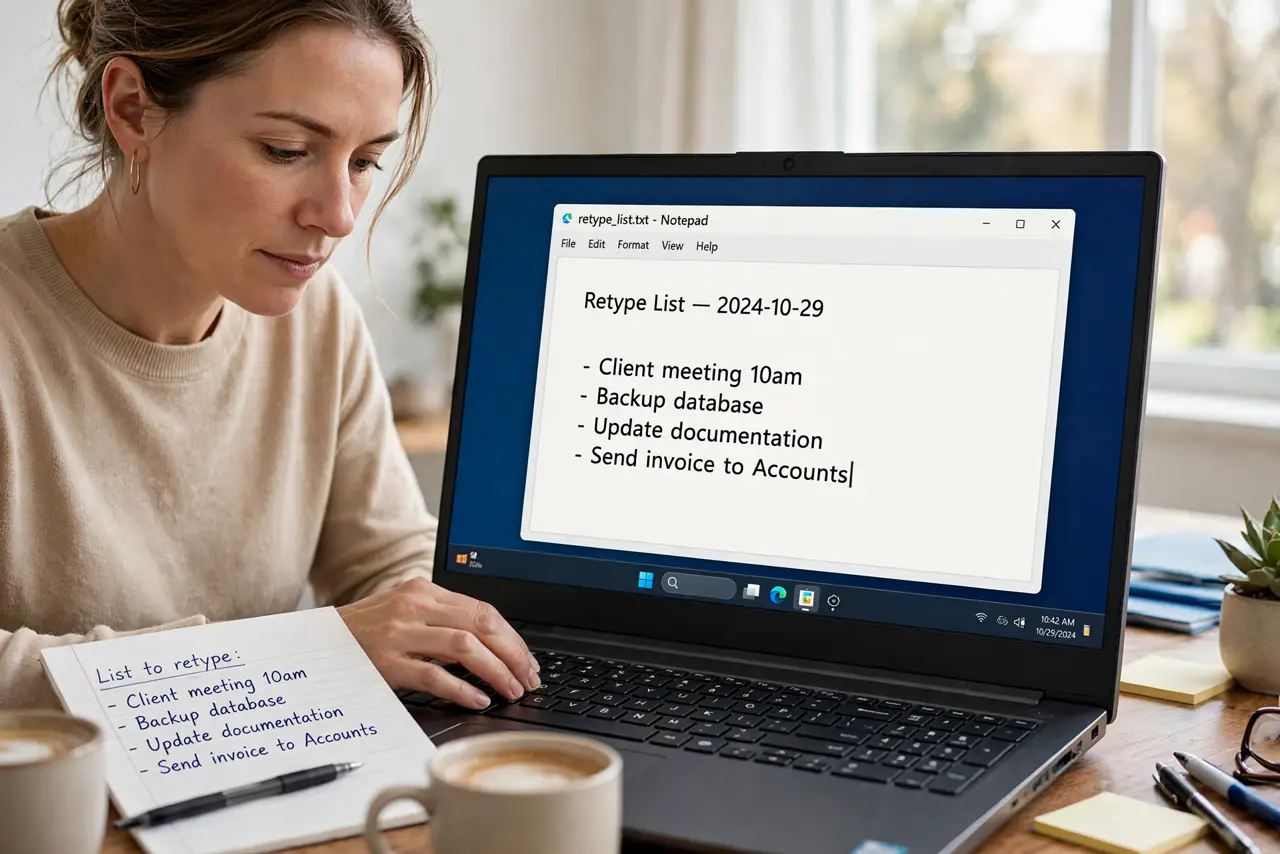
- List what you retype. For two days, note every phrase you type more than twice. Addresses, replies, and code snippets top almost everyone's list.
- Pick a text expander. Use your system's built-in text replacement or a dedicated expander app. Built-in is free and syncs; dedicated apps offer richer features.
- Create your first five snippets. Start with the five most-typed items only. Five working snippets prove the habit; fifty speculative ones collect dust.
- Use prefixed triggers. Start triggers with a rare prefix like ;addr or ,sig. Plain-word triggers expand when you do not want them to — and for whole messages, graduate to email templates.
- Test each snippet. Type each trigger in a scratch document and confirm the expansion. A wrong snippet sent to a client is worse than typing it out.
- Expand the set monthly. Once a month, review what you still retype and add snippets. Gradual growth keeps the set relevant and memorable.
What NOT to do
- Do not create fifty snippets on day one. You will remember none of the triggers.
- Do not use common words as triggers. The word addr will ambush you; ;addr will not.
- Do not store passwords as snippets. Snippets are plain text and often sync to the cloud.
- Do not skip the test. An untested snippet fails exactly when you need it most.
Frequently asked questions
What is text expansion?
Typing a short trigger that automatically expands into a longer phrase, like ;addr becoming your full address.
Is text expansion safe?
Yes for ordinary text. Never store passwords or secrets as snippets, since they live as plain text.
Built-in or dedicated expander?
Built-in text replacement covers basics for free. Dedicated apps add features like formatted snippets and sync across platforms.