Personal Email Templates
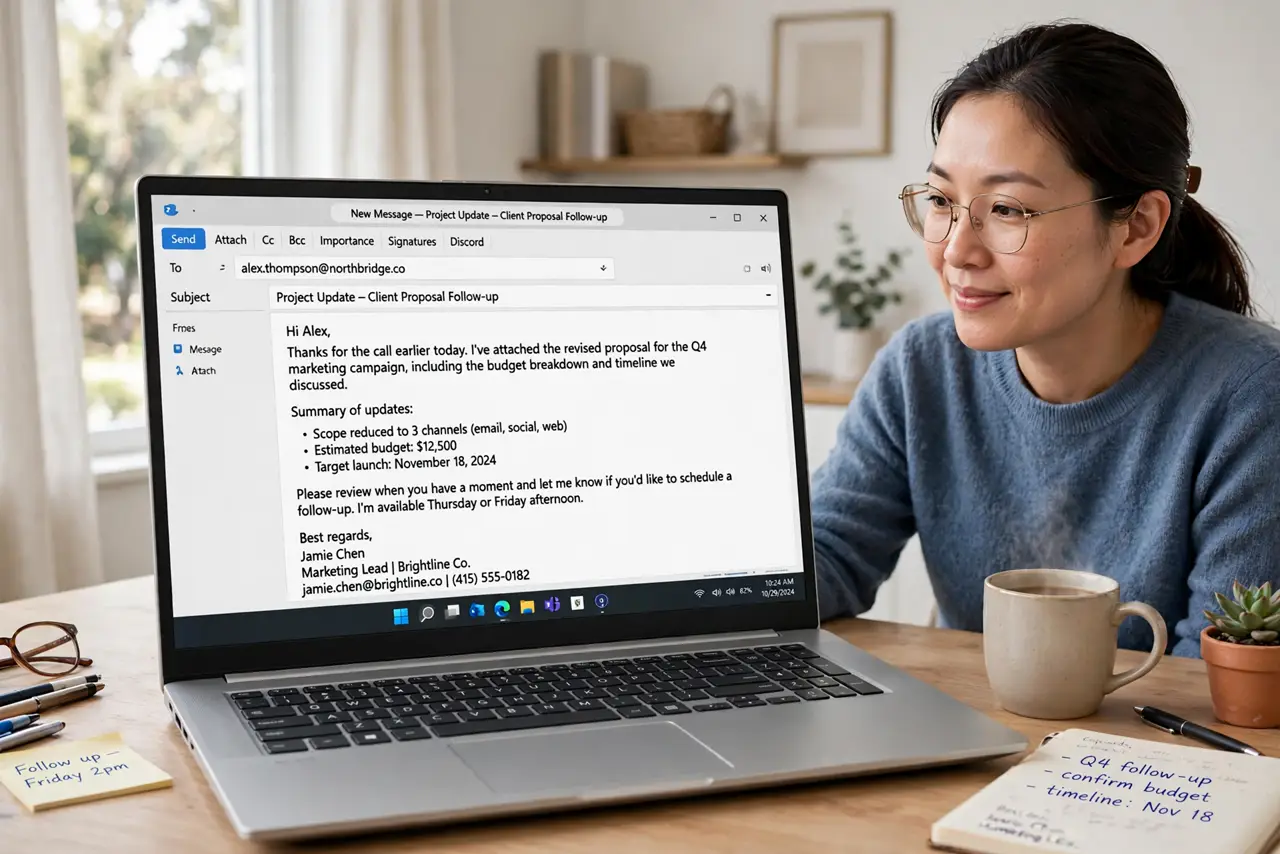
You type the same five email replies every week — the pricing answer, the meeting confirmation, the polite decline — each one composed from scratch like it is brand new. Templates fix this, but most people's templates read like robots wrote them. The trick is structure without stiffness: save the skeleton, personalize the opening, and send in a quarter of the time. Your canned responses are the starting point.
TL;DR / Quick Fix
Quick fix: save your five most-repeated email replies as templates or text snippets, then personalize the first line before sending. You will answer in a fraction of the time without sounding like a robot — the personal touch is what separates templates from spam.
Follow these steps
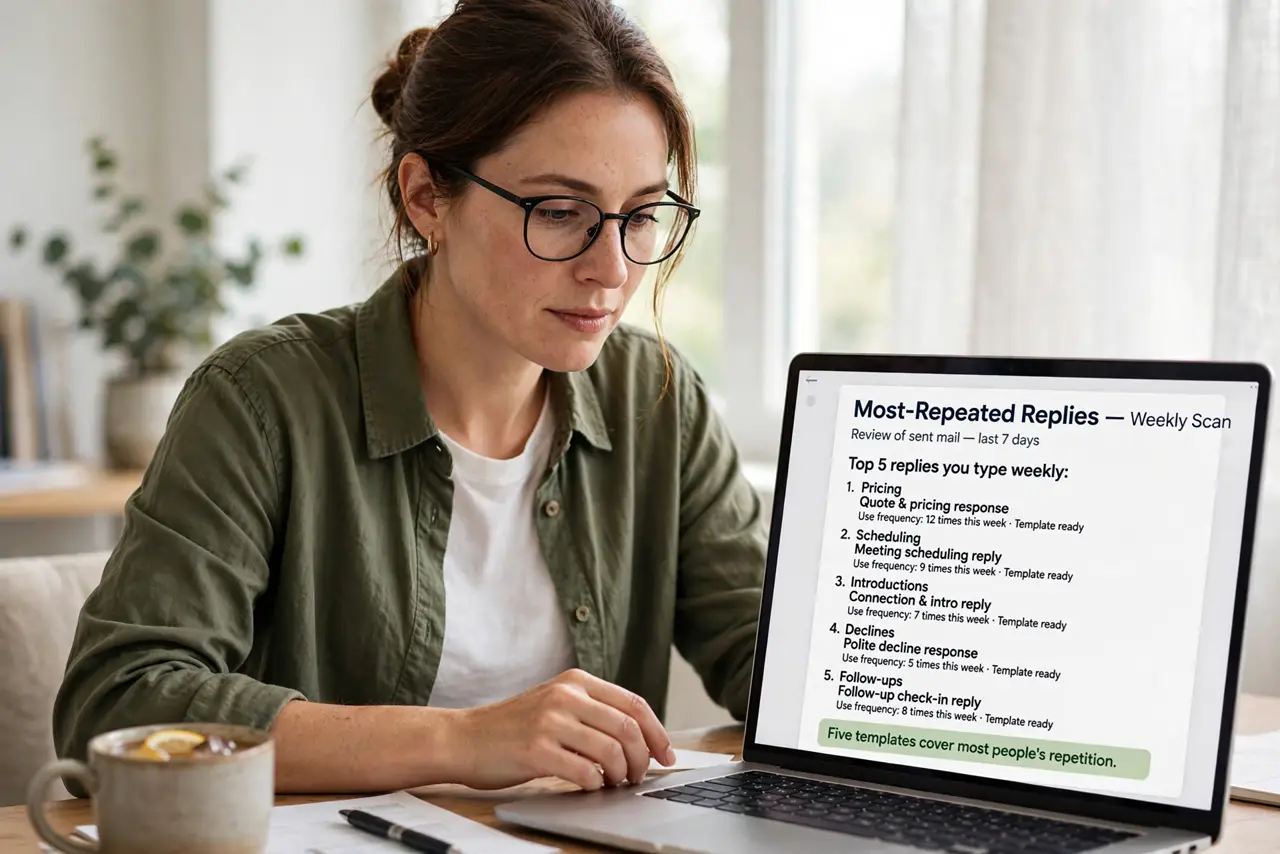
- List your most-repeated replies. Scan sent mail for the answers you type weekly: pricing, scheduling, introductions, declines, follow-ups. Five templates cover most people's repetition.
- Write the template skeleton. Keep the structure — greeting, core answer, next step, sign-off — but leave the personal details as blanks. Skeletons stay fresh; filled-in templates go stale.
- Save them where you type. Email templates, text expanders, or even a notes doc — the best location is the one you will actually open. Native template features beat scattered files.
- Personalize the first line always. One genuine sentence referencing the person — their name, their question, their situation — erases the template feel completely. Never skip this.
- Review templates quarterly. Prices change, links rot, policies update. A stale template sent confidently is worse than no template — calendar a quick review.
- Track which ones you actually use. If a template sits unused for months, delete it. A lean set of five you use beats a library of fifty you forget.
What NOT to do
- Do not send templates without personalizing. An unedited template is detectable and feels disrespectful.
- Do not template sensitive or emotional messages. Apologies, bad news, and negotiations deserve fresh words every time.
- Do not over-format templates. Fancy formatting breaks on phones — plain, clean text travels best.
- Do not forget the subject line. A great template with a vague subject still gets ignored.
Frequently asked questions
Where should I store email templates?
Your email app's built-in templates or a text expander you use everywhere. Avoid burying them in a doc you never open.
How personal is personal enough?
One specific sentence about the recipient. That single line carries the whole 'this was written for me' feeling.
Can templates hurt my reputation?
Only unedited ones. A personalized template reads as efficient; a raw template reads as careless.