Email Templates and Snippets That Save Real Time
If you type the same email answers again and again, templates do the typing for you. A small library of ready answers turns ten minutes of writing into thirty seconds of choosing.
TL;DR / Quick Fix
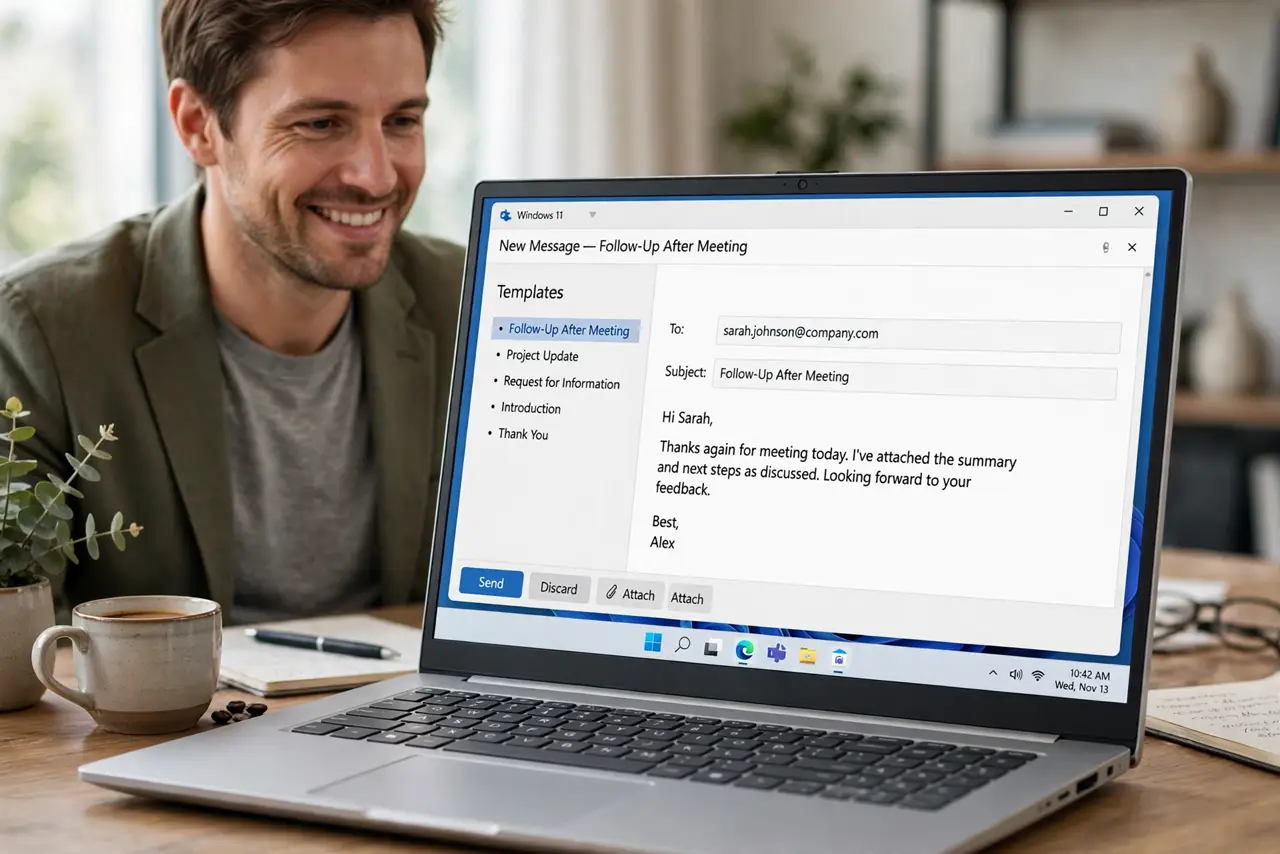
Quick fix: list the five emails you send most often, such as meeting confirmations or status updates, and save each one as a template in your email app. Then use a template for the next one instead of typing from scratch.
Follow these steps
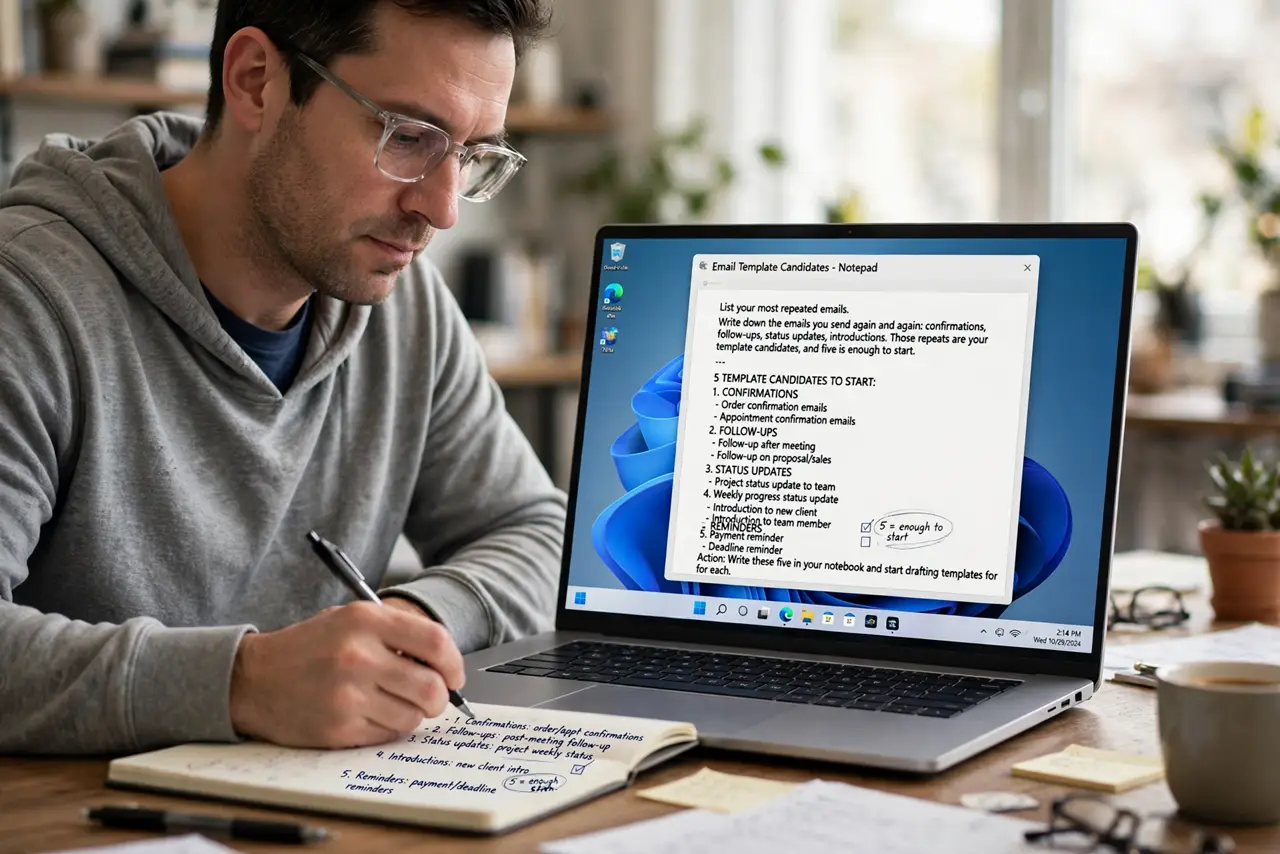
- List your most repeated emails. Write down the emails you send again and again: confirmations, follow-ups, status updates, introductions. Those repeats are your template candidates, and five is enough to start.
- Save each one as a template. Use your email app's template or canned response feature to save each message. Give each template a clear name, like Meeting confirmation, so you find it in seconds.
- Leave blanks for the personal parts. Write templates with gaps for names, dates, and details. A template with two blanks stays personal while still saving almost all the typing.
- Set up text snippets for short repeats. For short repeats like your phone number or address, use a text expander or your system's text replacement. A few typed letters expand into the full text anywhere you type.
- Use the template on the next real email. When the next matching email arrives, insert the template instead of typing. Real use shows which templates need fixing and which work as written.
- Review templates once a month. Open your template list monthly and fix outdated details, like old links or names. A stale template costs more time than it saves if you have to correct it every time.
What NOT to do
- Do not save fifty templates at once. Start with five real repeats, since a huge library you never open saves nothing.
- Do not send a template without reading it. Fill the blanks and read the result, because a template with the wrong name inside looks worse than a slow email.
- Do not make templates so rigid they sound robotic. Leave room for one personal sentence, so the email still feels written by a person.
- Do not skip the monthly review. Details go stale, and a template with an old link or price wastes the time it was meant to save.
Frequently asked questions
What is the difference between a template and a snippet?
A template is a whole ready email you insert and finish, while a snippet is a short text shortcut that expands into a phrase anywhere you type.
How many templates should I start with?
Five. Your most repeated emails cover most of the repetition, and you can add more once the habit works.
Do templates work on a phone?
Most email apps sync templates, and text replacement works on phones too, so your shortcuts follow you.