Block Email Tracking Pixels by Blocking Images
Many marketing emails hide a tiny invisible image that reports back when you open them — who you are, when, and where. Blocking automatic image loading stops the pixel from phoning home, at the cost of plain-looking emails.
TL;DR / Quick Fix
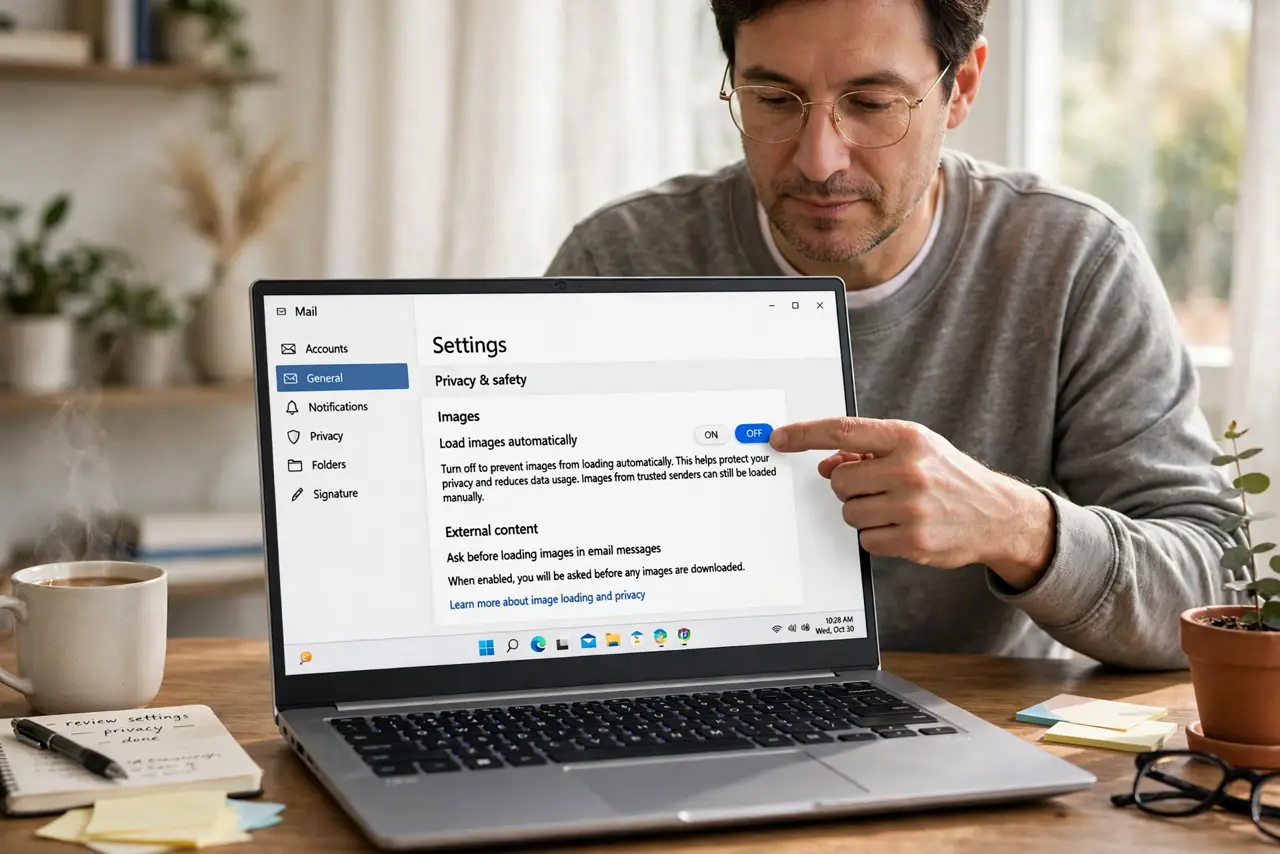
Quick fix: open your email app's settings and turn off automatic image loading, so images load only when you allow them. Then unsubscribe from the worst trackers, keep blocking on for newsletters, and allow images only from real people you trust.
Follow these steps
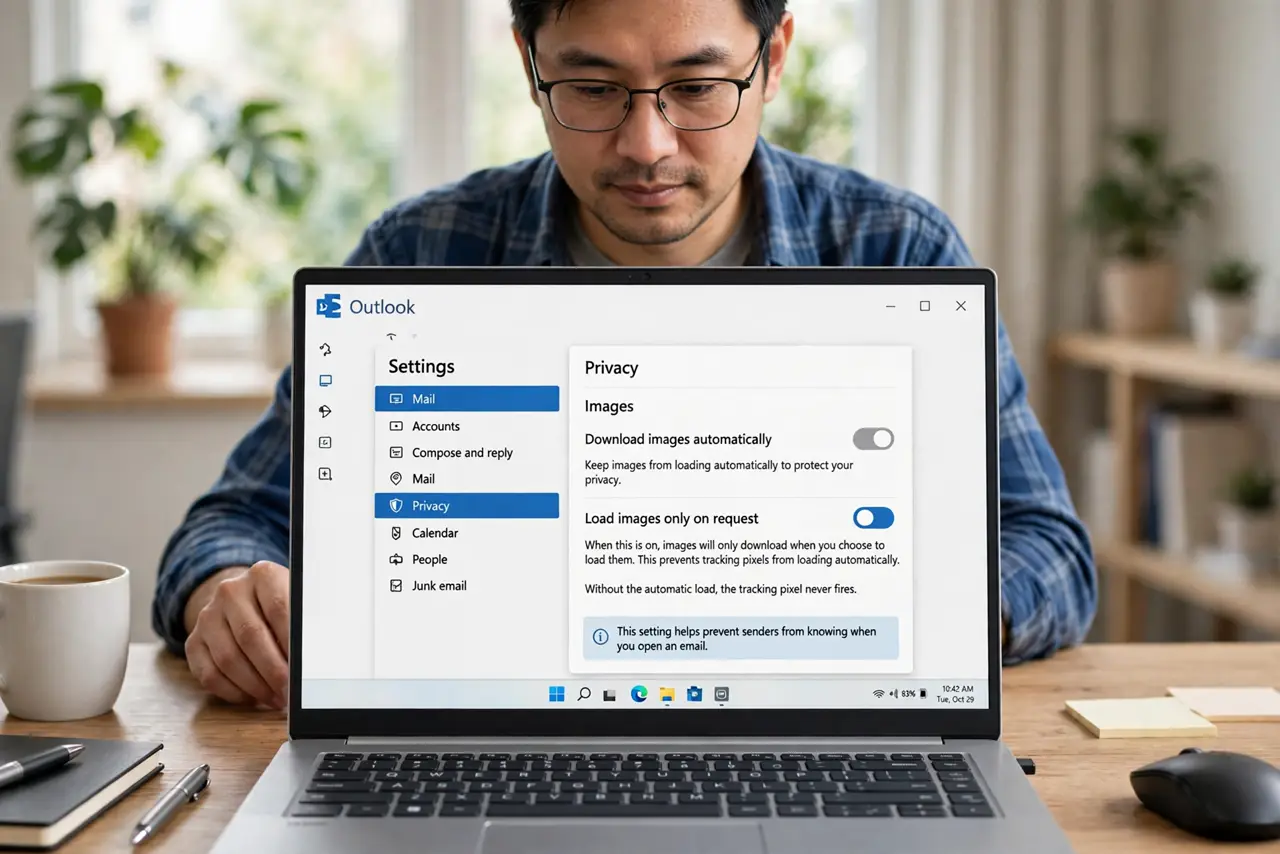
- Turn off automatic image loading. Find the images or privacy option in your email app and set images to load only on request. Without the automatic load, the tracking pixel never fires.
- Allow images per sender, not globally. When a real person's email needs its images, allow them for that message only. Per-message approval keeps newsletters blocked while human mail looks normal.
- Unsubscribe from the worst trackers. If a newsletter exists mainly to track you, unsubscribe instead of managing its images forever. Fewer tracked emails beat better-blocked tracked emails.
- Check the setting on every device. Email apps on your phone and computer have separate image settings. A block set only on the laptop still lets the phone's app fire every pixel.
- Watch for link tracking too. Images are half the story; tracked links report your clicks. Hover before clicking, and paste important links fresh when the sender is untrusted.
- Keep blocking on for unknown senders. Leave image blocking strict for newsletters and unknown mail. Convenience for strangers' marketing is not worth the tracking.
What NOT to do
- Do not load images to see who emailed. The subject and sender name tell you that, while loading images tells the sender you opened it.
- Do not assume plain text means untracked. Links in any email can carry tracking, so the image block is one layer, not the whole defense.
- Do not allow all images to fix one broken newsletter. Approve that sender's images per message instead of opening the floodgates.
- Do not reply to tracking-heavy spam. A reply confirms your address is live, which is worth more to spammers than the open report.
Frequently asked questions
What is an email tracking pixel?
A tiny invisible image in marketing emails that loads from the sender's server when you open the mail, reporting the open back to them.
Will blocking images break my email?
No. Emails still arrive and read fine; they just show placeholders where images would load until you approve them.
Do read receipts use the same trick?
Often yes. Many read receipts are just tracking pixels with a polite name, which is why the same block stops them.