Phishing Email Looks Like Your Bank? Spot It
A phishing email that perfectly imitates your bank is designed to panic you into clicking, and panic is the attacker's best tool. Slowing down, checking the sender, and verifying through the bank's real app or site breaks the attack every time.
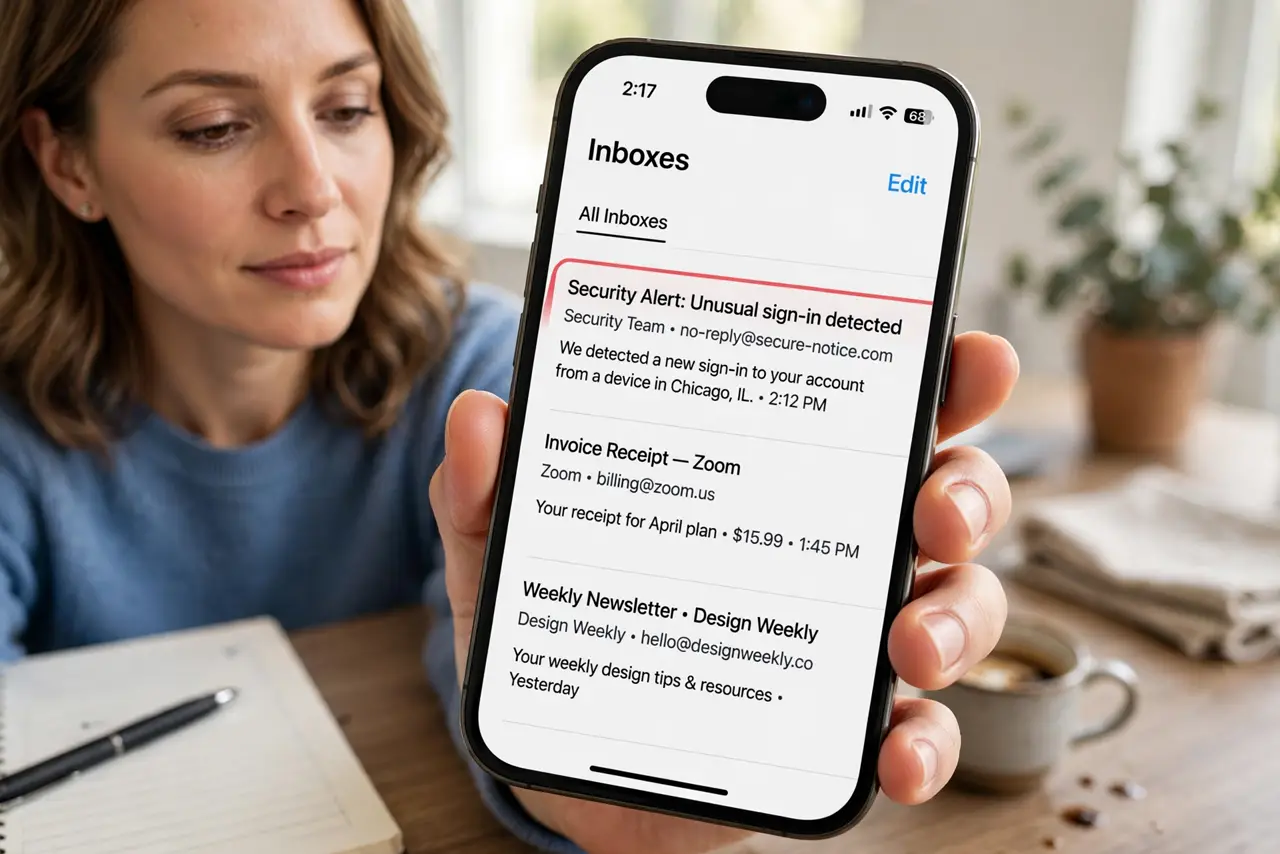
TL;DR / Quick Fix
Quick fix: Stop and read before clicking anything. Check the sender address closely. Do not click links in the suspicious email. Check for the warning signs together. Report the message, then delete it. If you already clicked, act on the phishing response steps.
Follow these steps
- Stop and read before clicking anything. Phishing relies on urgency, such as account closure threats. Pause, breathe, and read the message critically before touching any link or button.
- Check the sender address closely. Look past the display name at the actual sending address. Banks send from their own domain; lookalike domains add, swap, or misspell letters.
- Do not click links in the suspicious email. Instead, open the bank's app yourself, or type its address manually, and check for alerts there. The real account tells the truth; the email may not.
- Check for the warning signs together. Look for generic greetings, spelling errors, unexpected attachments, and requests for passwords or codes. One sign alone may be innocent; several together mean phishing.
- Report the message, then delete it. Use the report-phishing option in your mail app, then delete the message. Reporting helps protect other people from the same campaign.
- If you already clicked, act on the phishing response steps. Change the account password from the real app, turn on two-factor authentication, and contact the bank promptly if you entered any details.
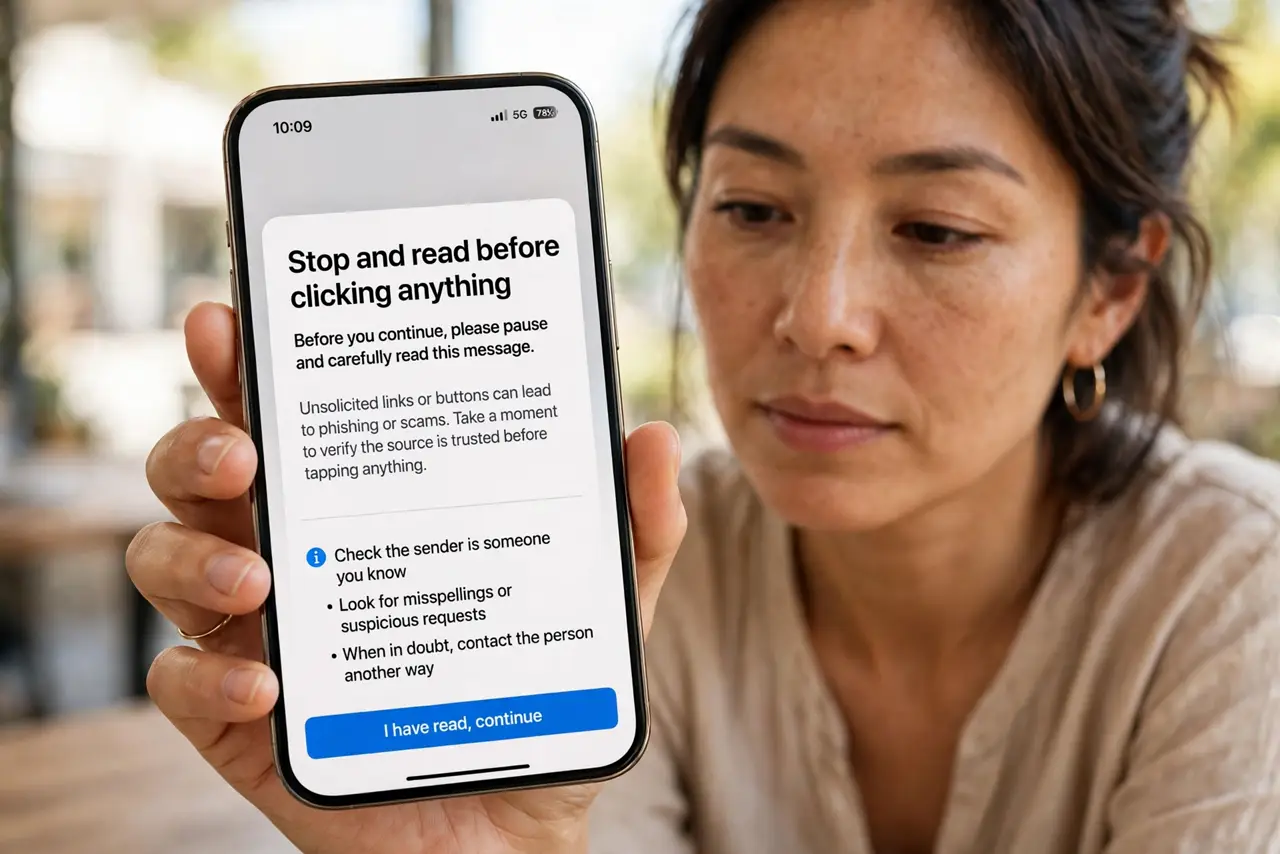
What NOT to do
- Do not click a link to verify an urgent bank warning. Verify through the bank's own app or typed address instead.
- Do not reply with passwords, codes, or personal details. Real banks never ask for those by email.
- Do not open unexpected attachments from supposed banks. Attachments are a common malware route.
- Do not trust a professional-looking logo alone. Logos are trivial to copy; sender domains and real-app checks are what matter.
Frequently asked questions
How do I know if a bank email is real?
Check the sender domain, avoid its links, and verify in the bank's own app. Real alerts appear there too.
What if the email looks perfect?
Still verify through the app. Perfect imitations exist, and the app check defeats them all.
Should I call the number in the email?
No. Call the number on your card or the bank's official site, never a number supplied in a suspicious message.