Unsubscribe Safely
Every newsletter has an unsubscribe link — and so does every phishing email. Clicking the wrong one tells scammers your address is live and invites more junk. Real unsubscribes are safe and legally required; fake ones are traps. Here is how to tell which is which before you click.
TL;DR / Quick Fix
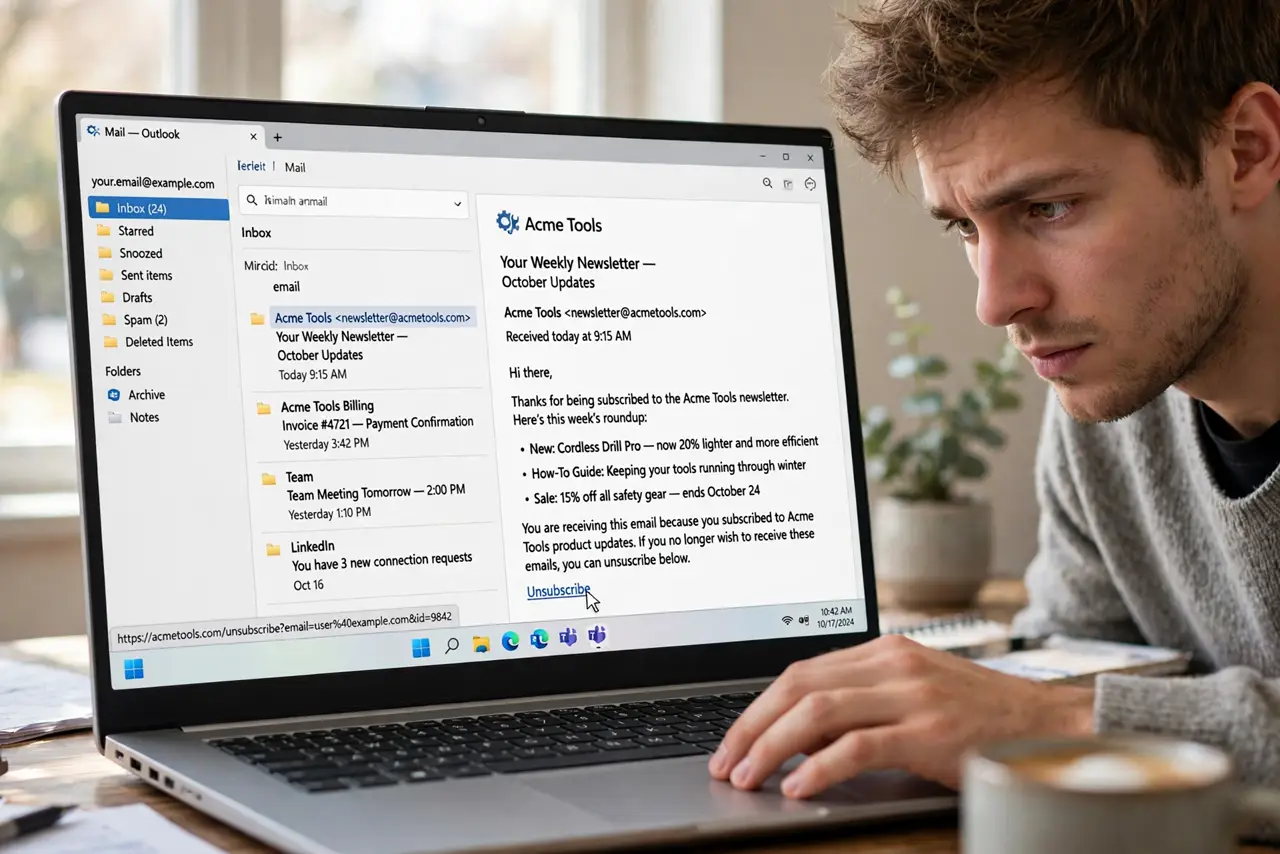
Quick fix: unsubscribe only from senders you recognize and once trusted. Use the List-Unsubscribe header or the provider's unsubscribe button rather than links inside shady mail. Never unsubscribe from obvious phishing — just report and delete. If unsubscribing fails repeatedly, filter the sender to trash instead.
Follow these steps
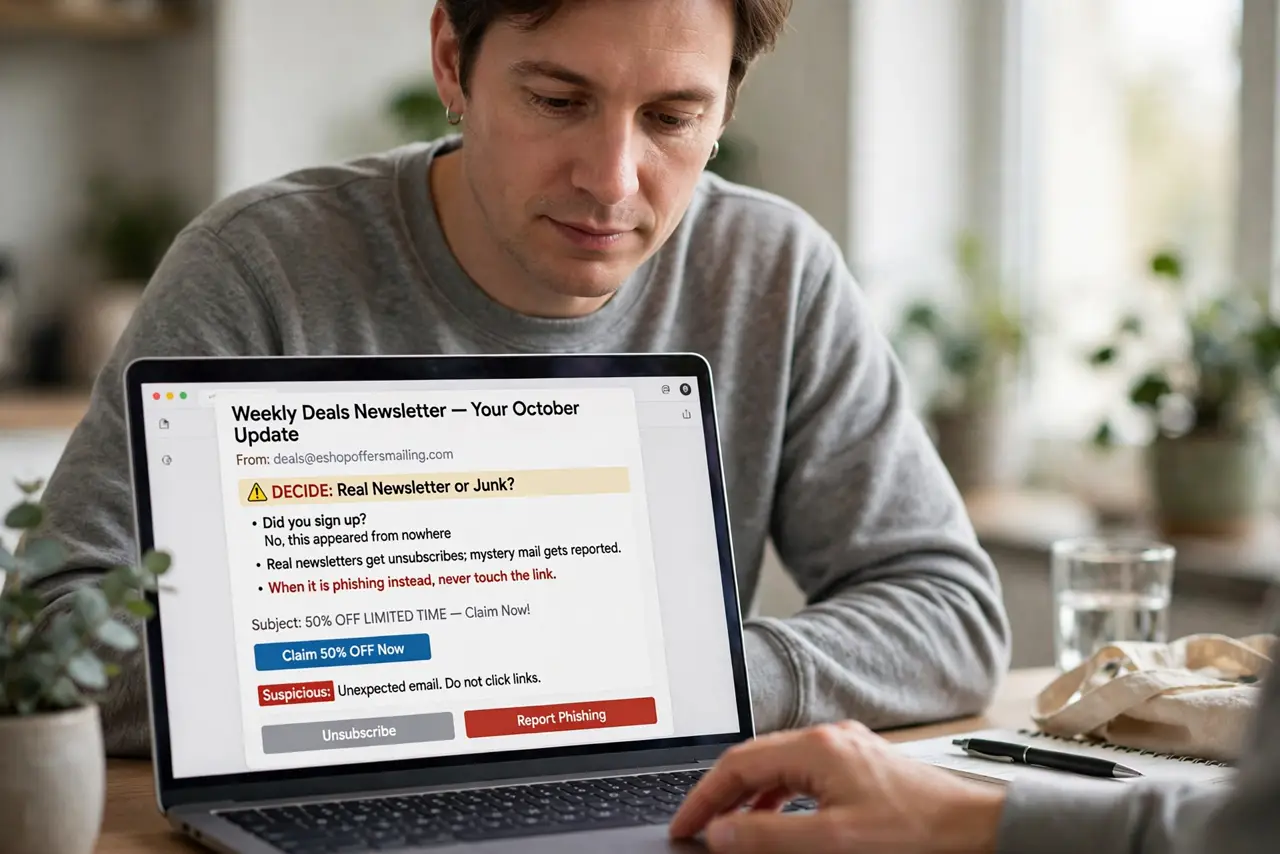
- Decide: real newsletter or junk? Did you sign up, or did it appear from nowhere? Real newsletters get unsubscribes; mystery mail gets reported. When it is phishing instead, never touch the link.
- Use the provider's unsubscribe button. Gmail and others show an Unsubscribe link next to the sender address for legit bulk mail. That button is safer than any link inside the message body.
- Check the List-Unsubscribe header. Real bulk mail includes a List-Unsubscribe address. If the headers lack one, treat the message as suspicious rather than commercial.
- Click through and confirm. Legit unsubscribes land on the sender's site with a one-click confirm. If the page asks for your password, leave — real unsubscribes never need it.
- Give it a few days. Unsubscribes legally take up to 10 days to process. One more issue after clicking is normal; a month of mail is not.
- Filter the stubborn ones. If mail keeps coming, create a filter sending it straight to trash. The still-sends guide covers senders that ignore requests.
What NOT to do
- Do not click unsubscribe in phishing emails. The link confirms your address is live — report and delete instead.
- Do not enter credentials on an unsubscribe page. No legitimate unsubscribe needs your password, ever.
- Do not expect instant silence. The law allows days of processing — impatience is not proof of malice.
- Do not unsubscribe from everything blindly. You will miss receipts and account alerts — unsubscribe from marketing, not transactional mail.
Frequently asked questions
Is the Gmail Unsubscribe button safe?
Yes — Google only shows it for verified bulk senders. It is the safest unsubscribe path available.
I unsubscribed but mail keeps coming — now what?
Wait ten days, then filter to trash. Persistent senders after that deserve a spam report.
Can unsubscribing cause more spam?
Only from shady senders. Legit senders honor it; for the shady ones, you should not have clicked at all.